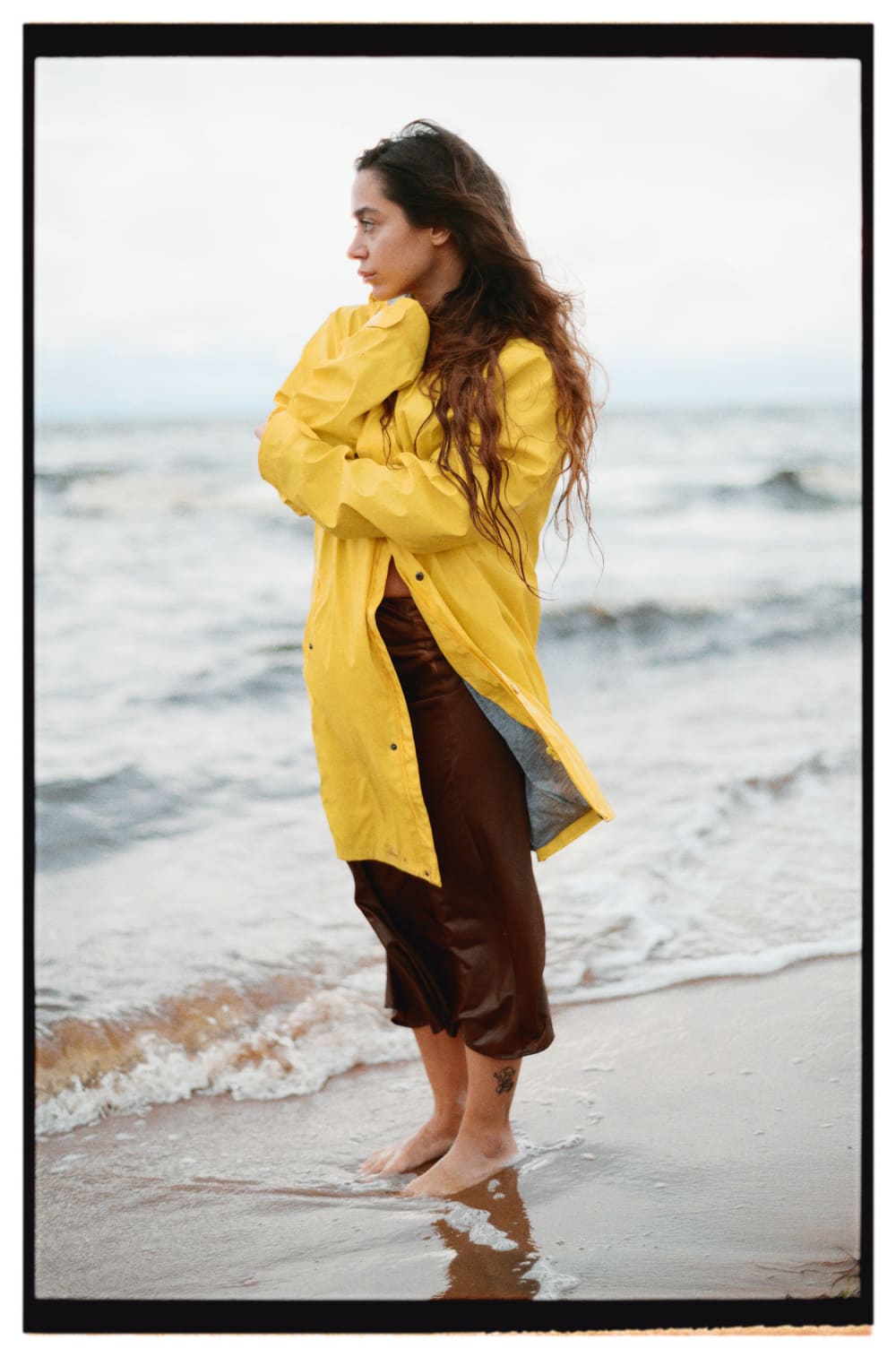
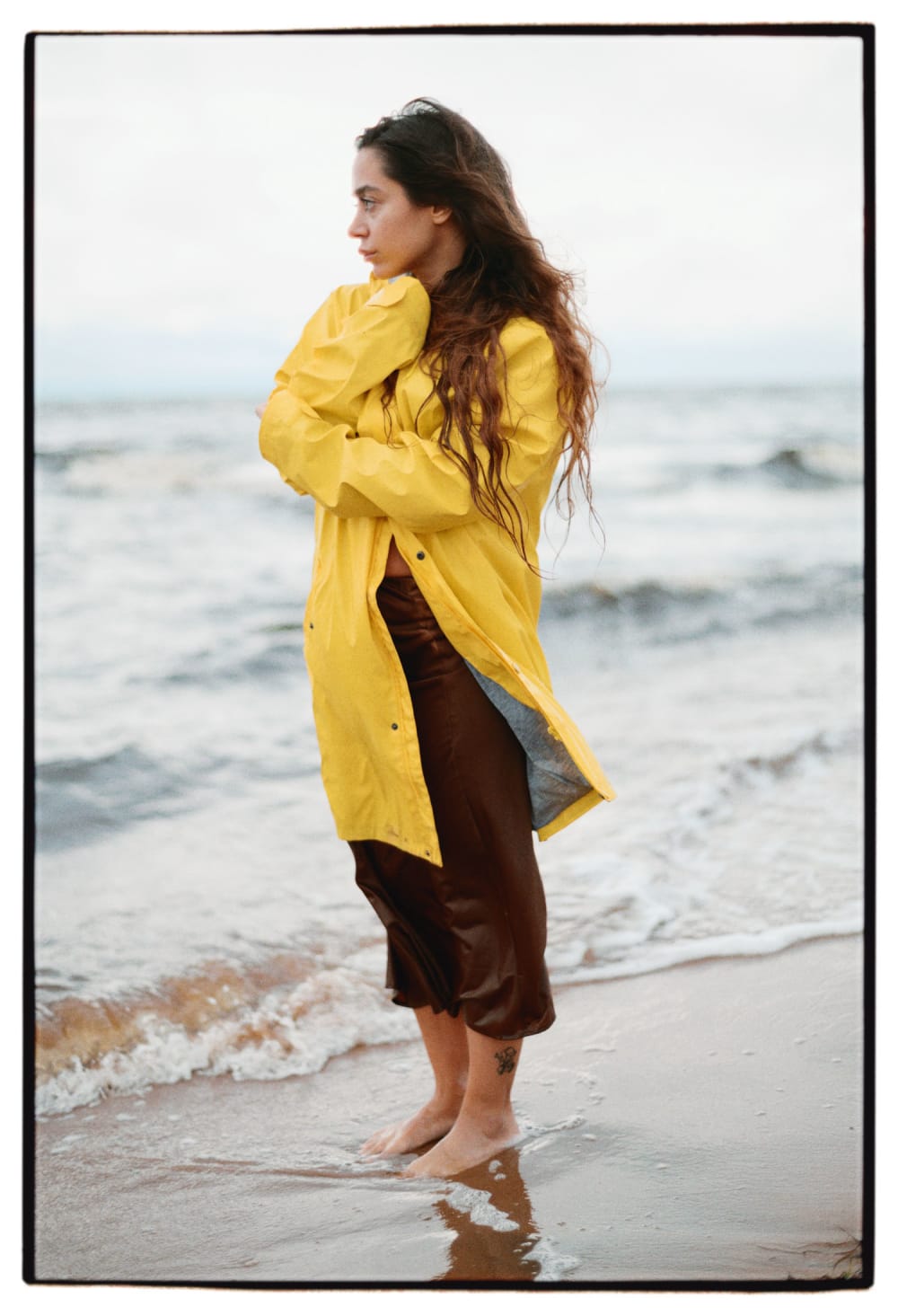
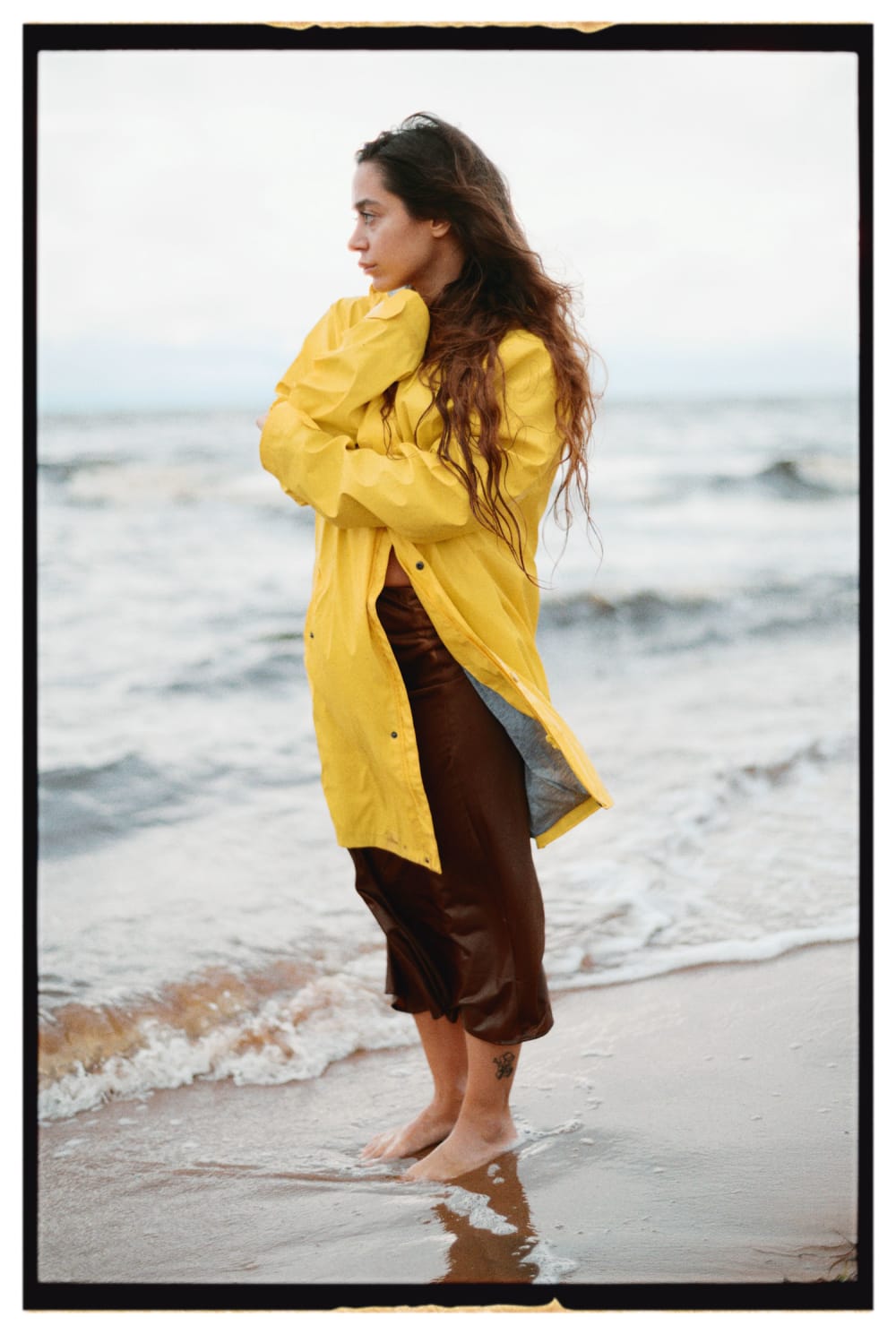
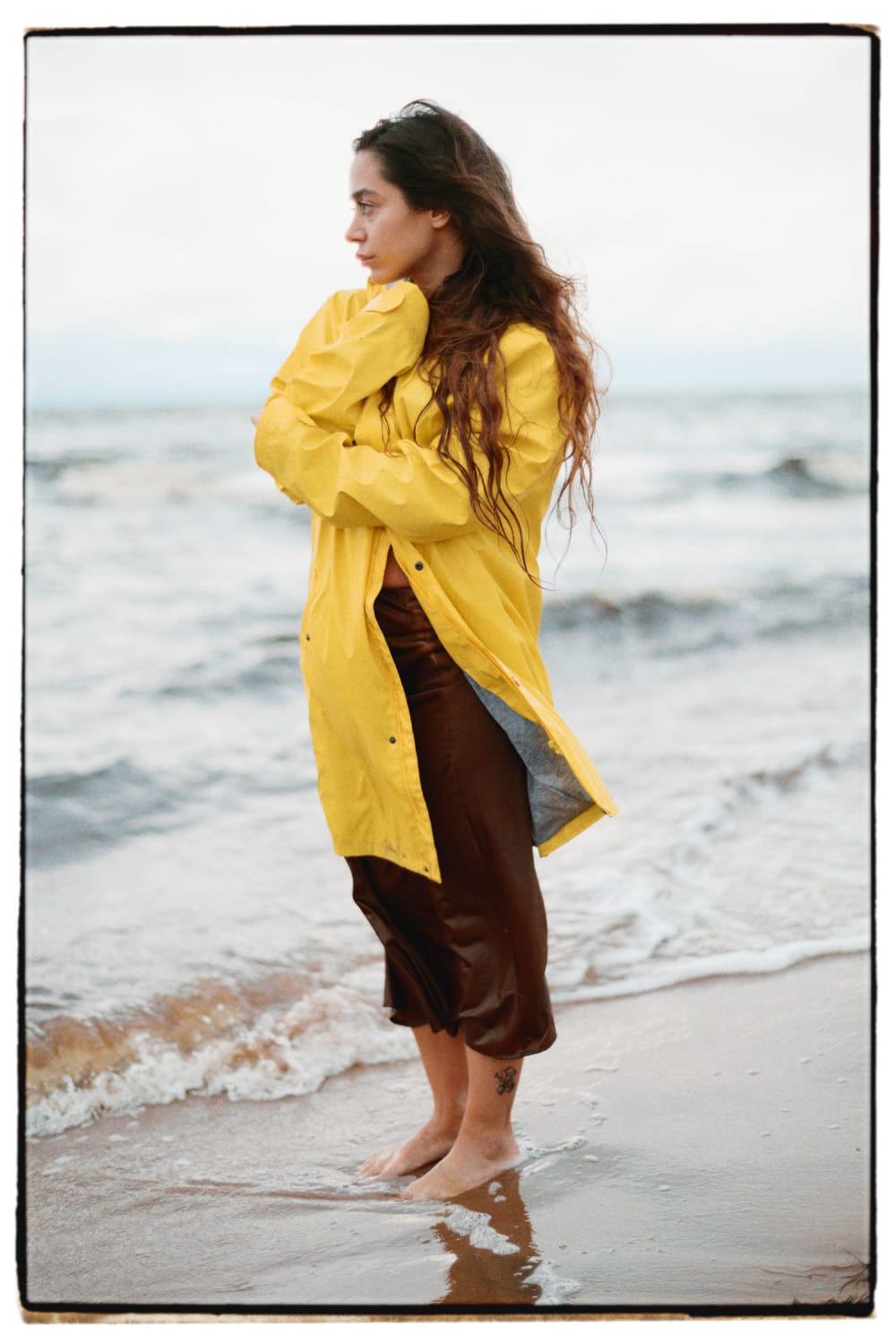
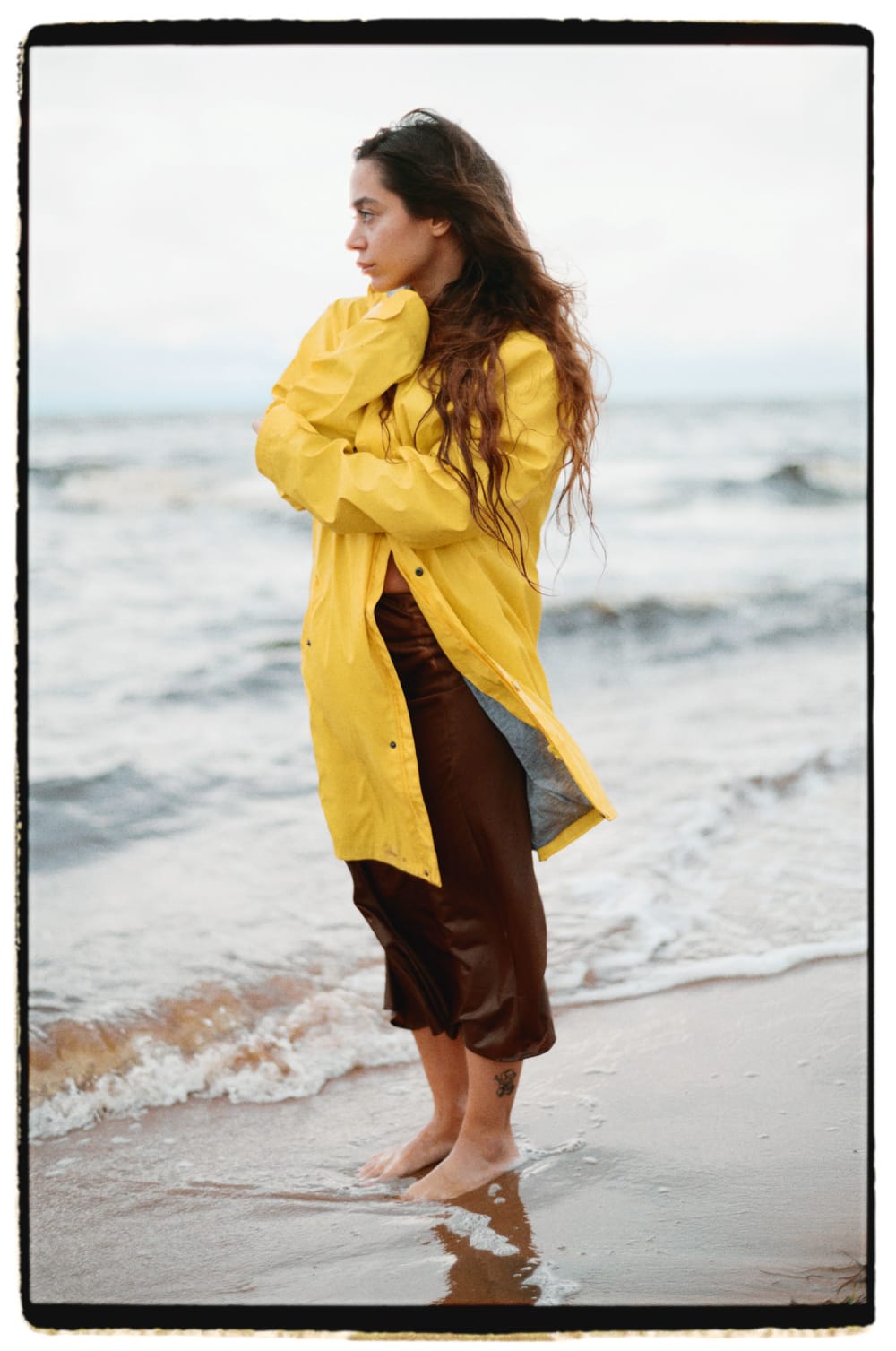
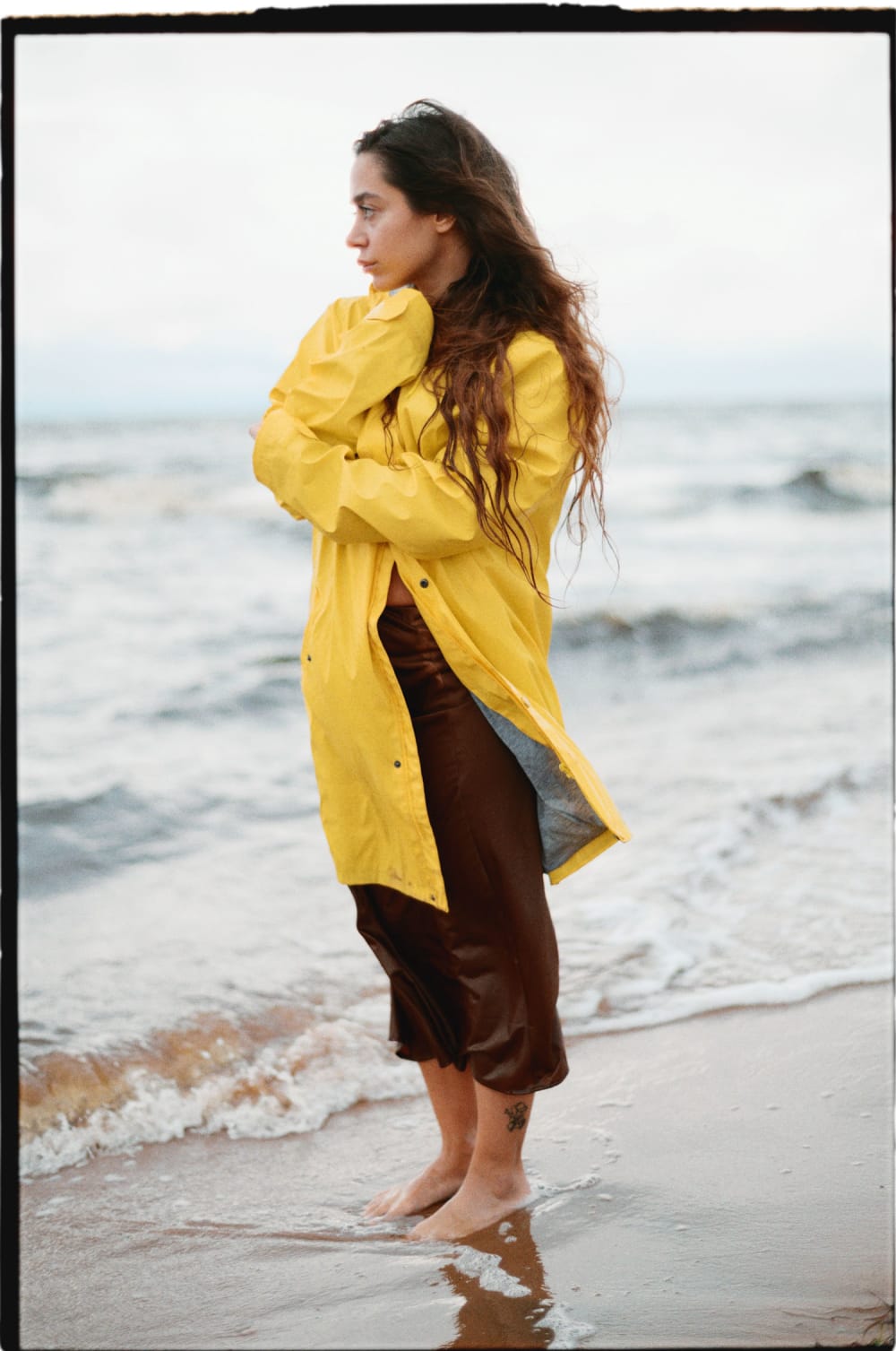
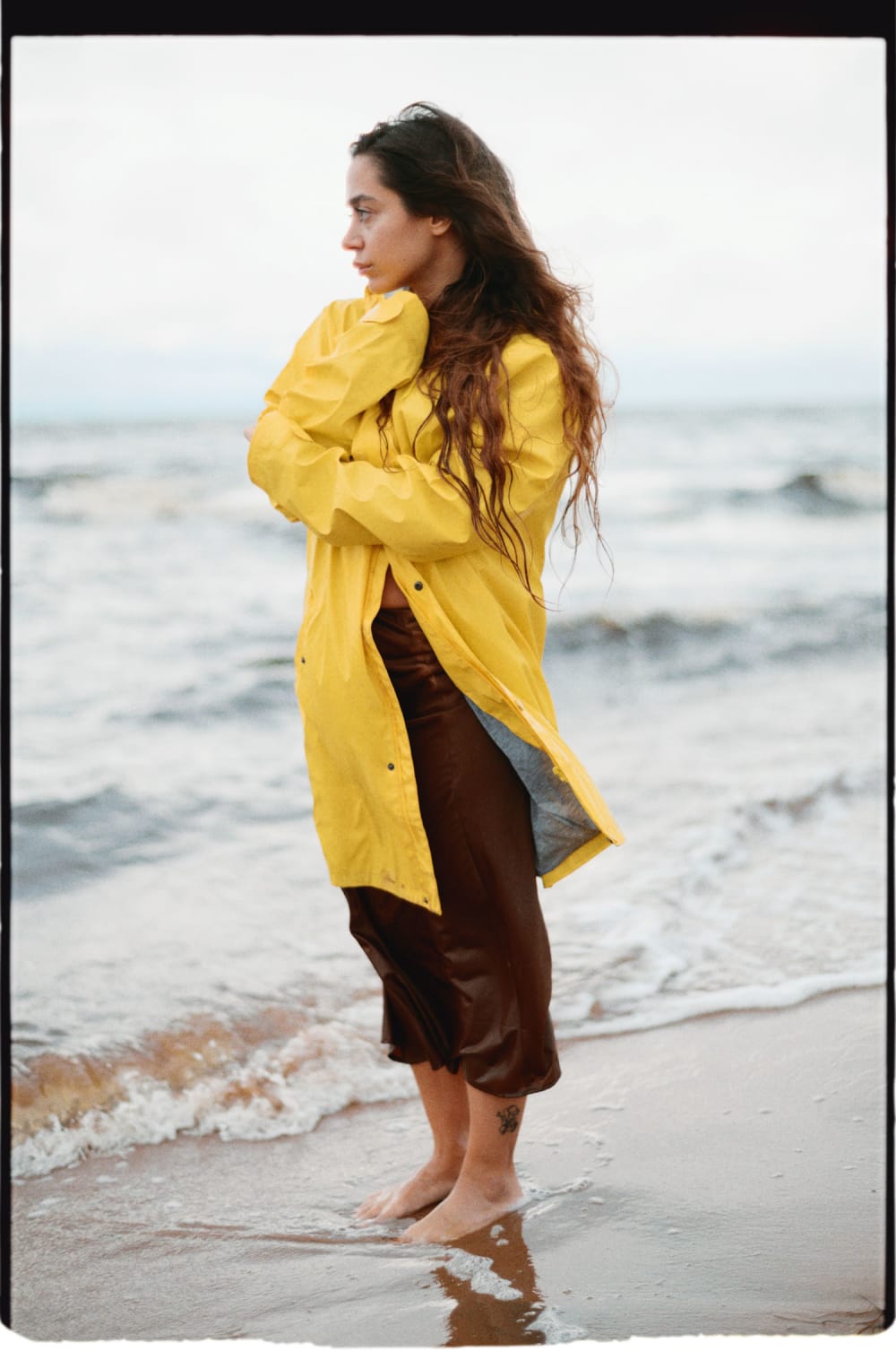
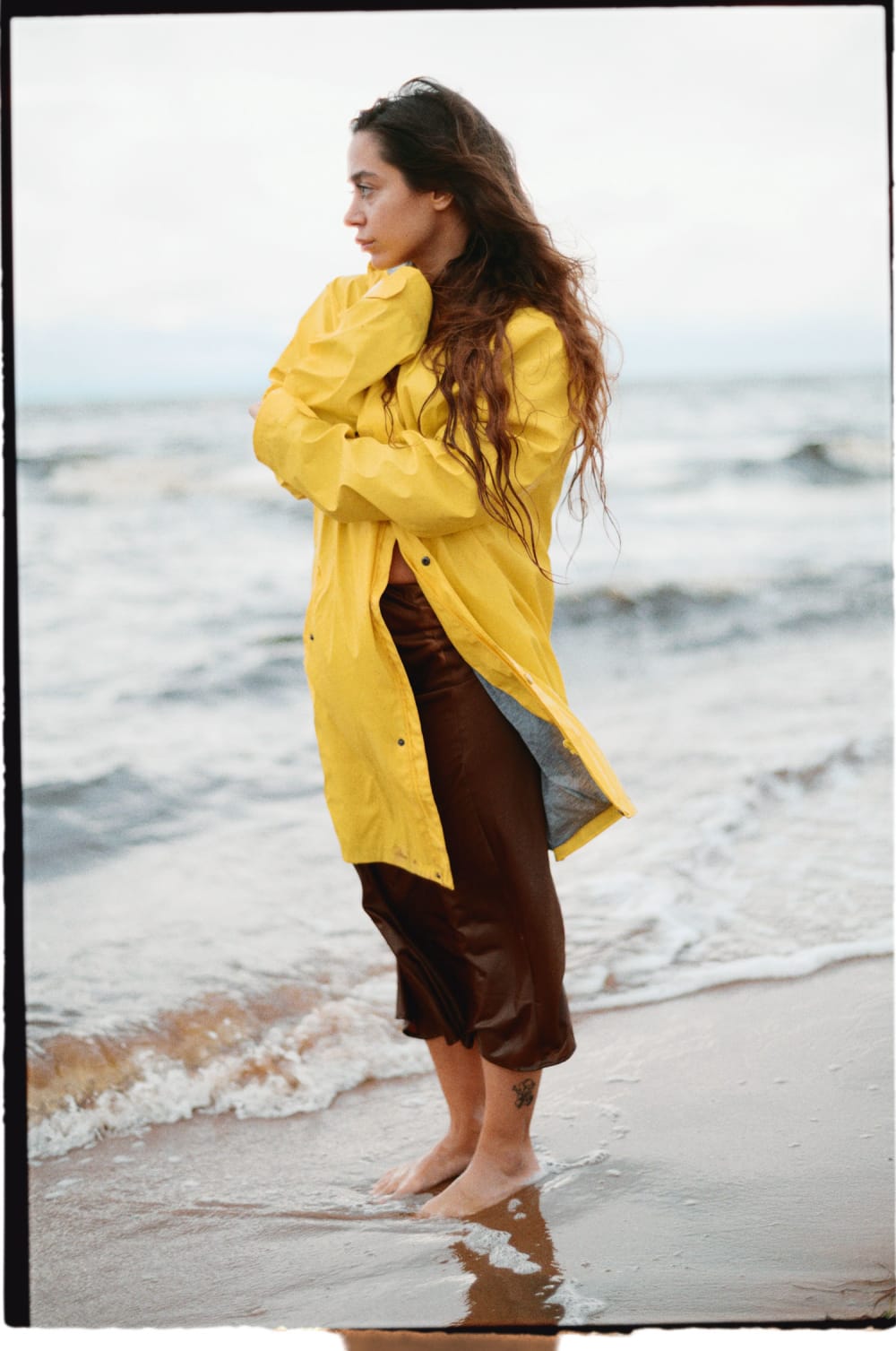
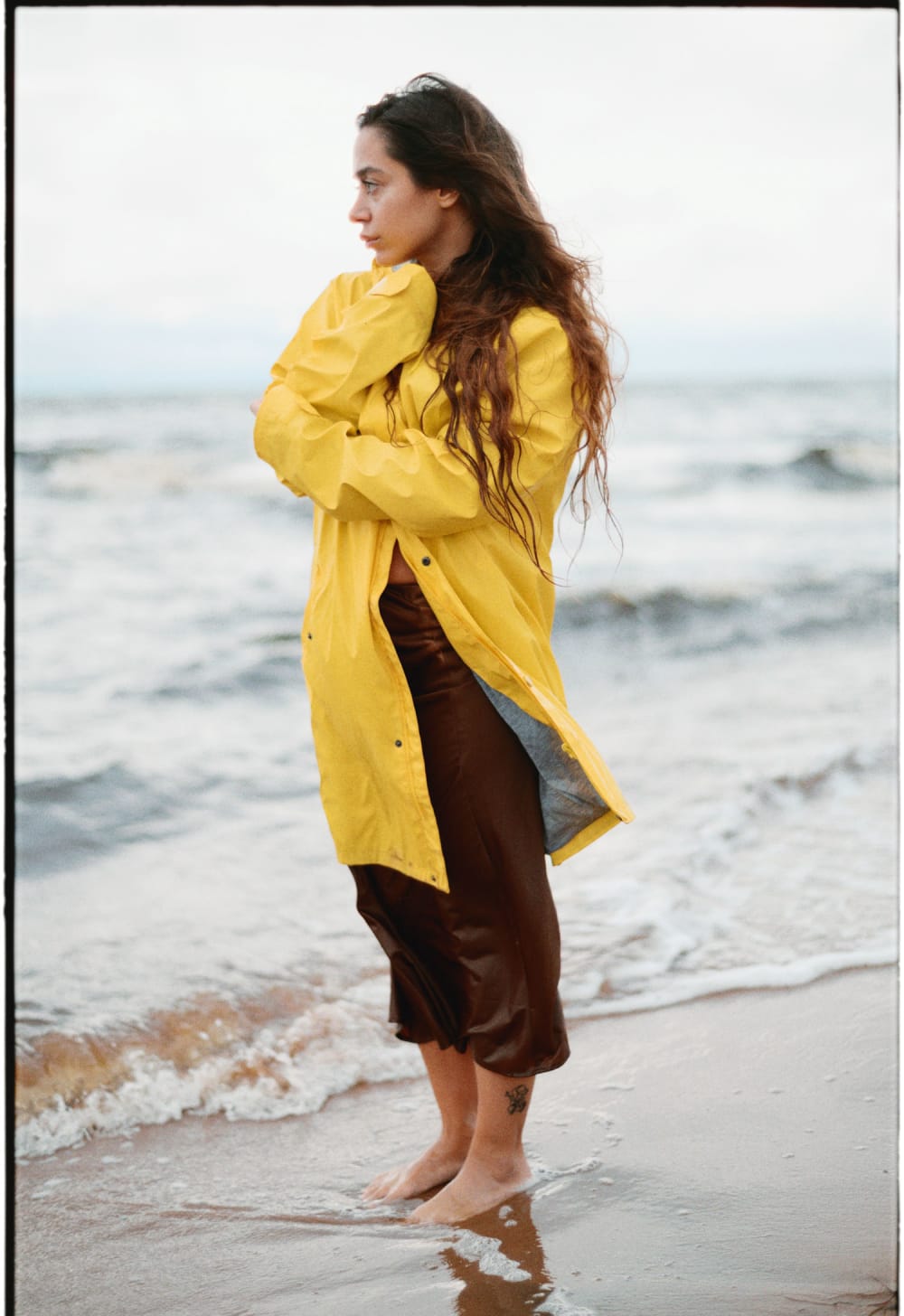
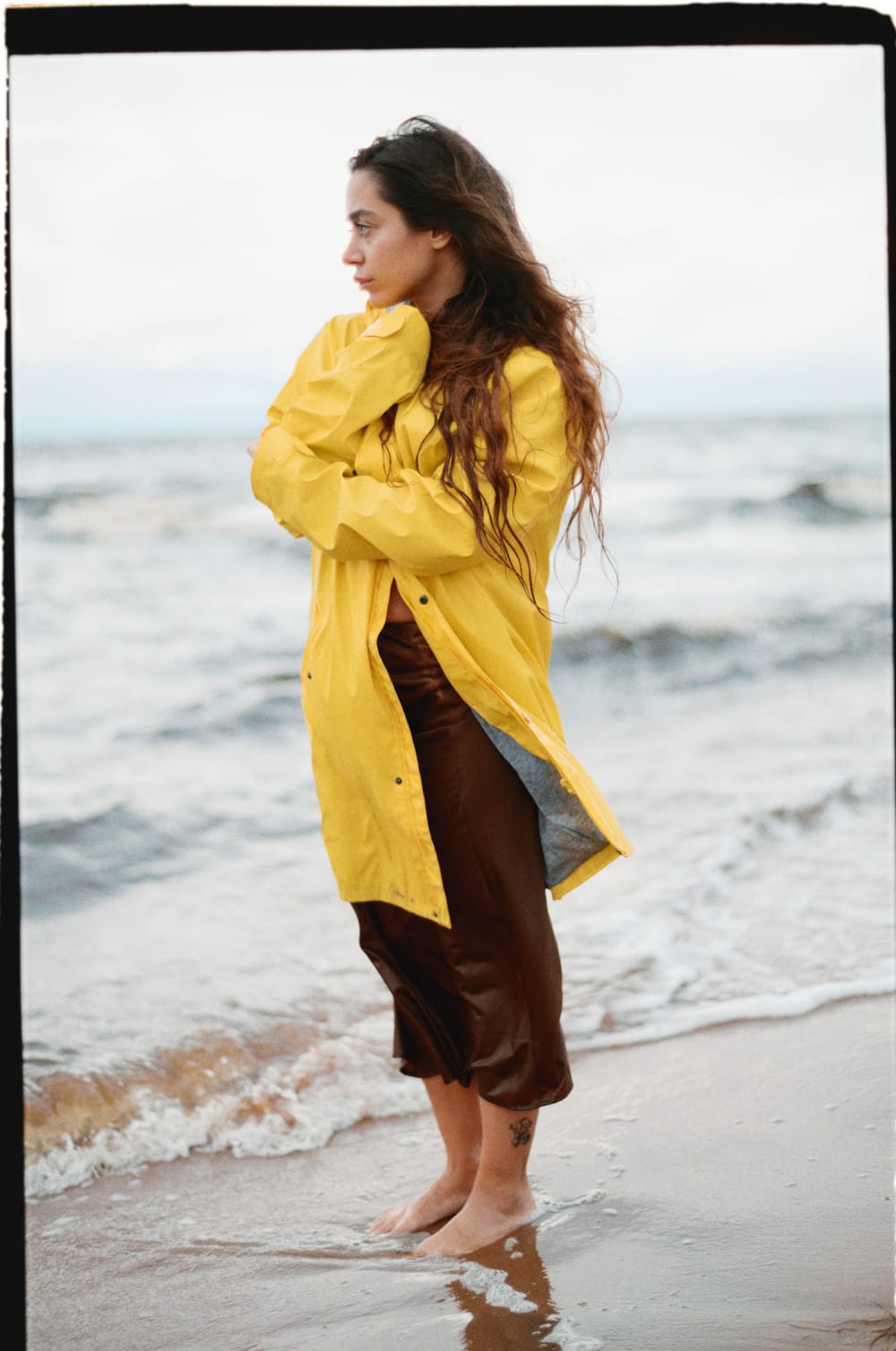
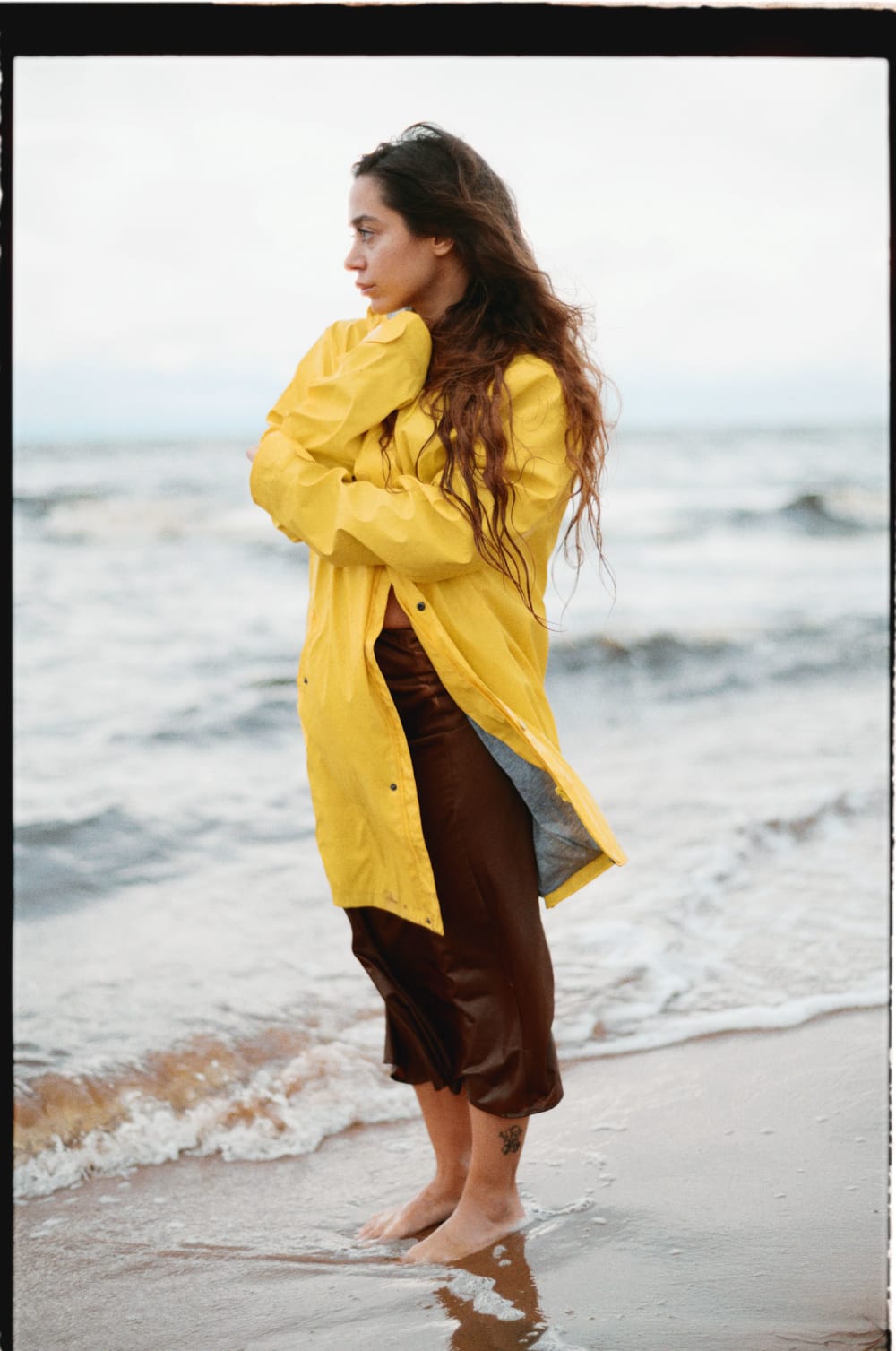
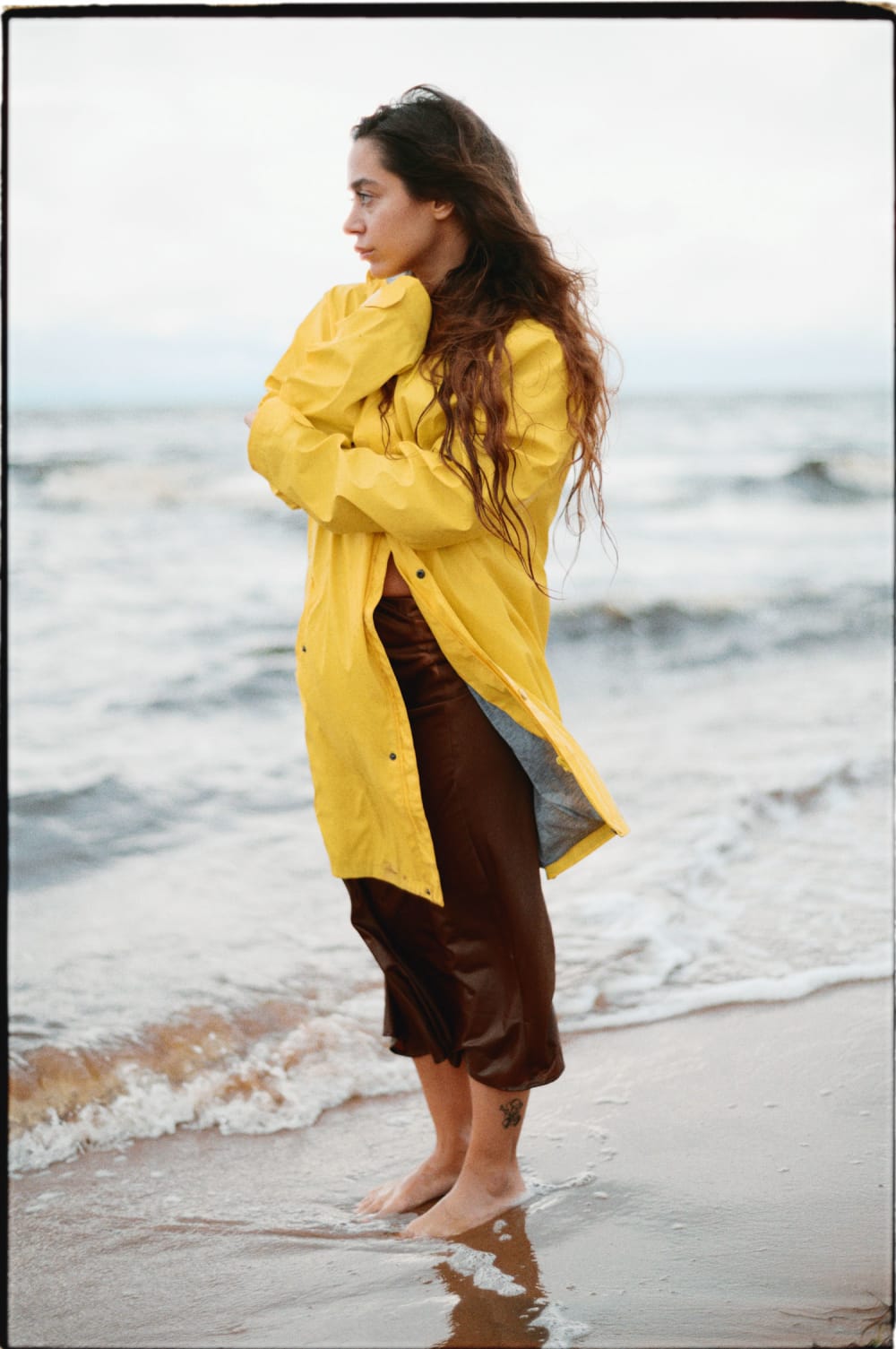
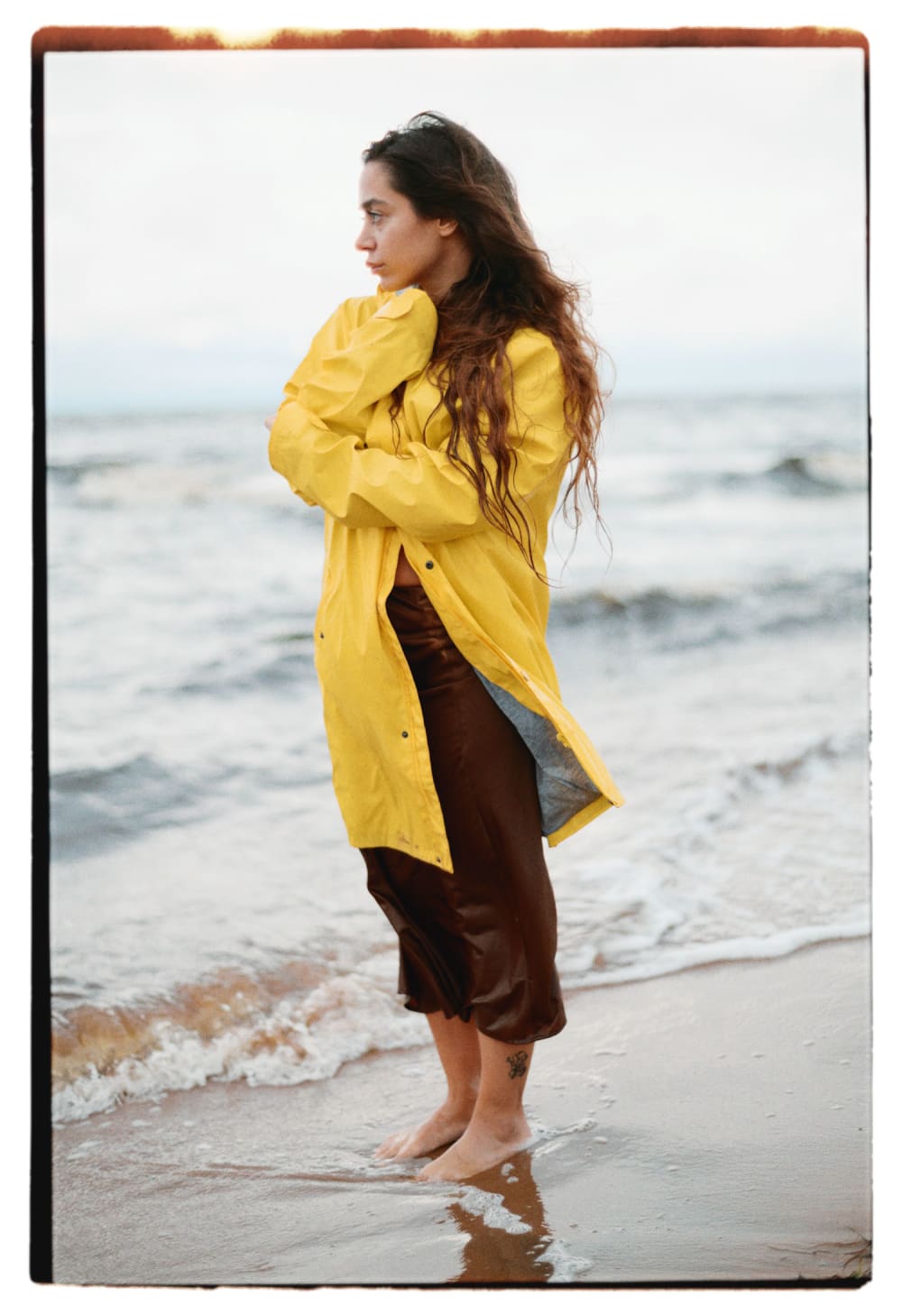
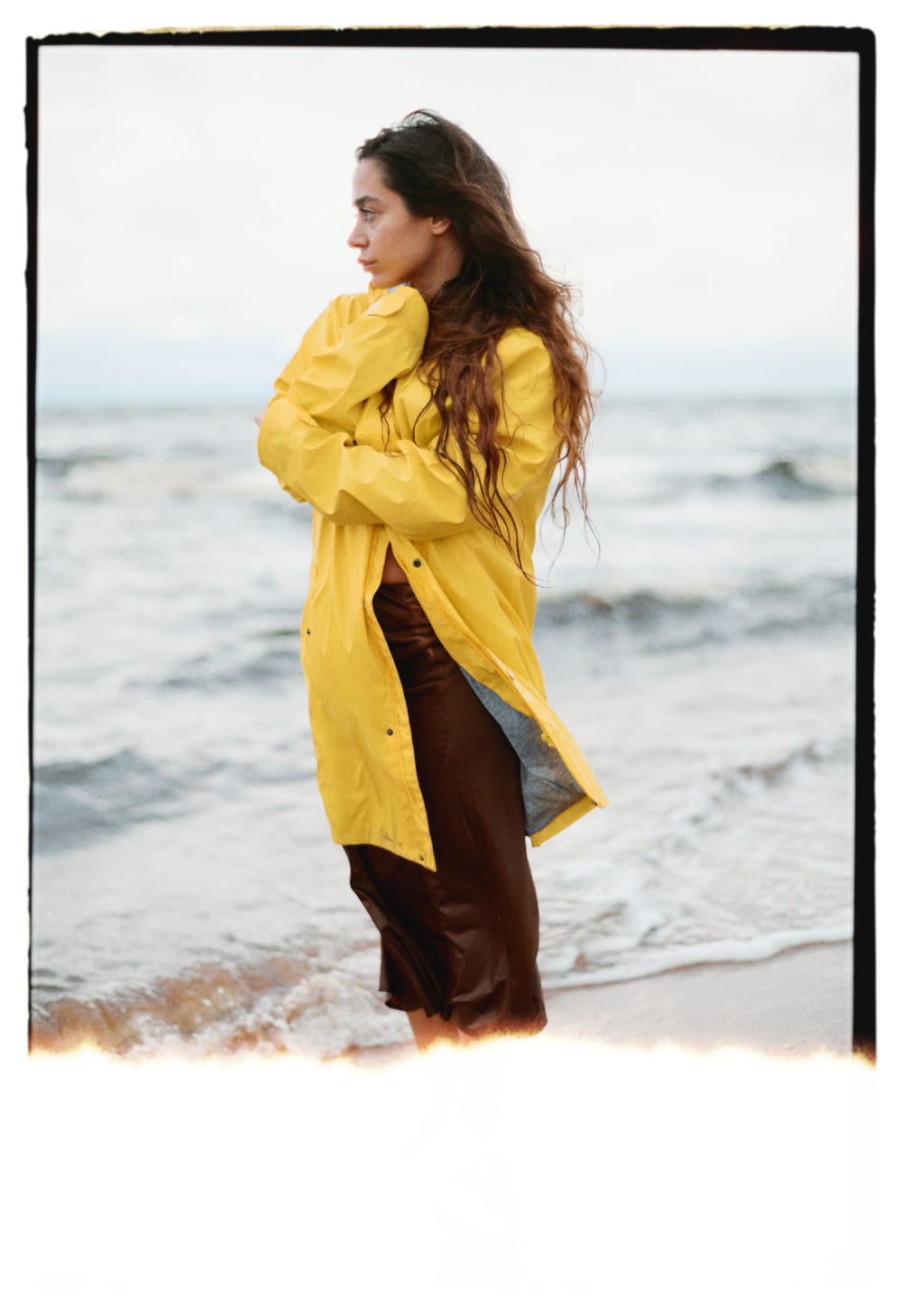
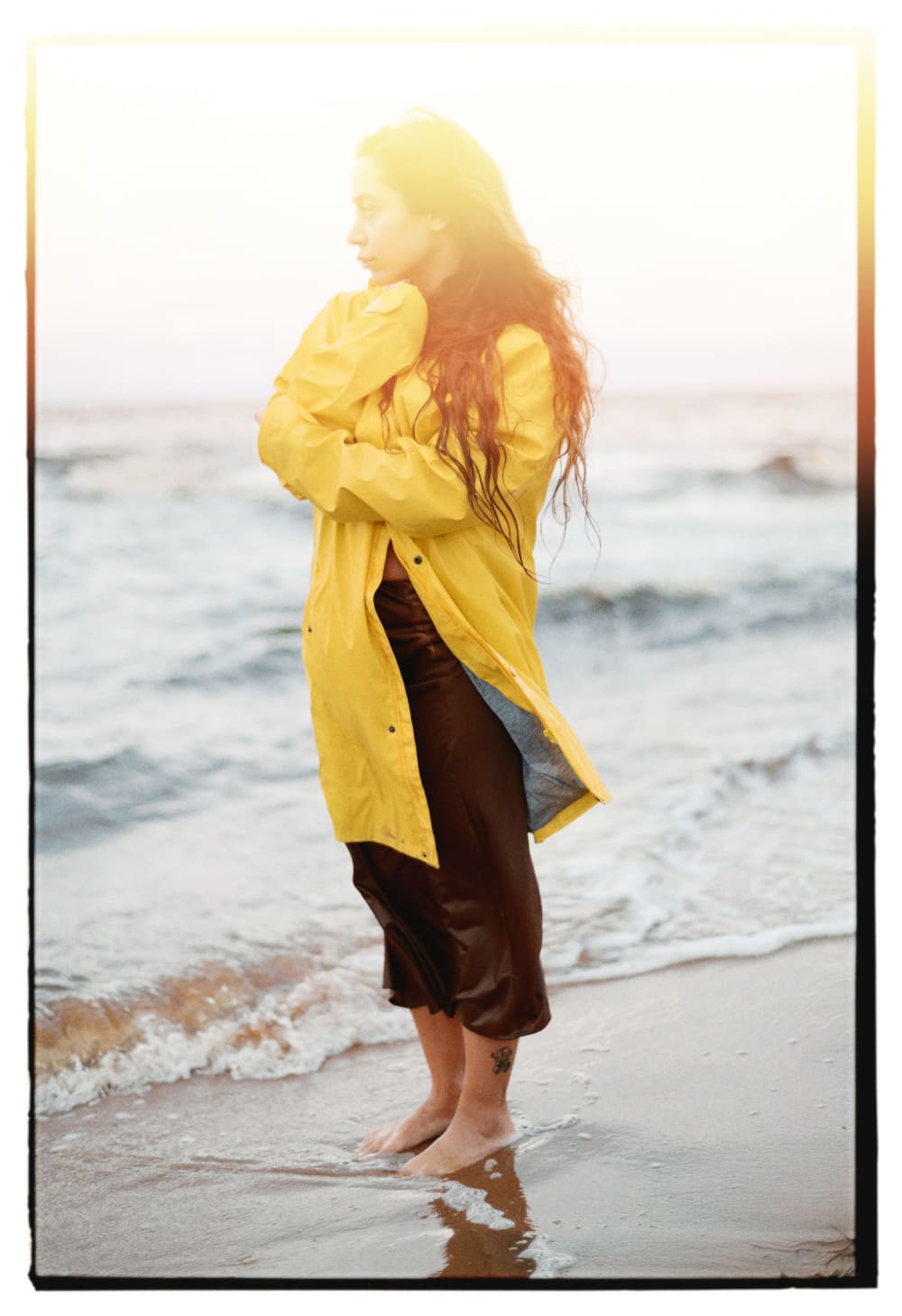
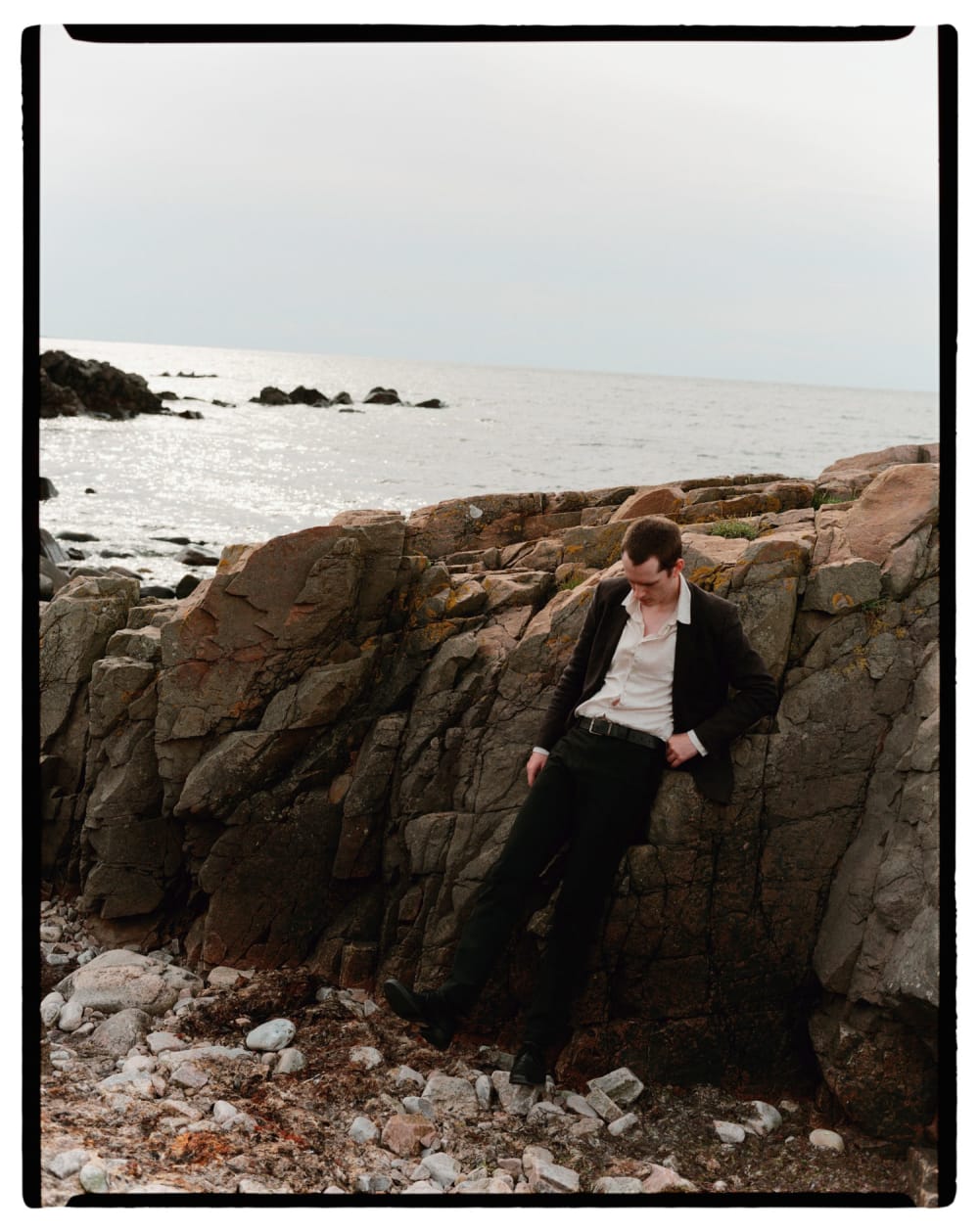
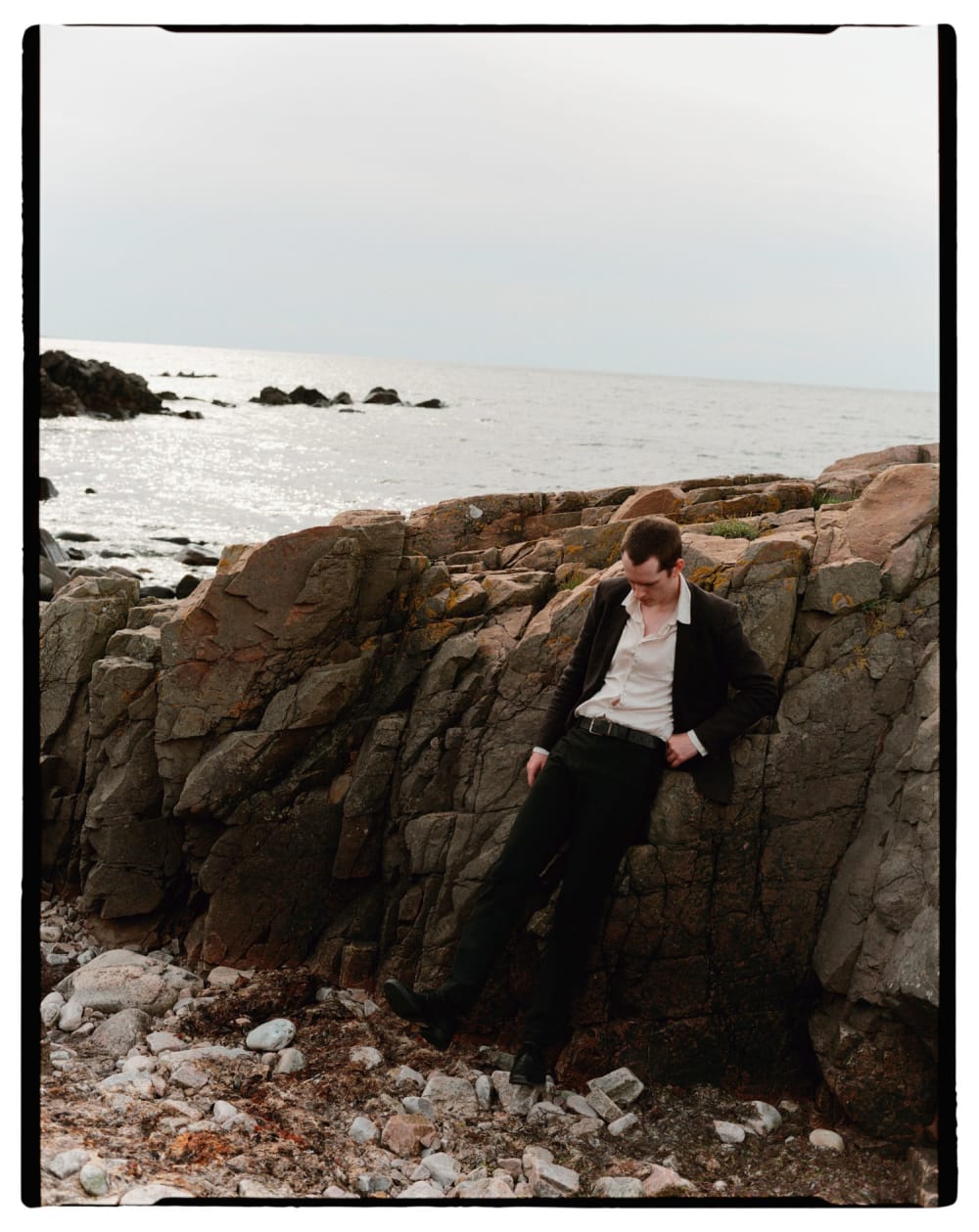
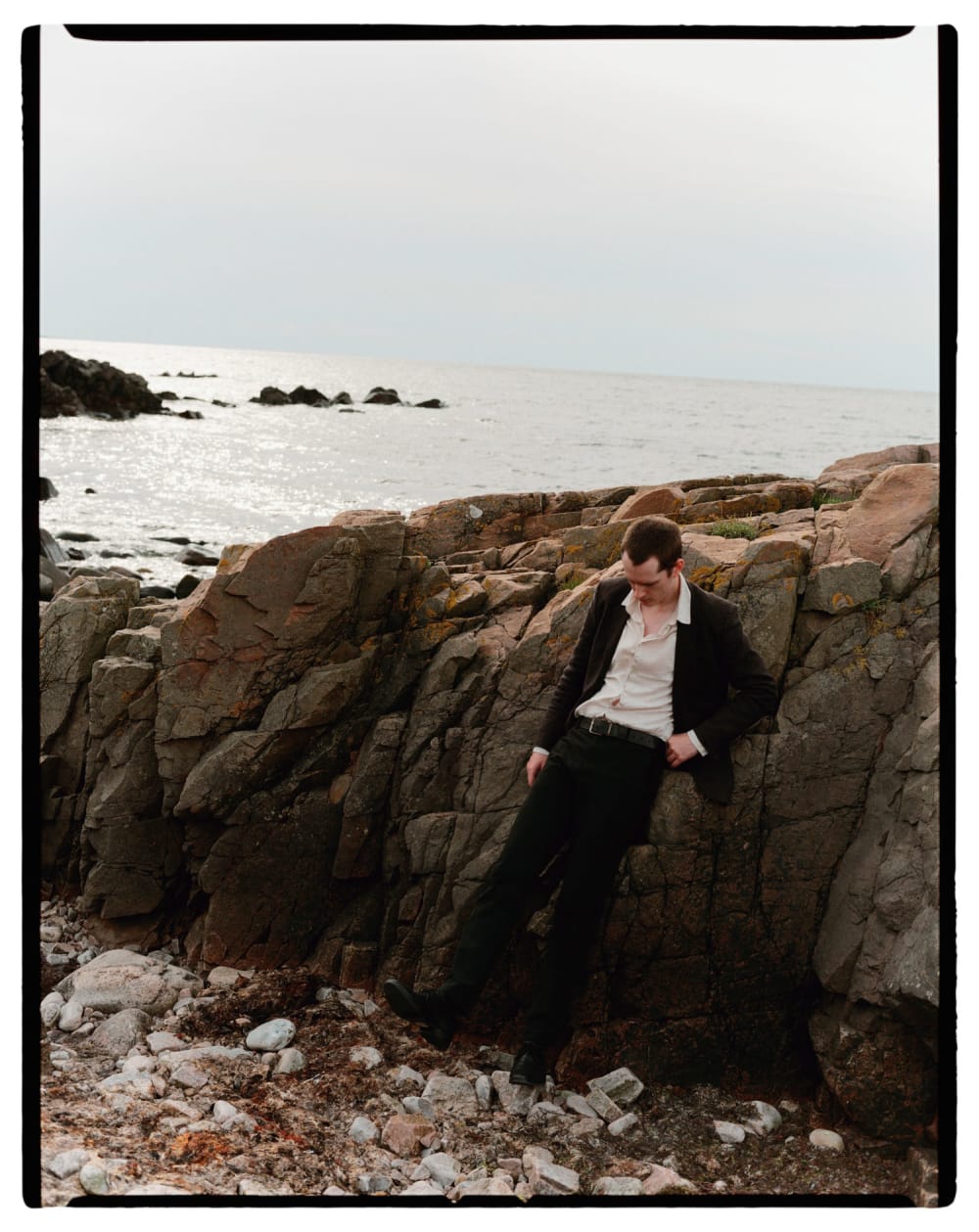
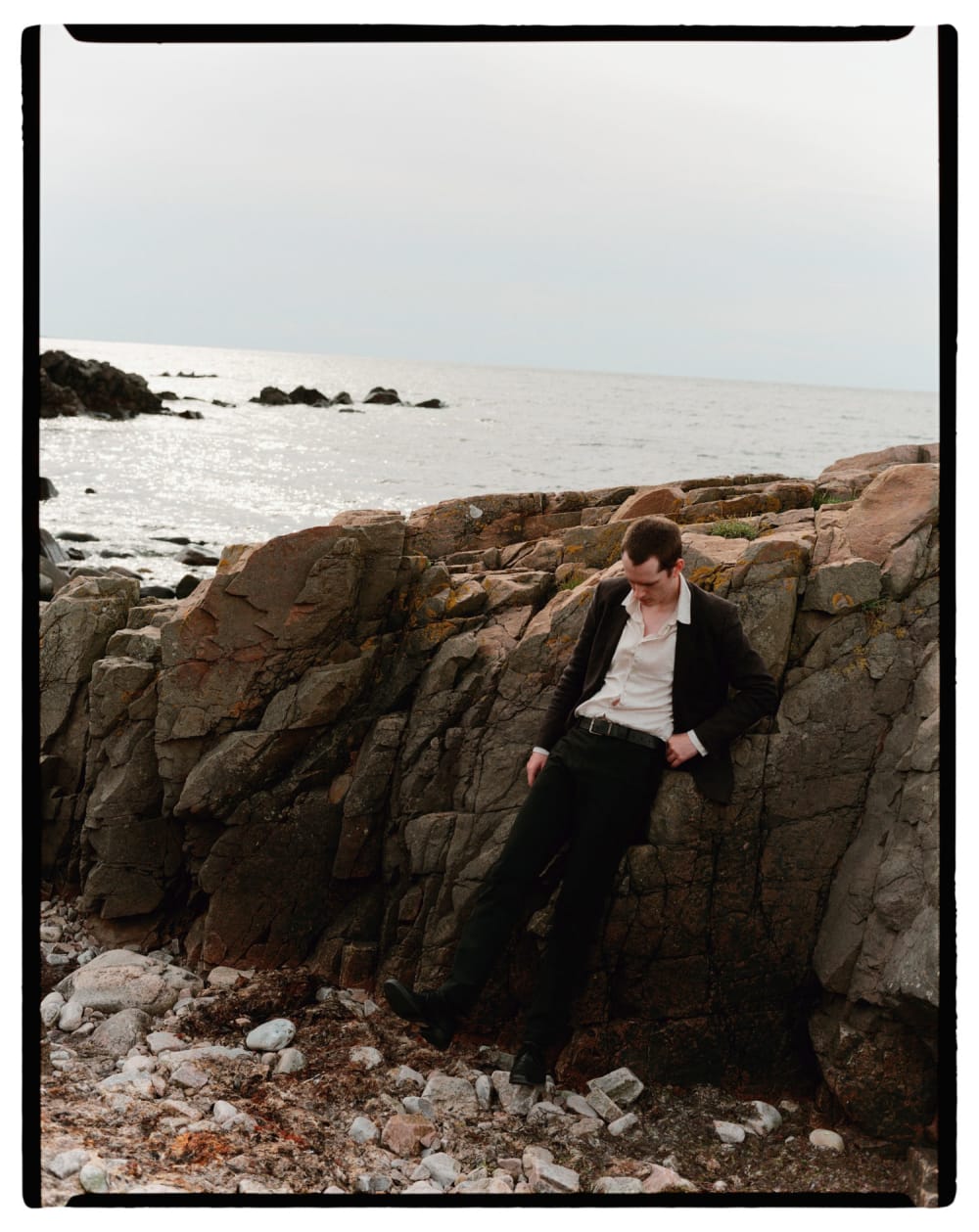
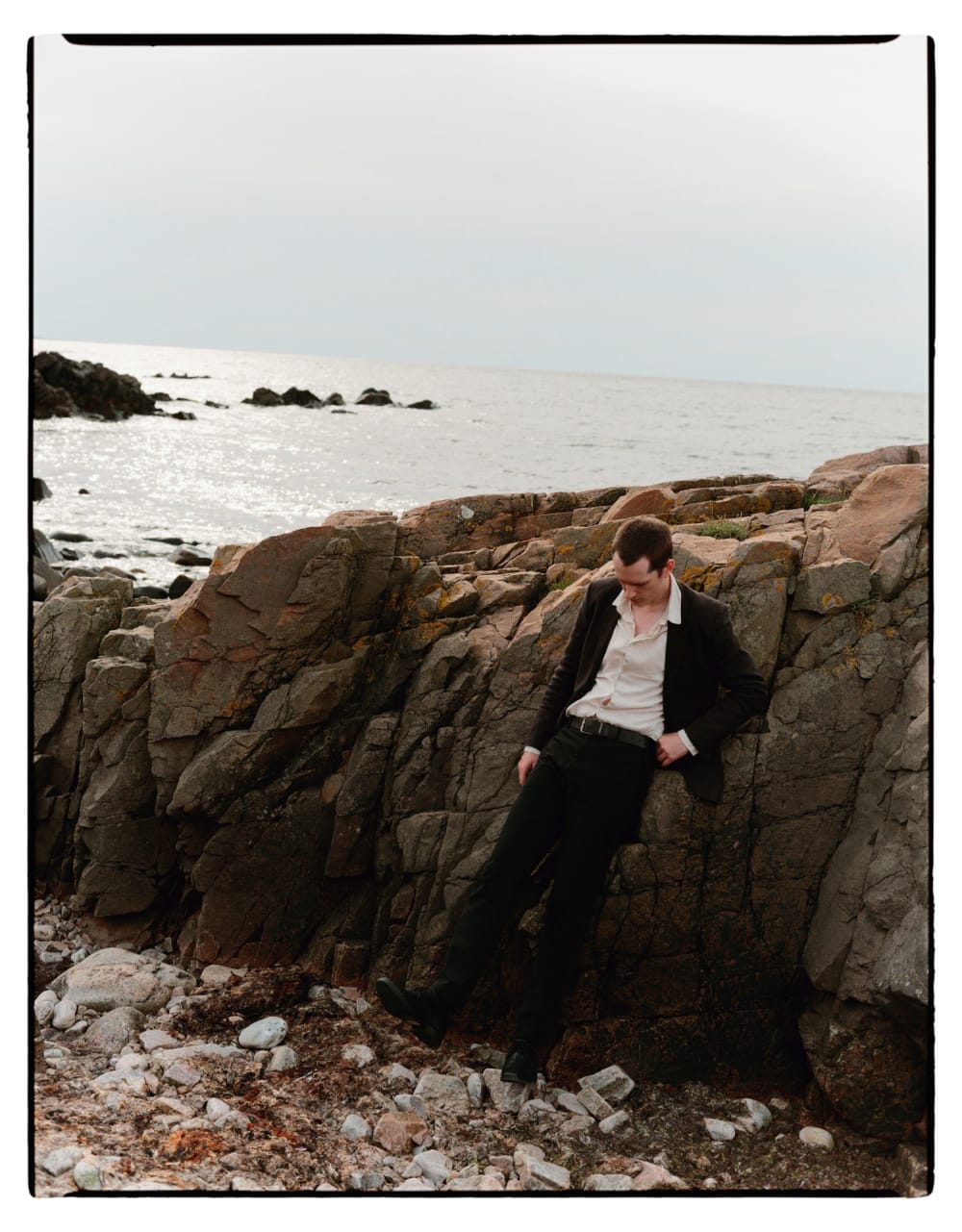
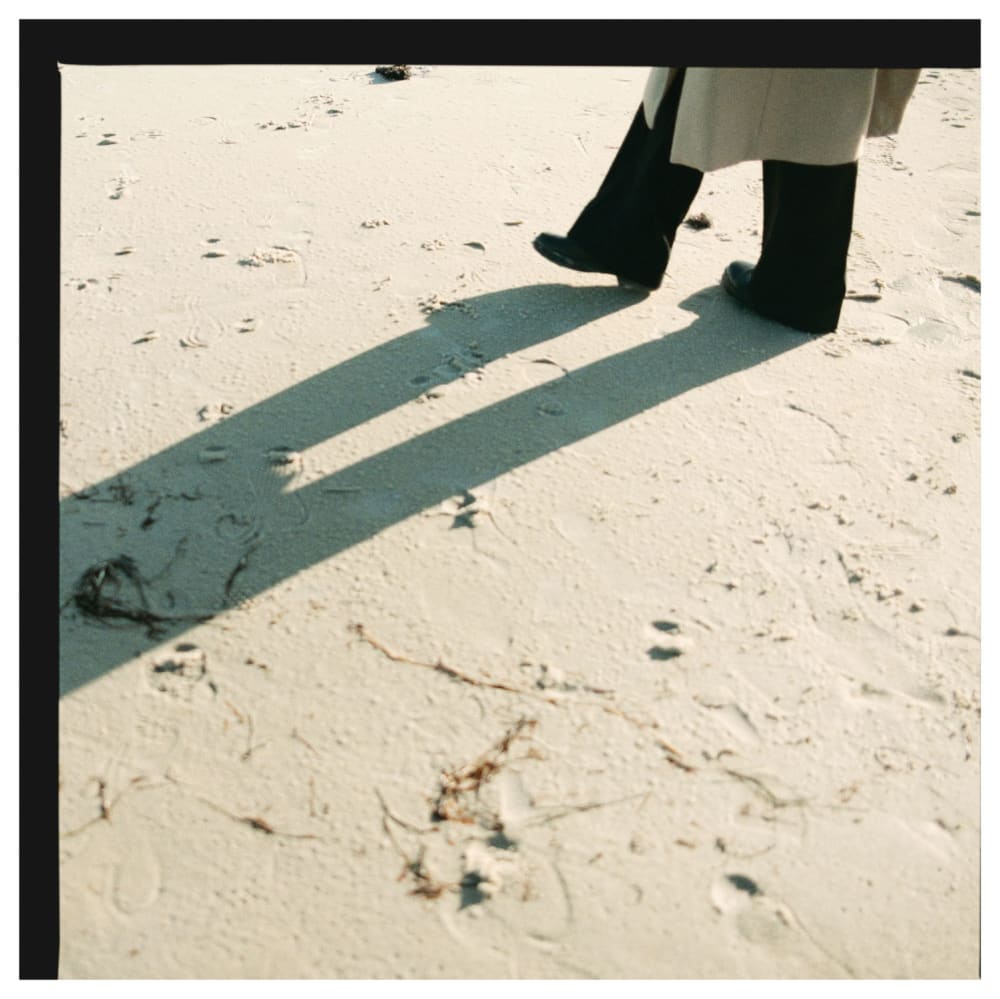
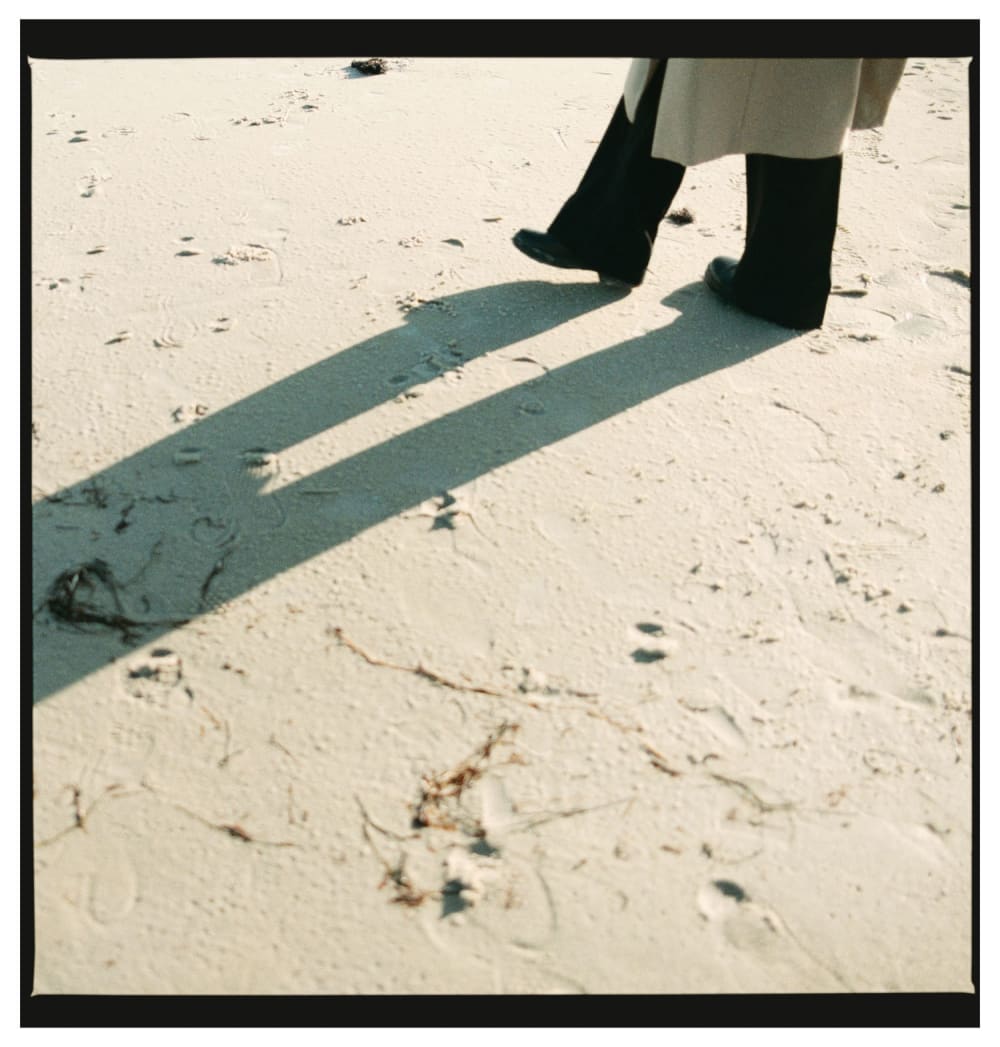
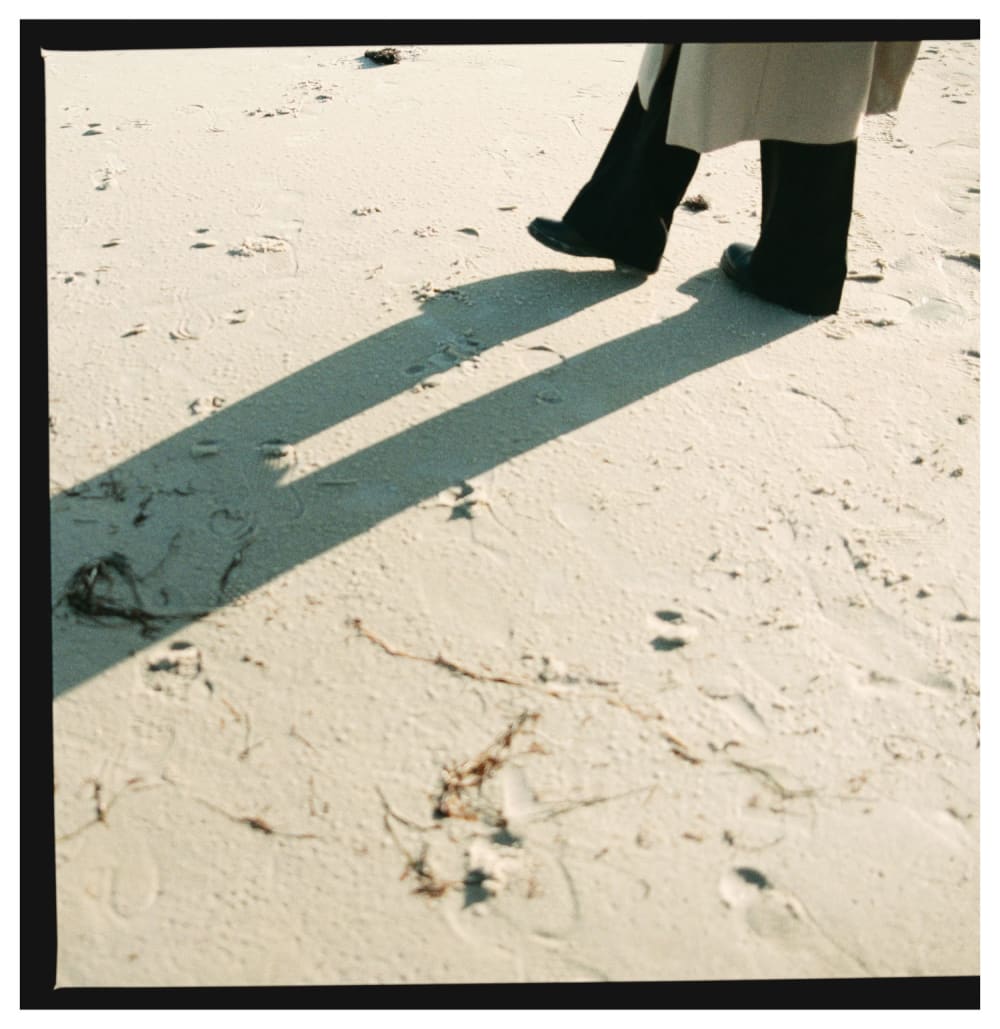
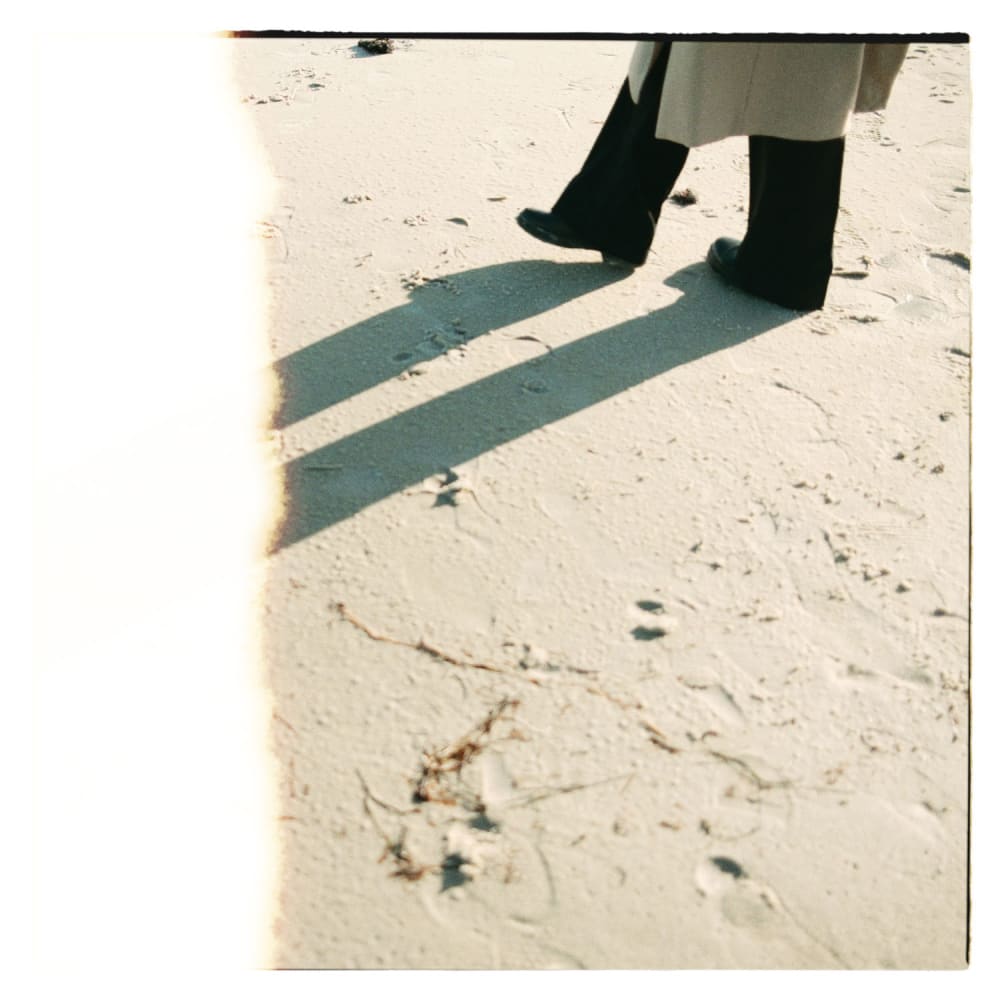
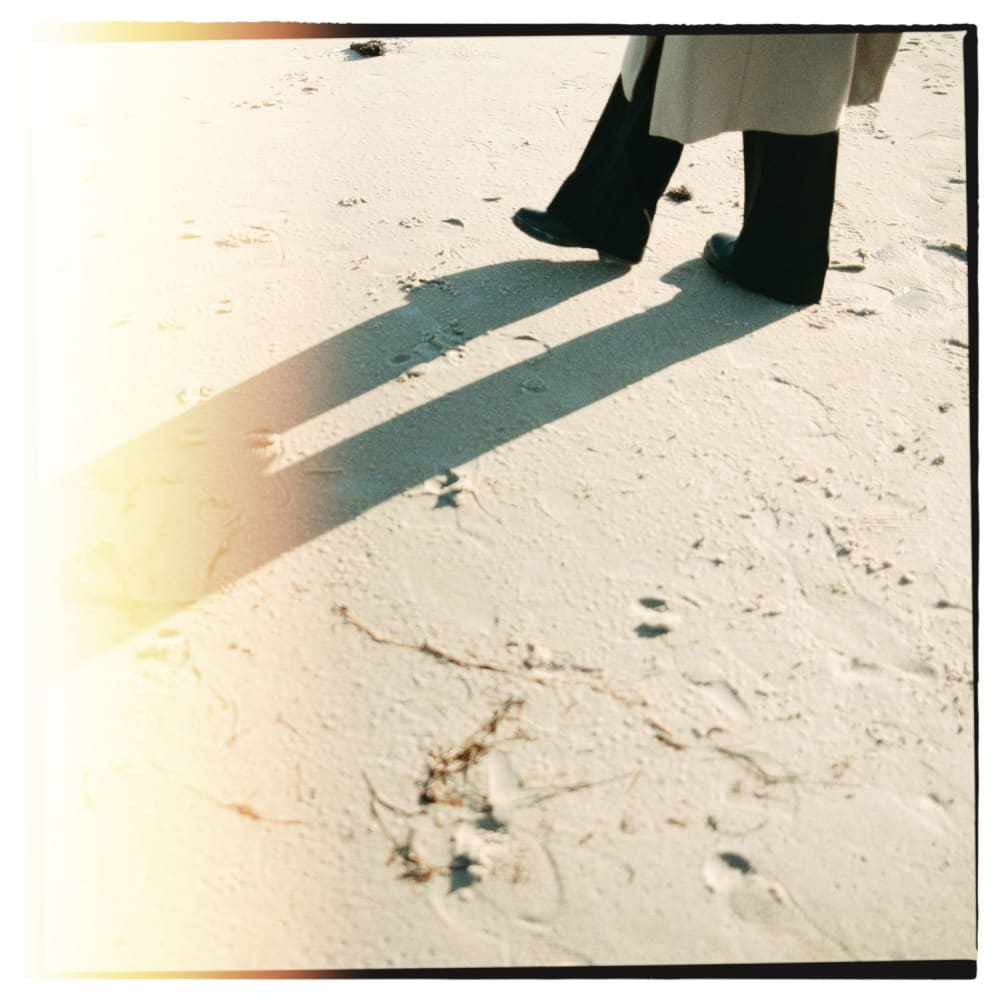
Why film borders?

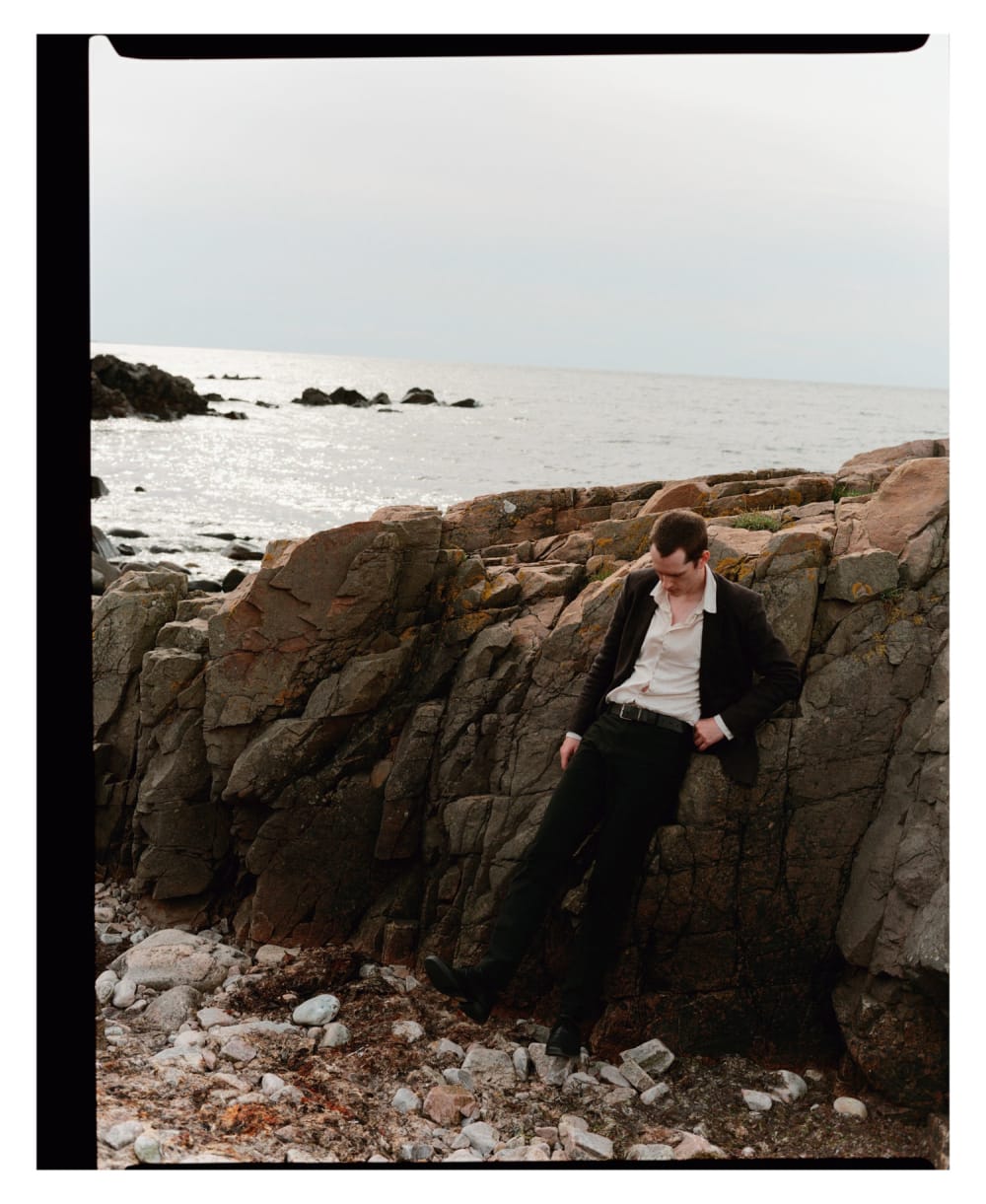
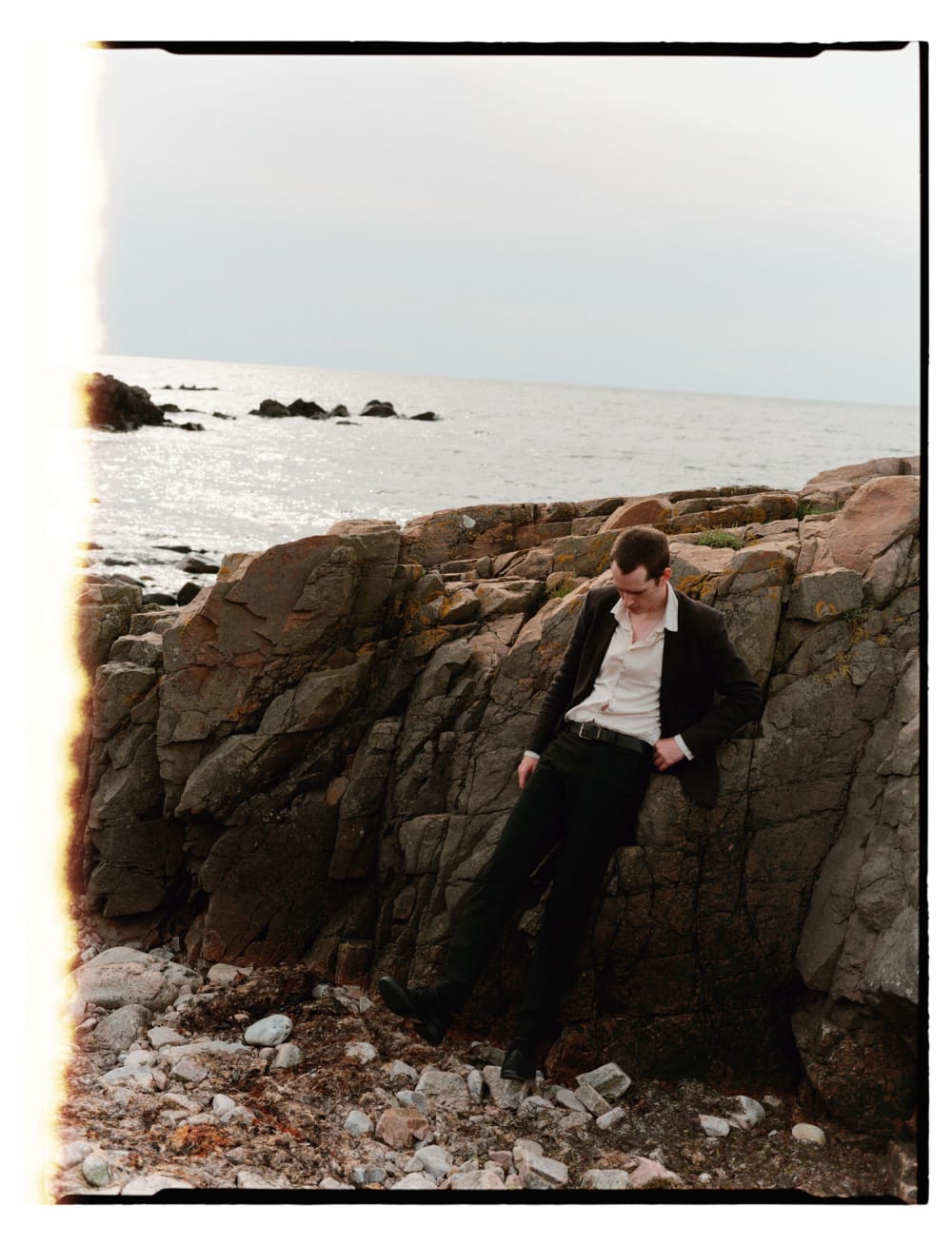
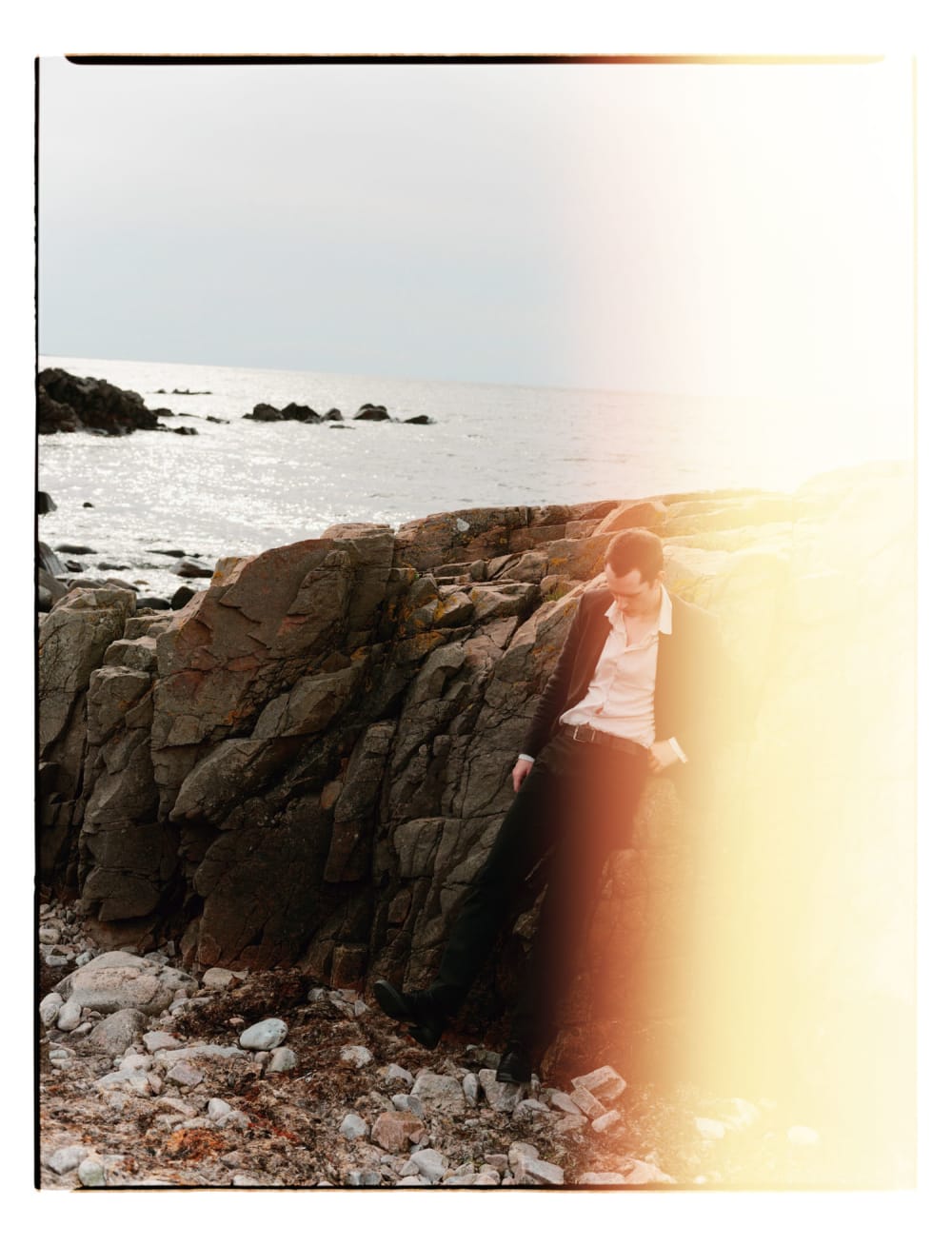
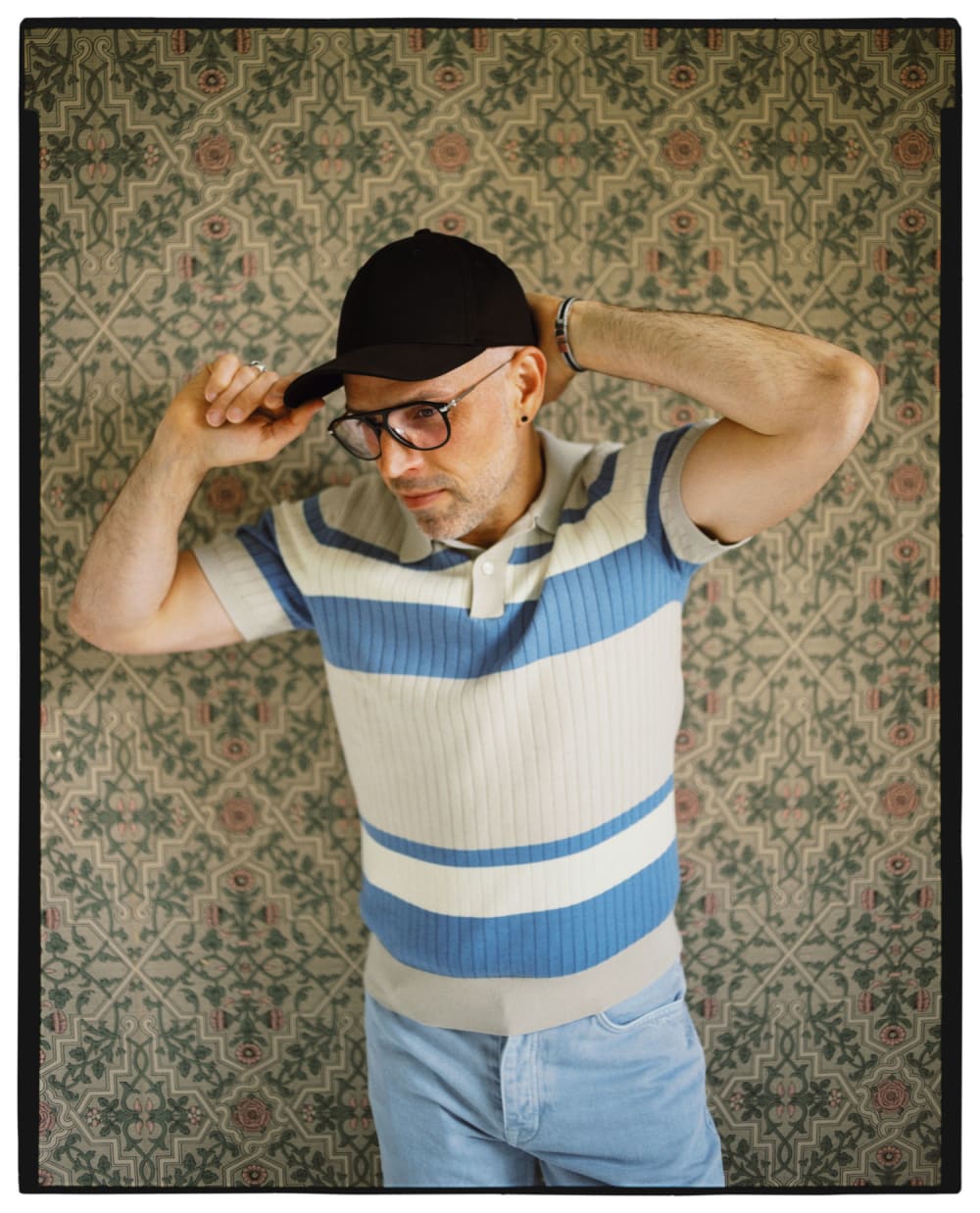
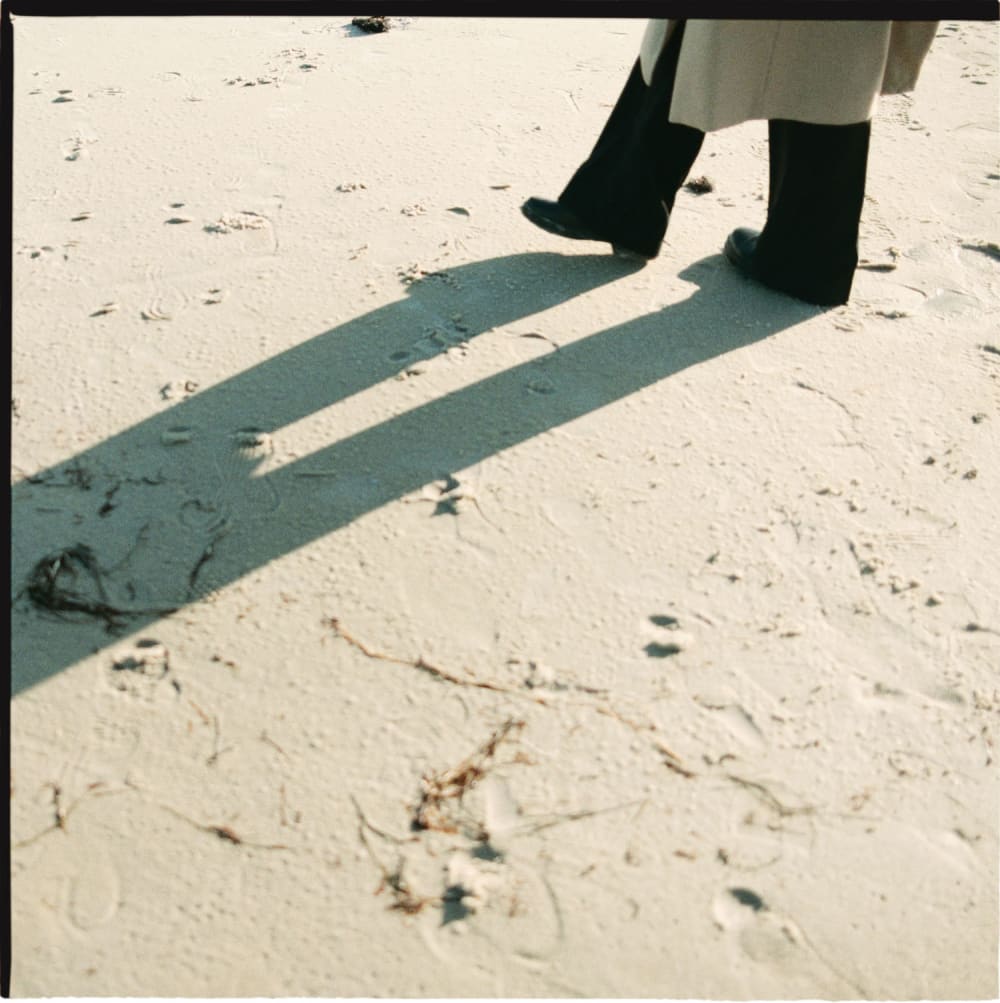
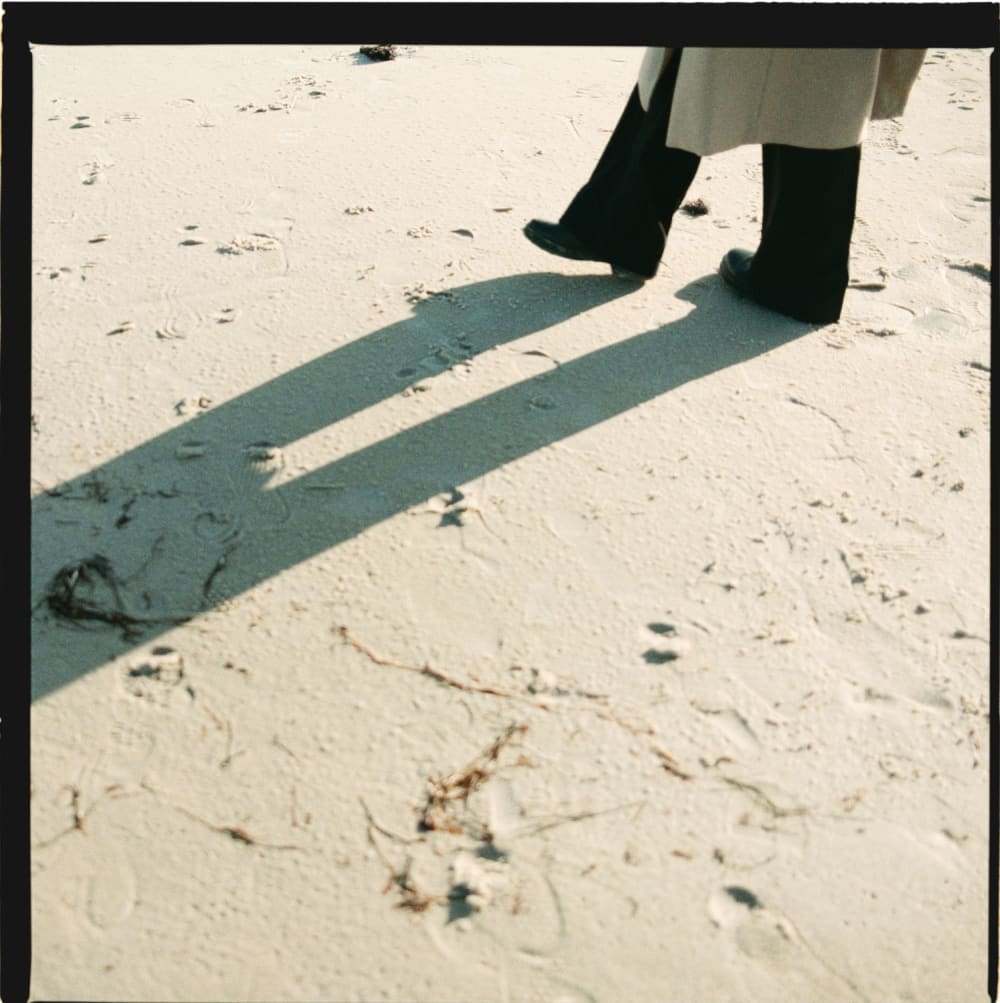
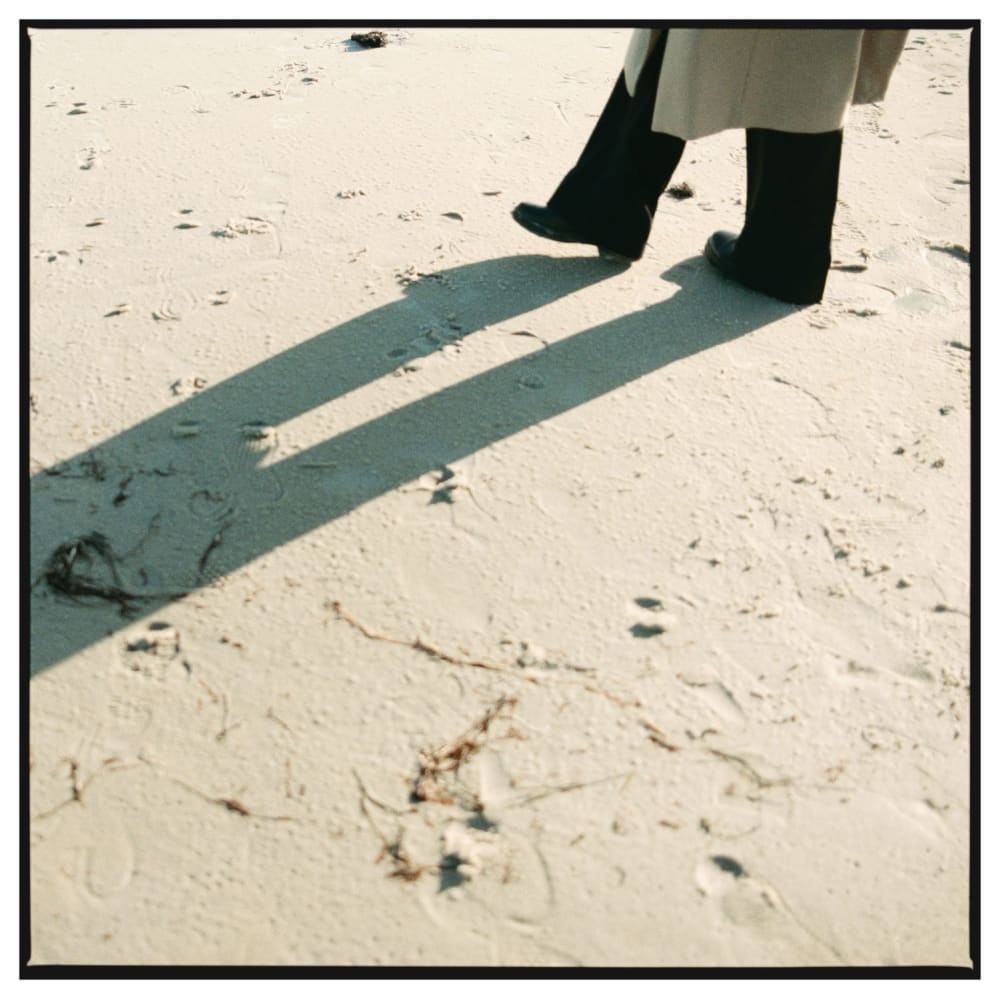
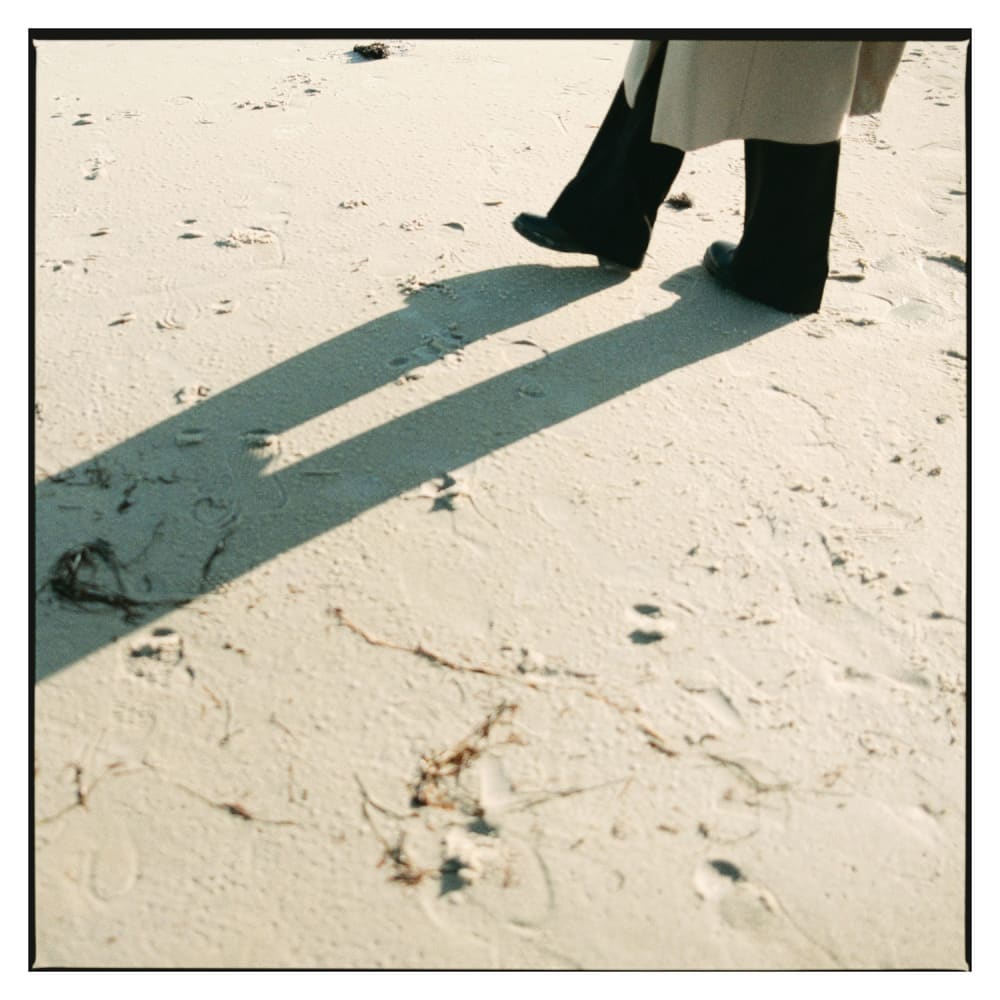
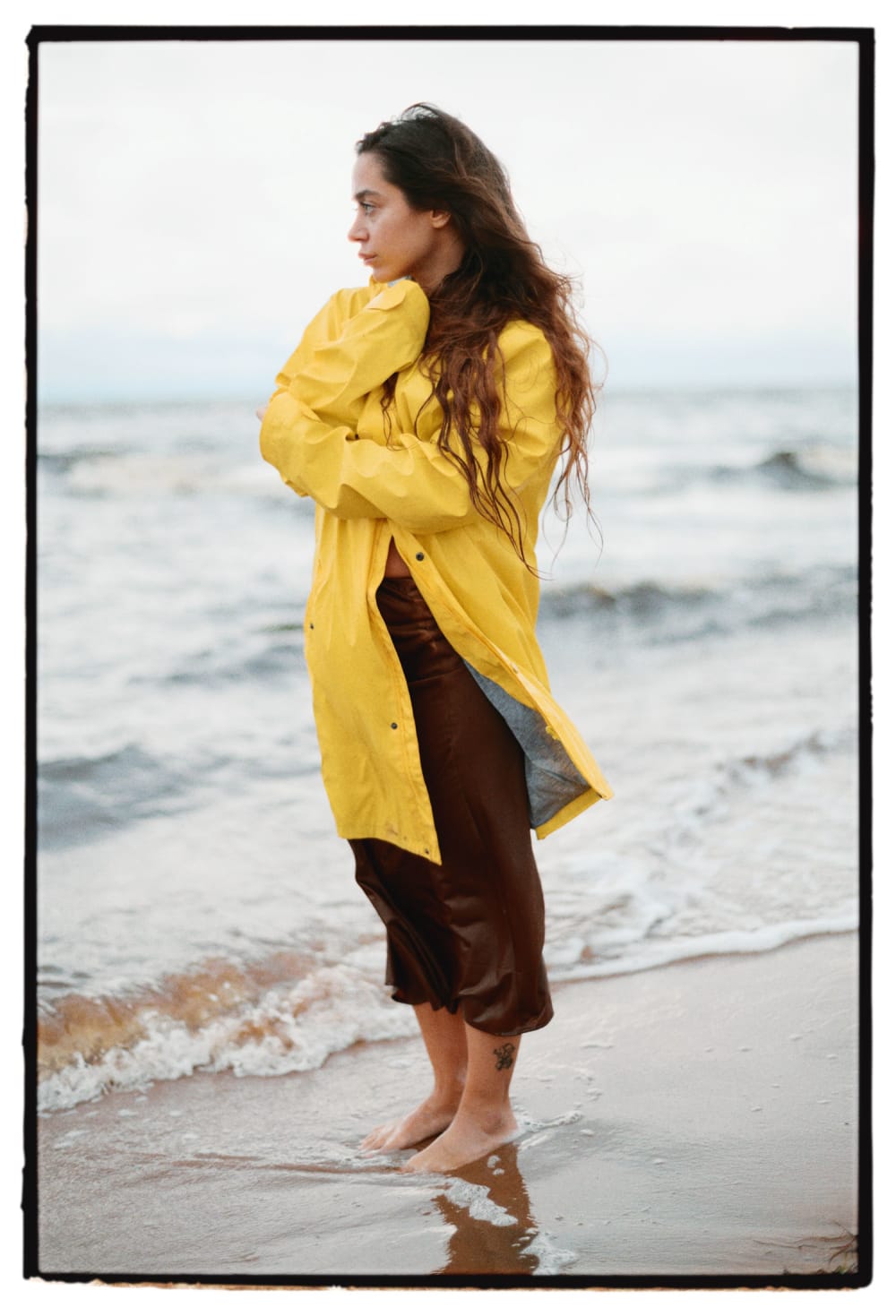
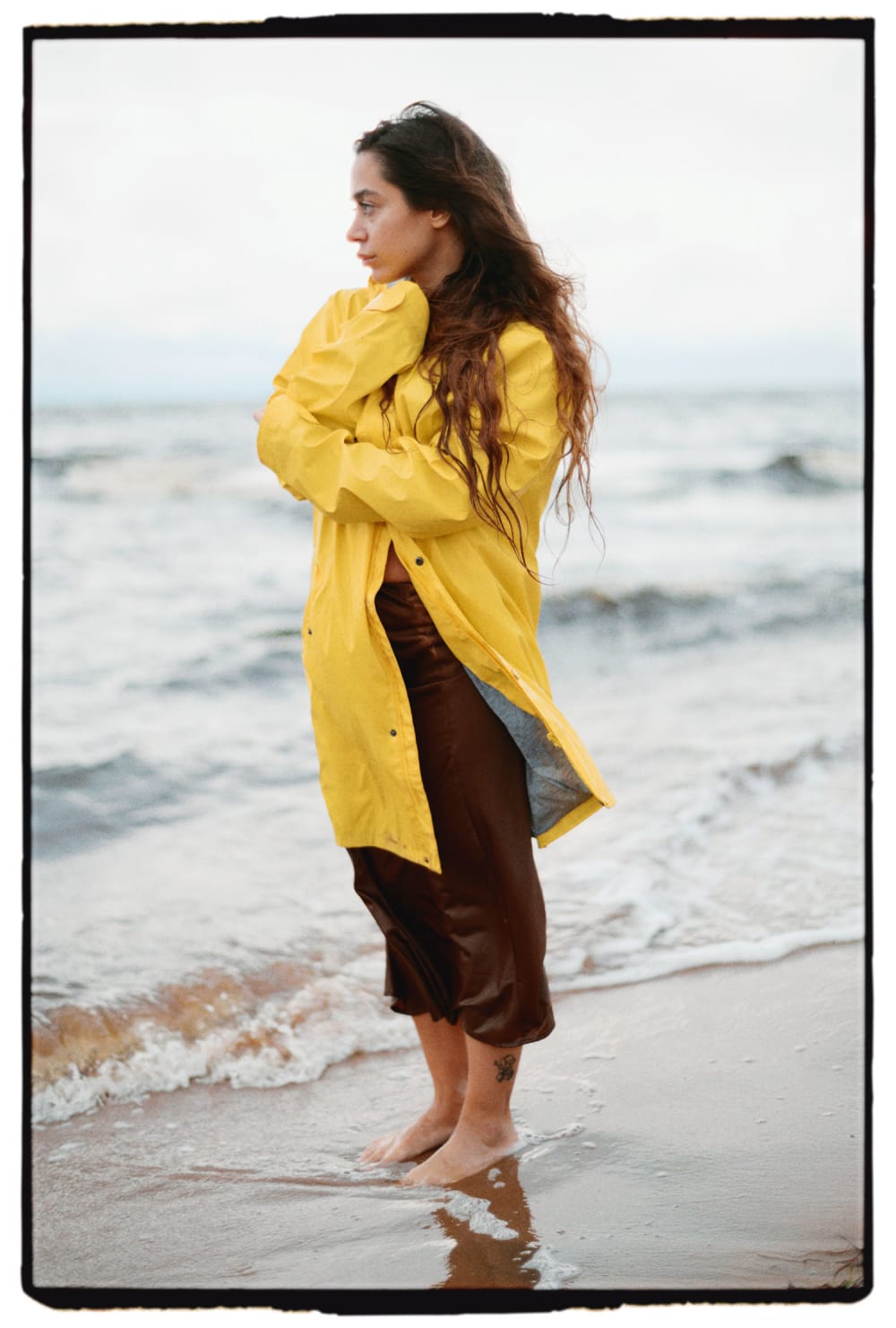
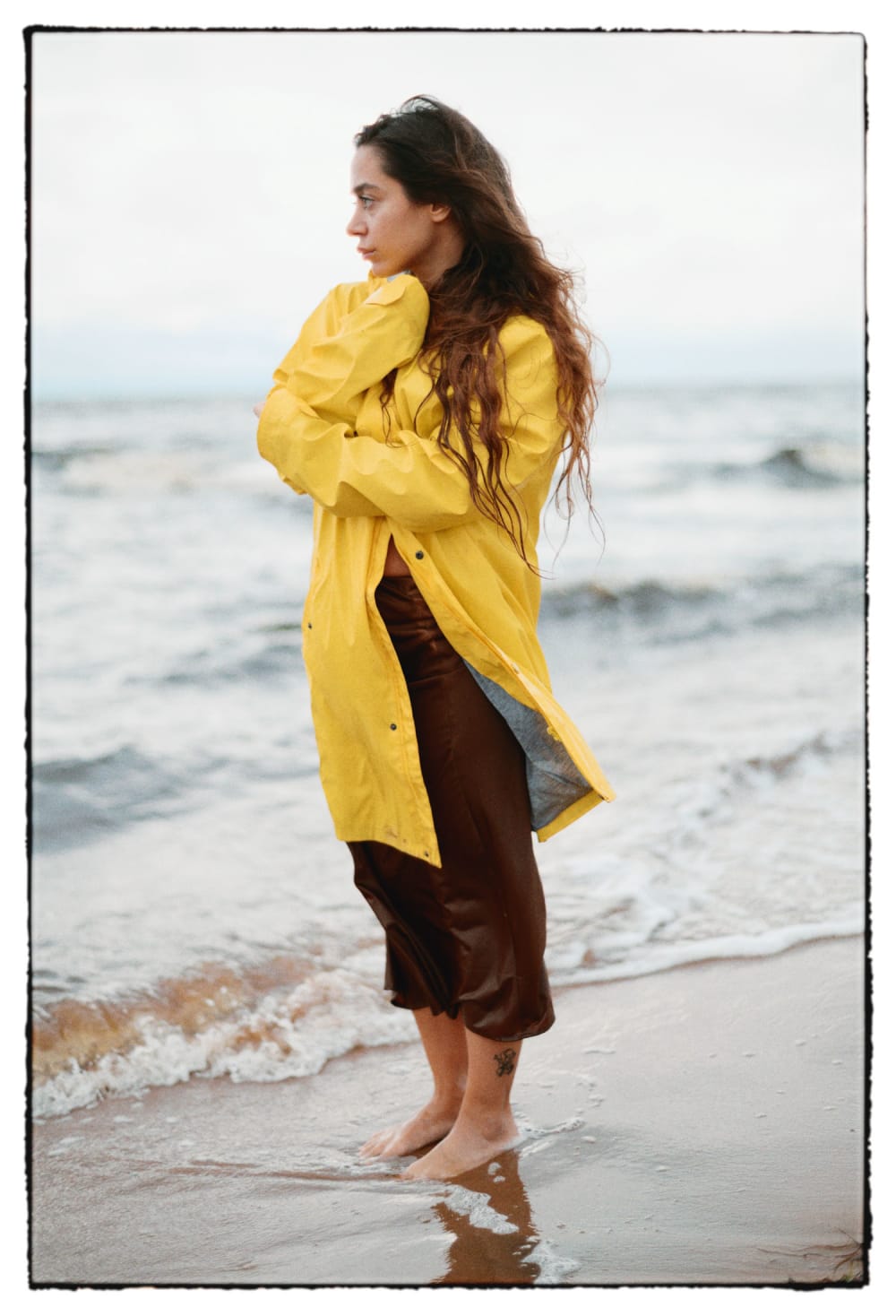
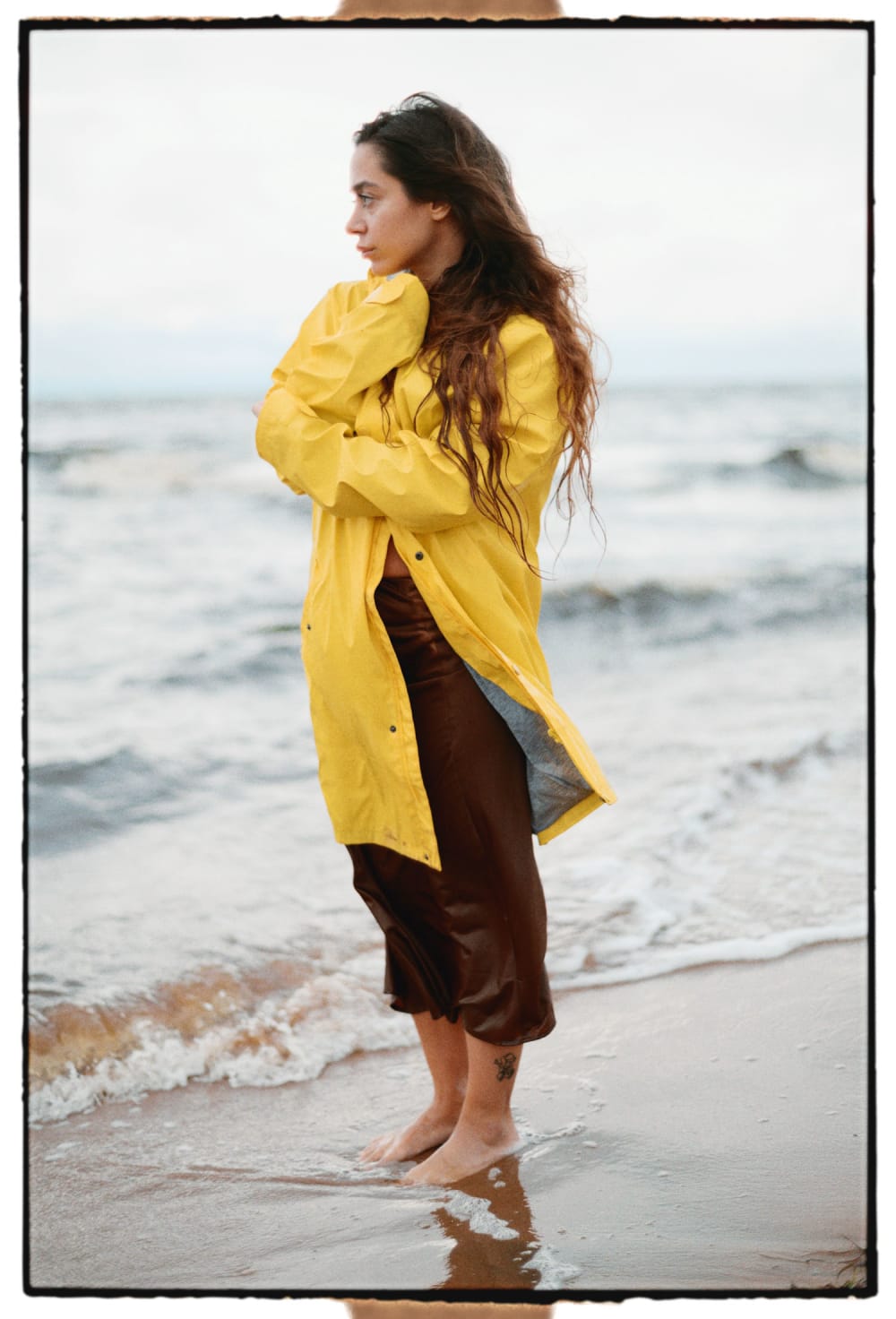
The process of full-frame printing or overscanning of film negatives historically emerged from contact sheets and proof prints. By opening up the enlarger mask or scanner mask, light passes beyond the intended image gate, revealing the negative’s natural edge and the surrounding unexposed rebate. This results in a dark, irregular border. Today, some film labs still offer overscanning, but only with certain scanner types and usually at a significant cost, reflecting the added time and effort.

Film borders were once common in documentary practices, where it was important to show that nothing had been cropped or otherwise manipulated. Today it’s purely an aesthetic choice that can add a tactile, analog feel to your images. This is what Poserframes is made for.

A note on randomness

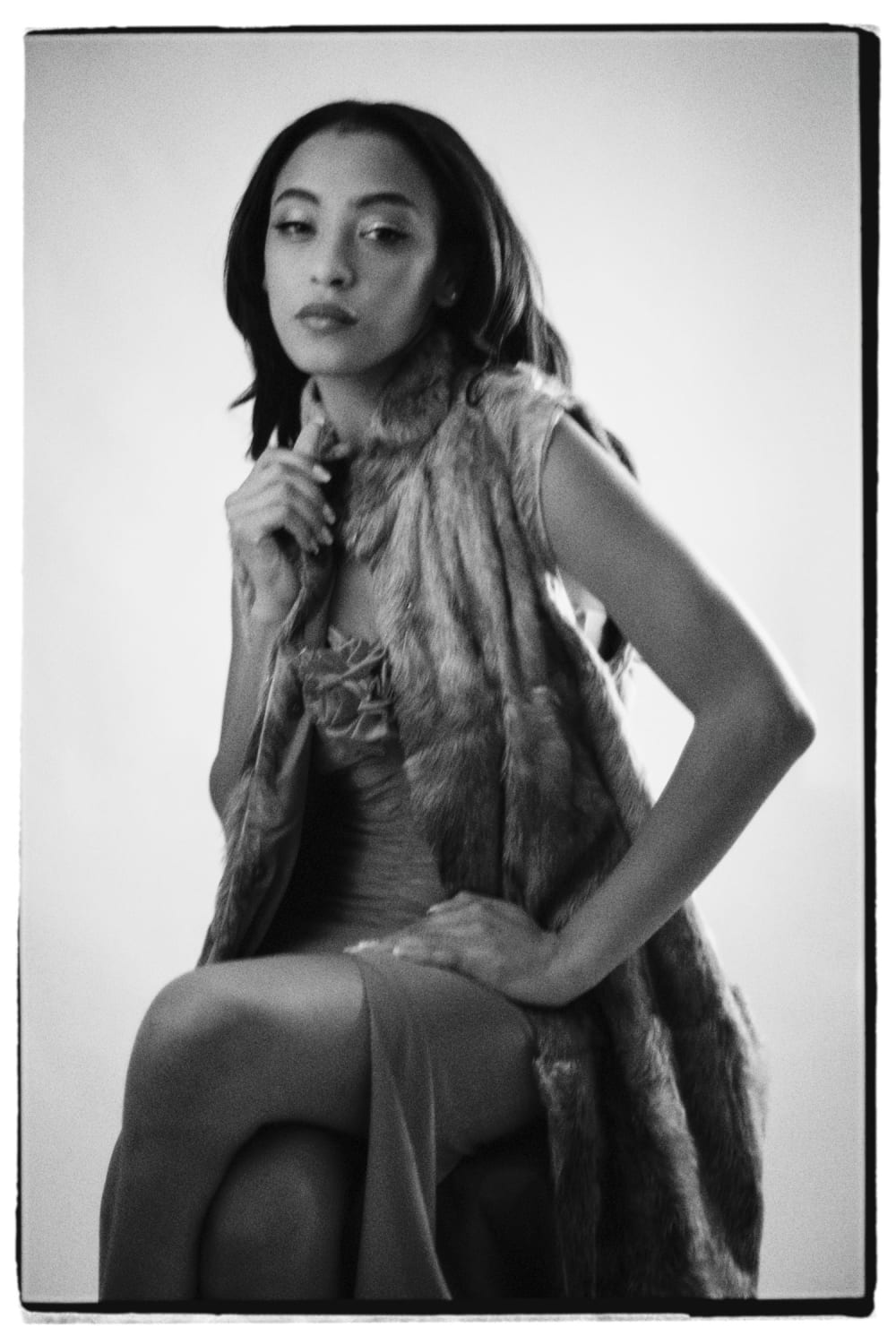
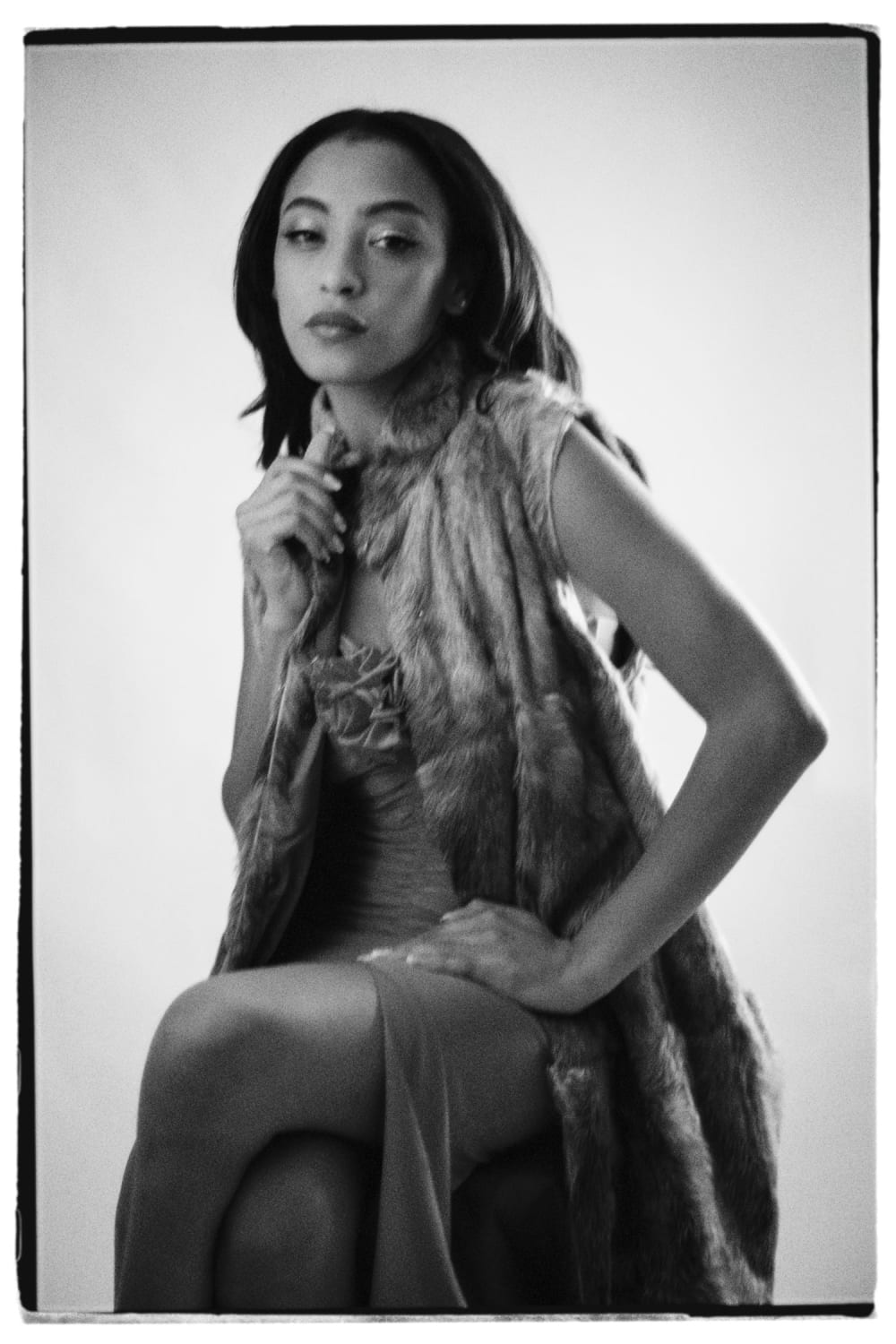
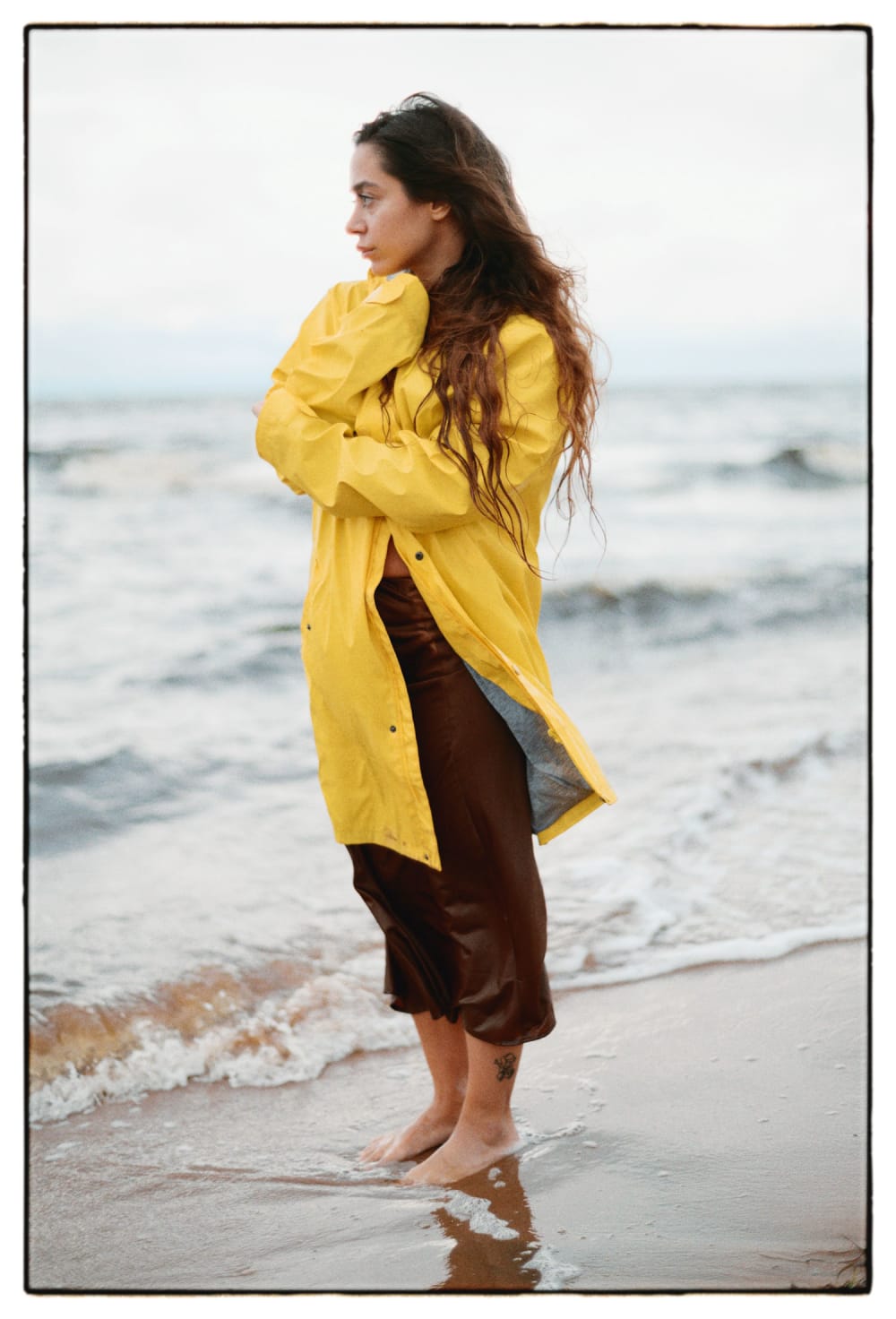
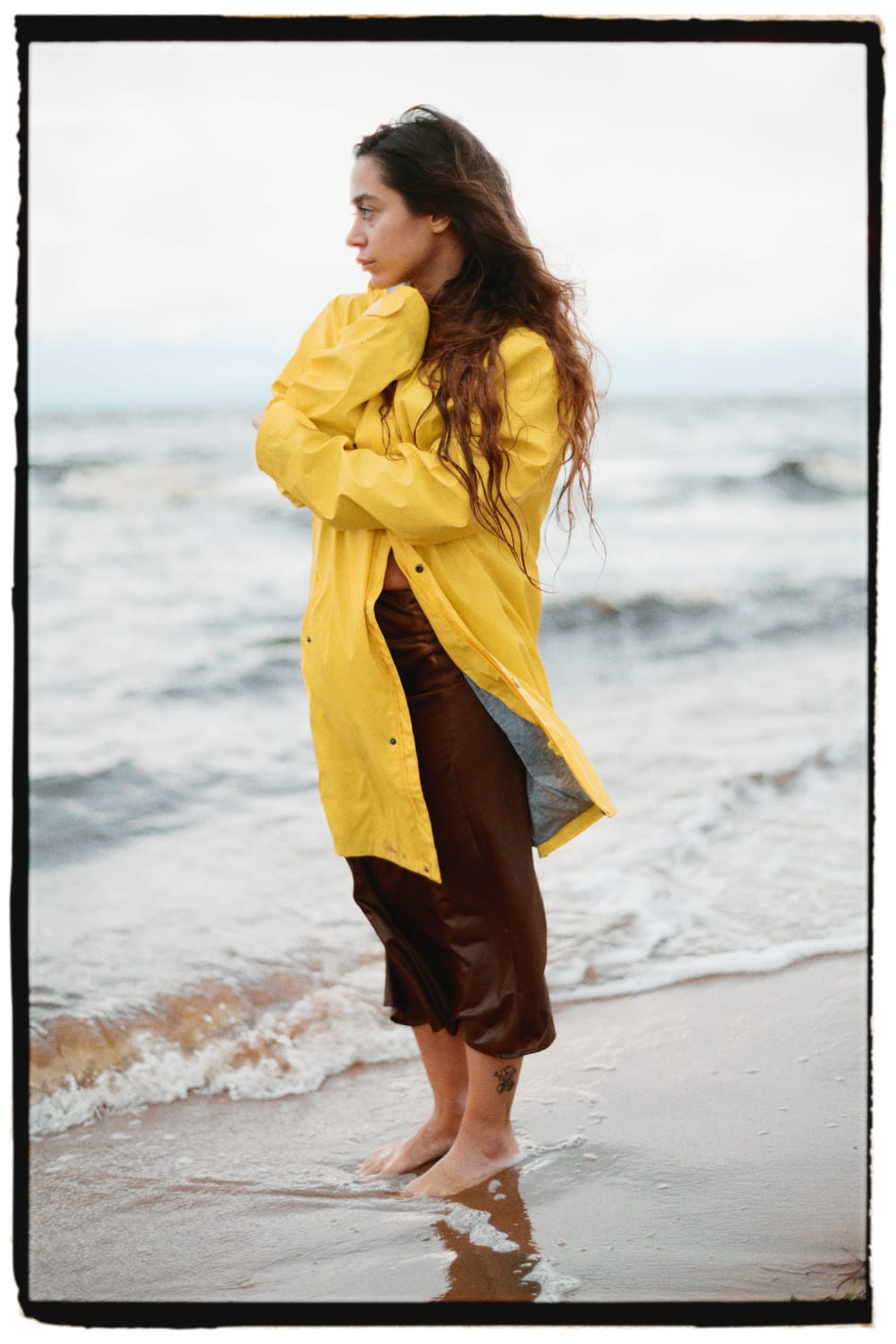
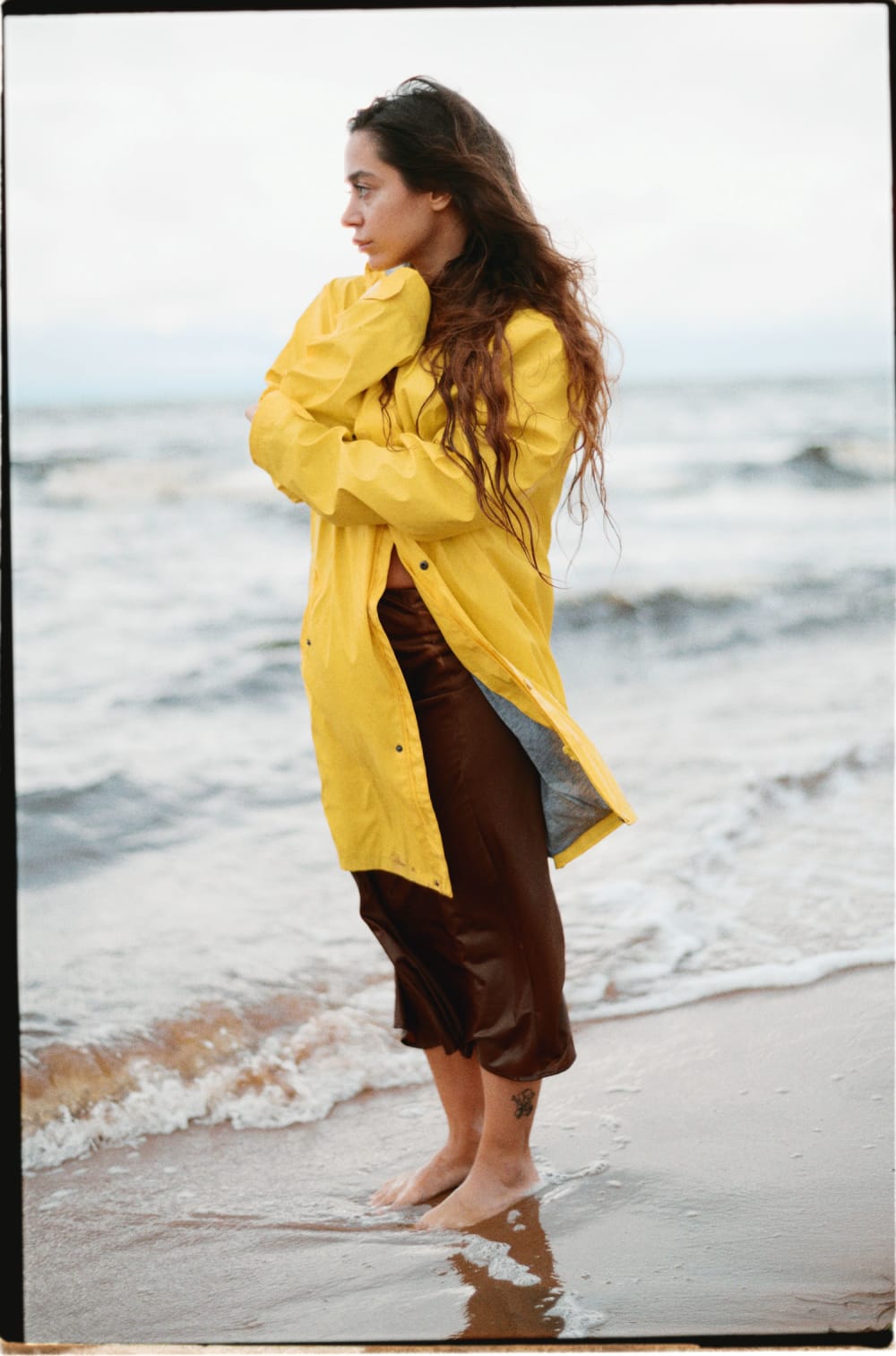
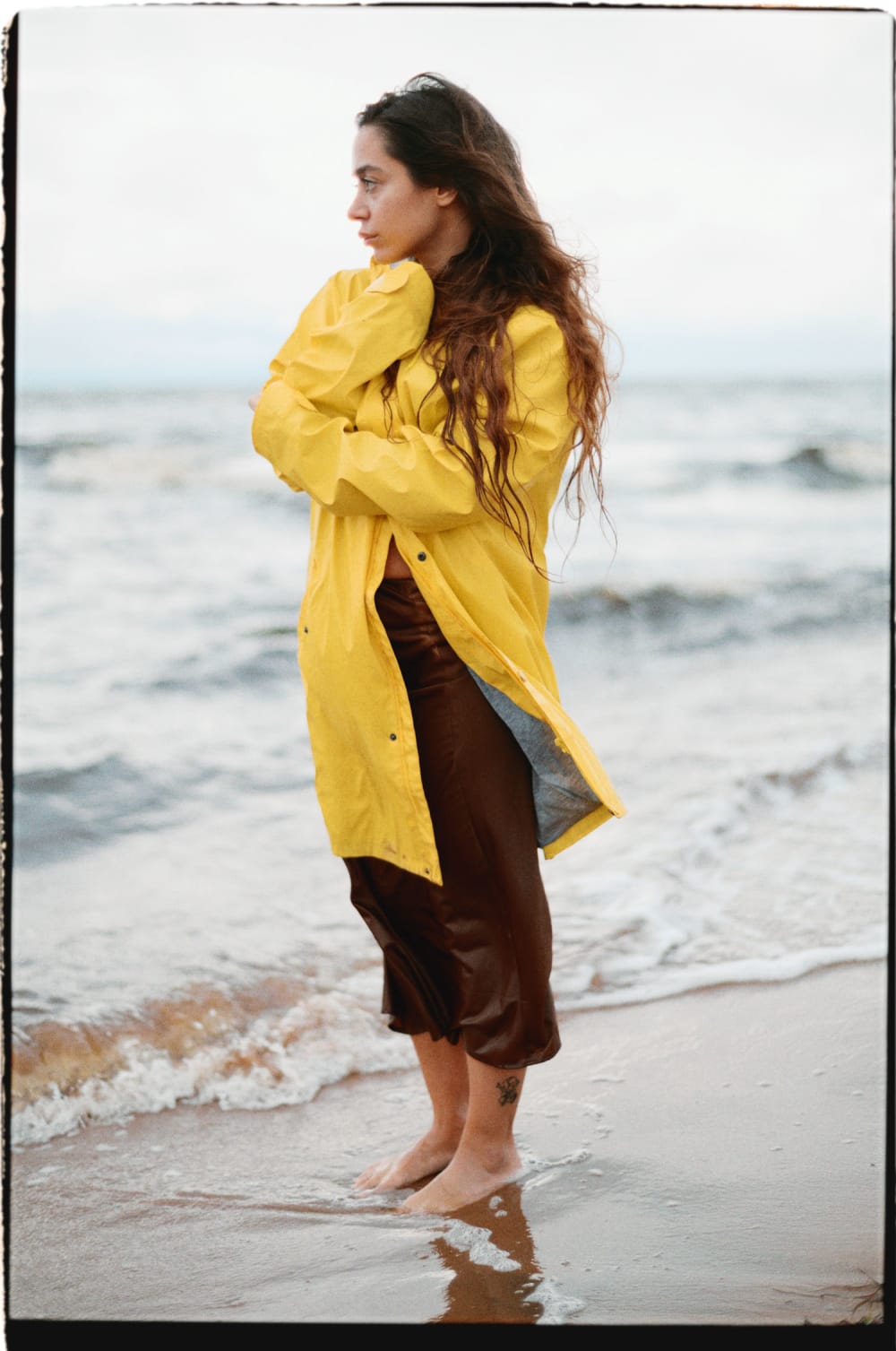
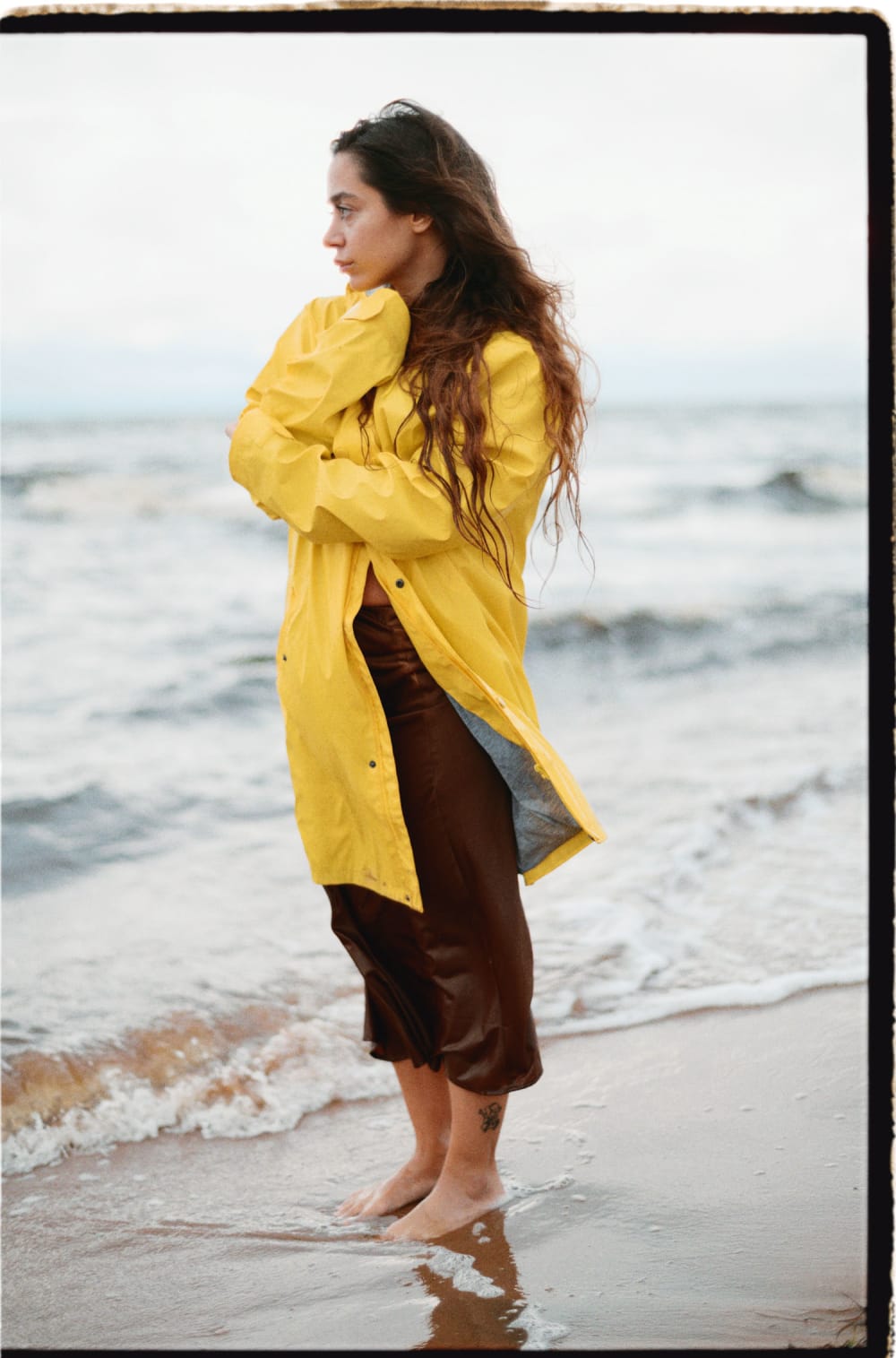
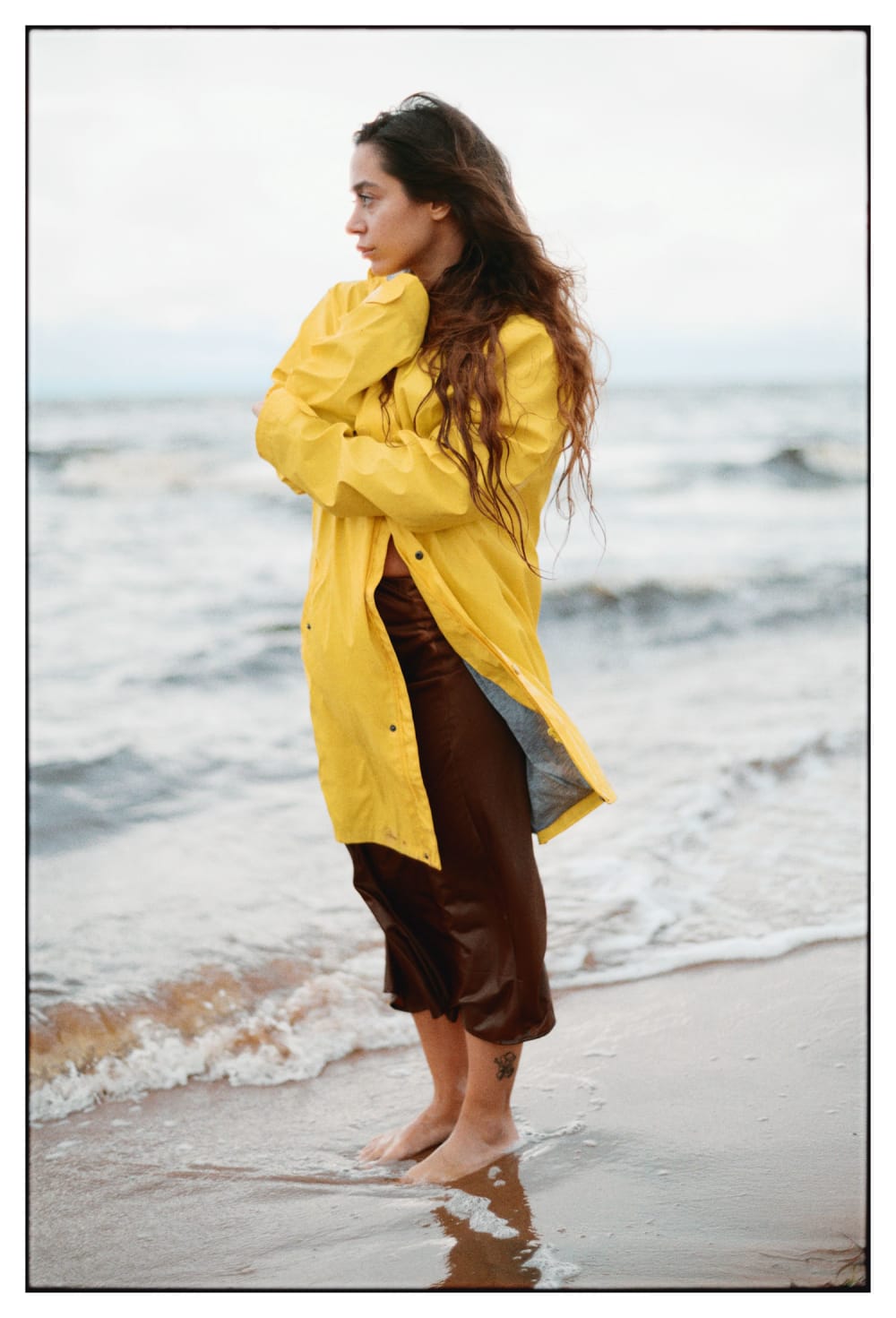
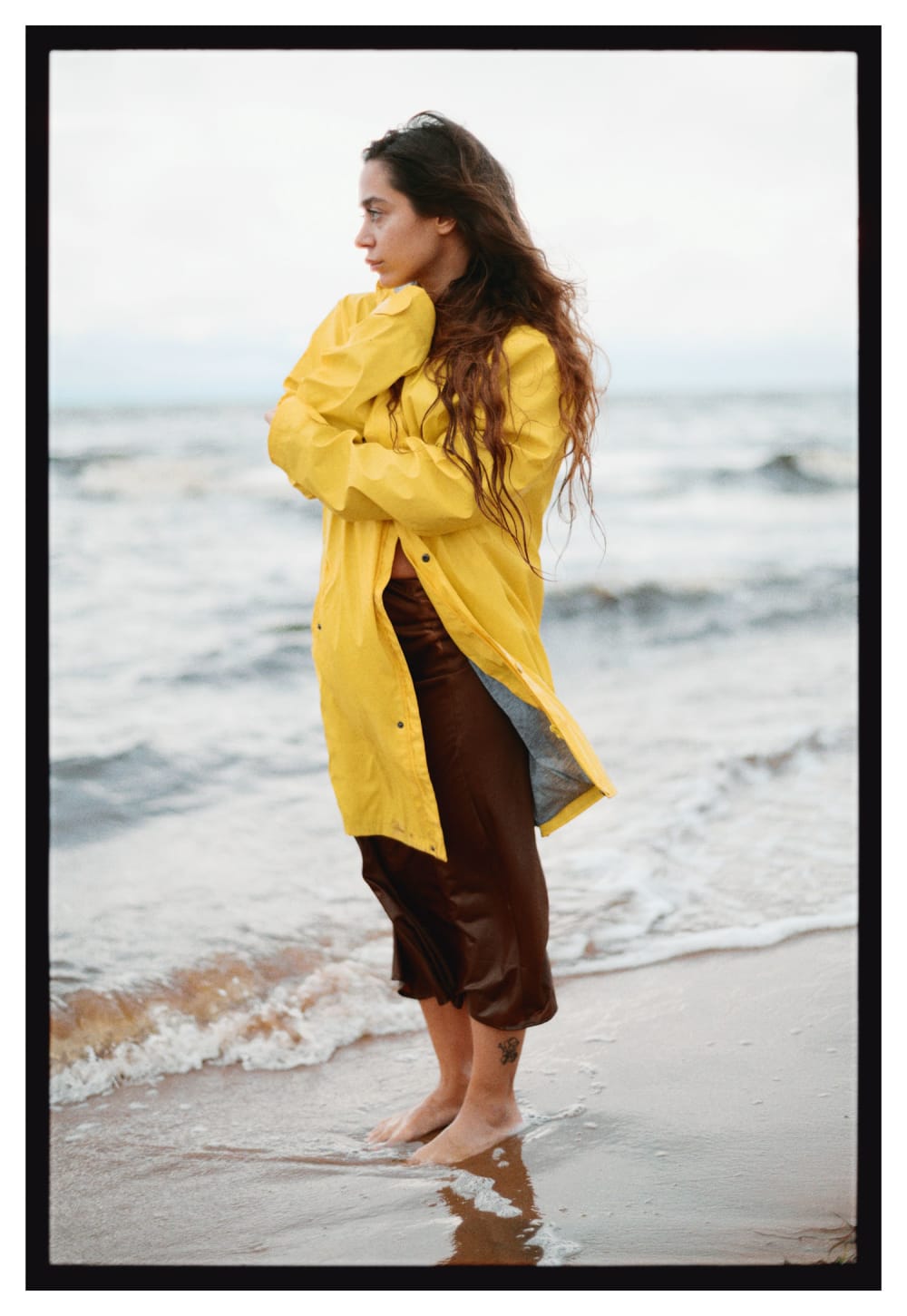
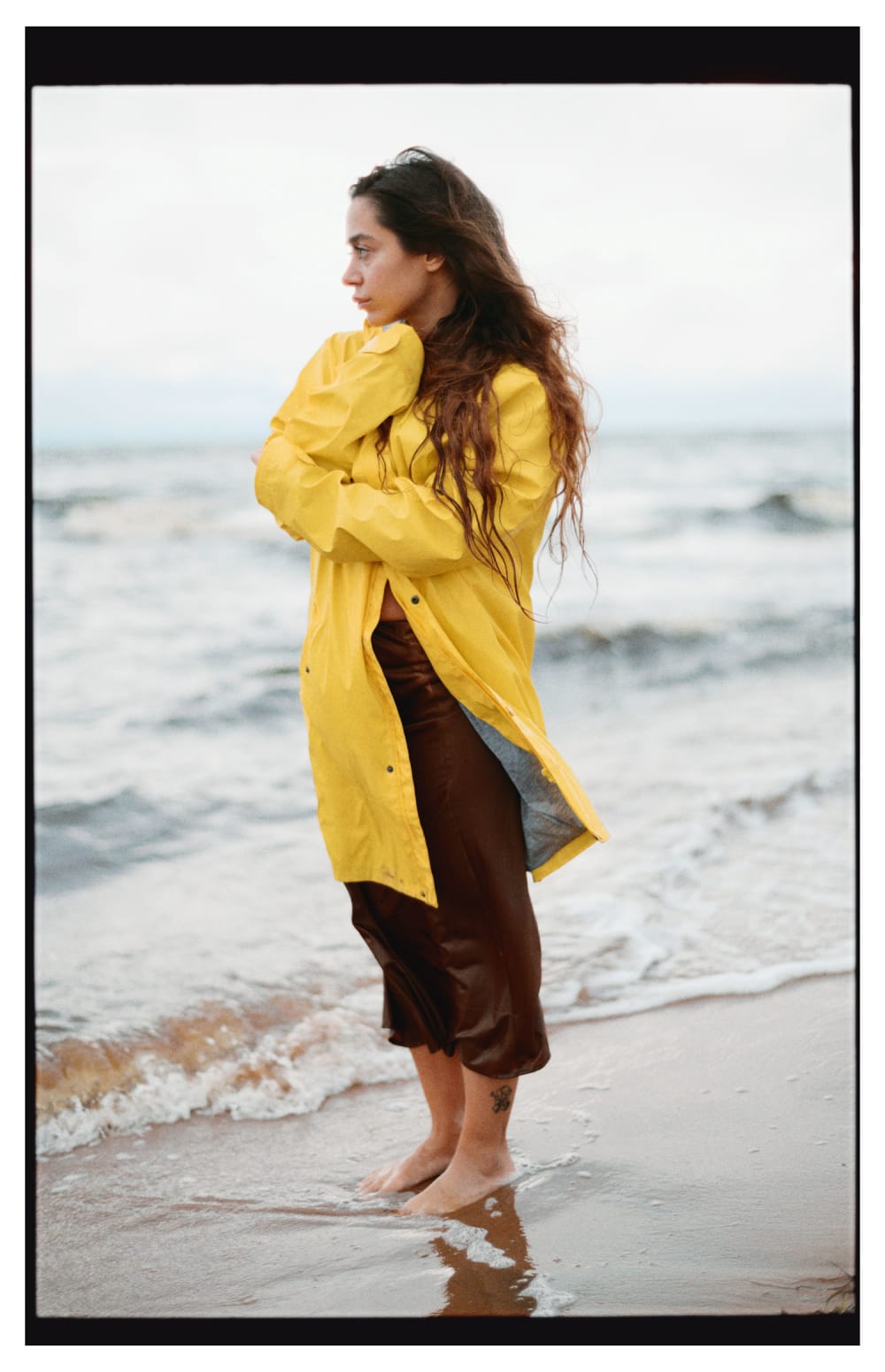
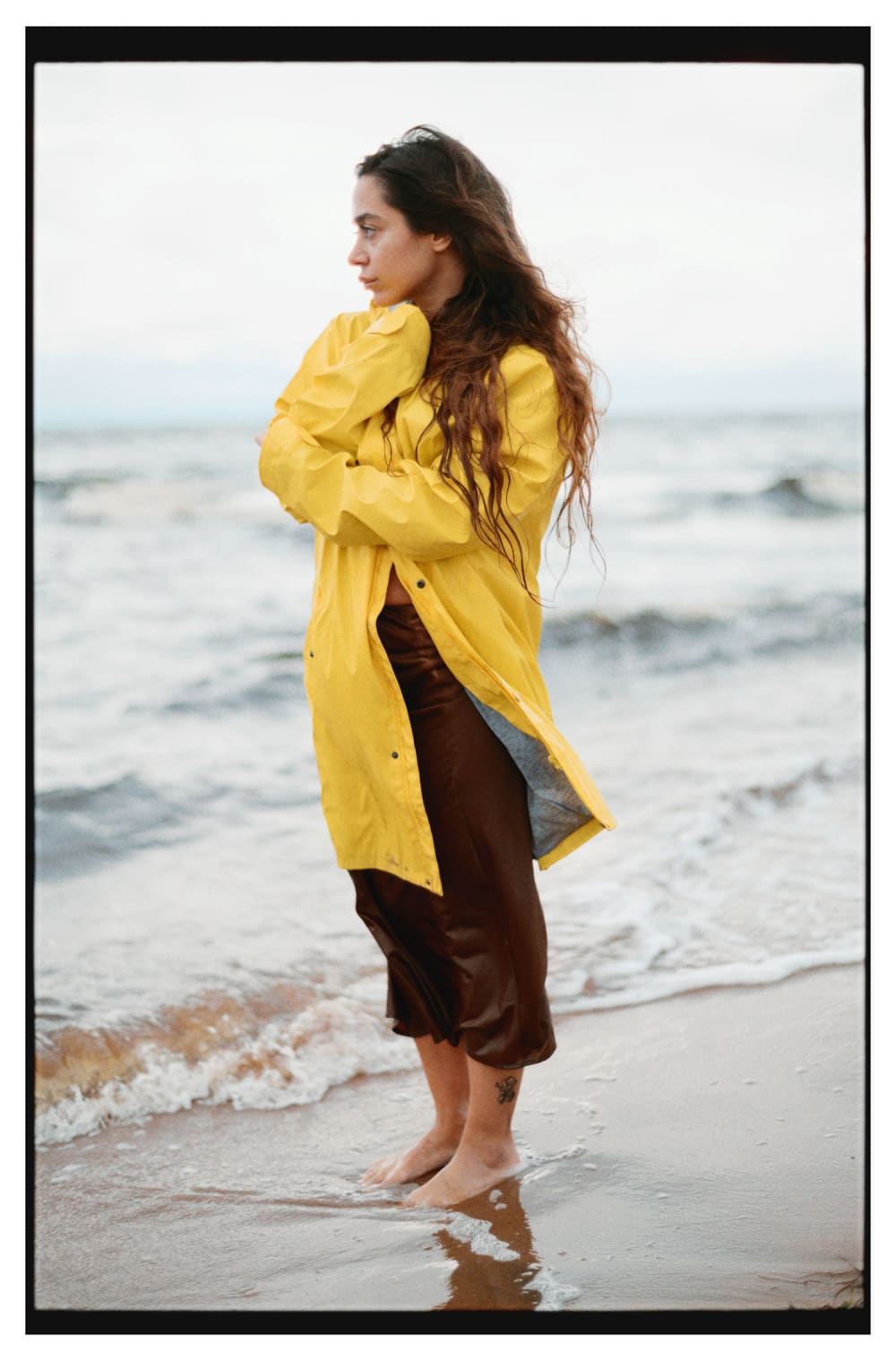
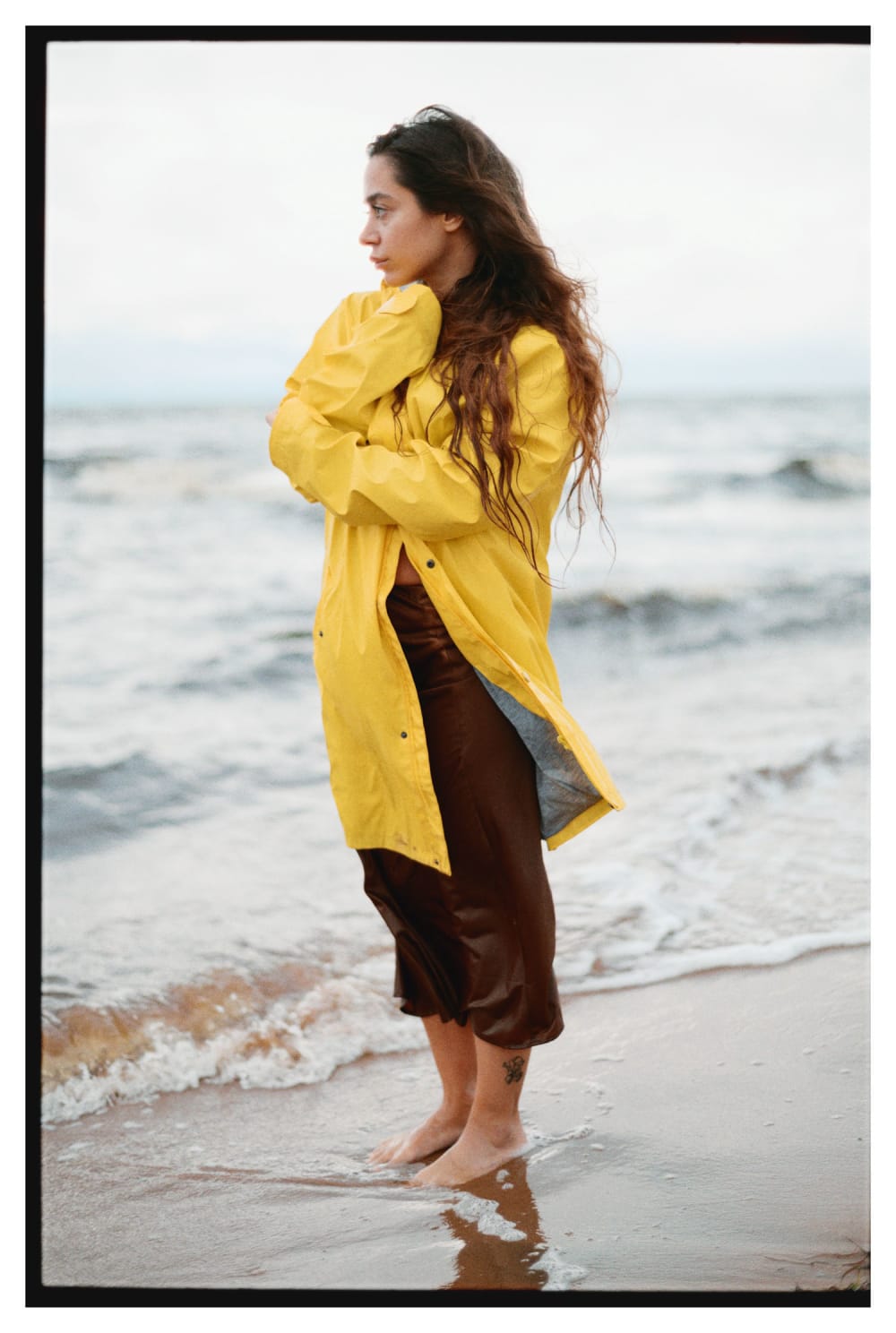
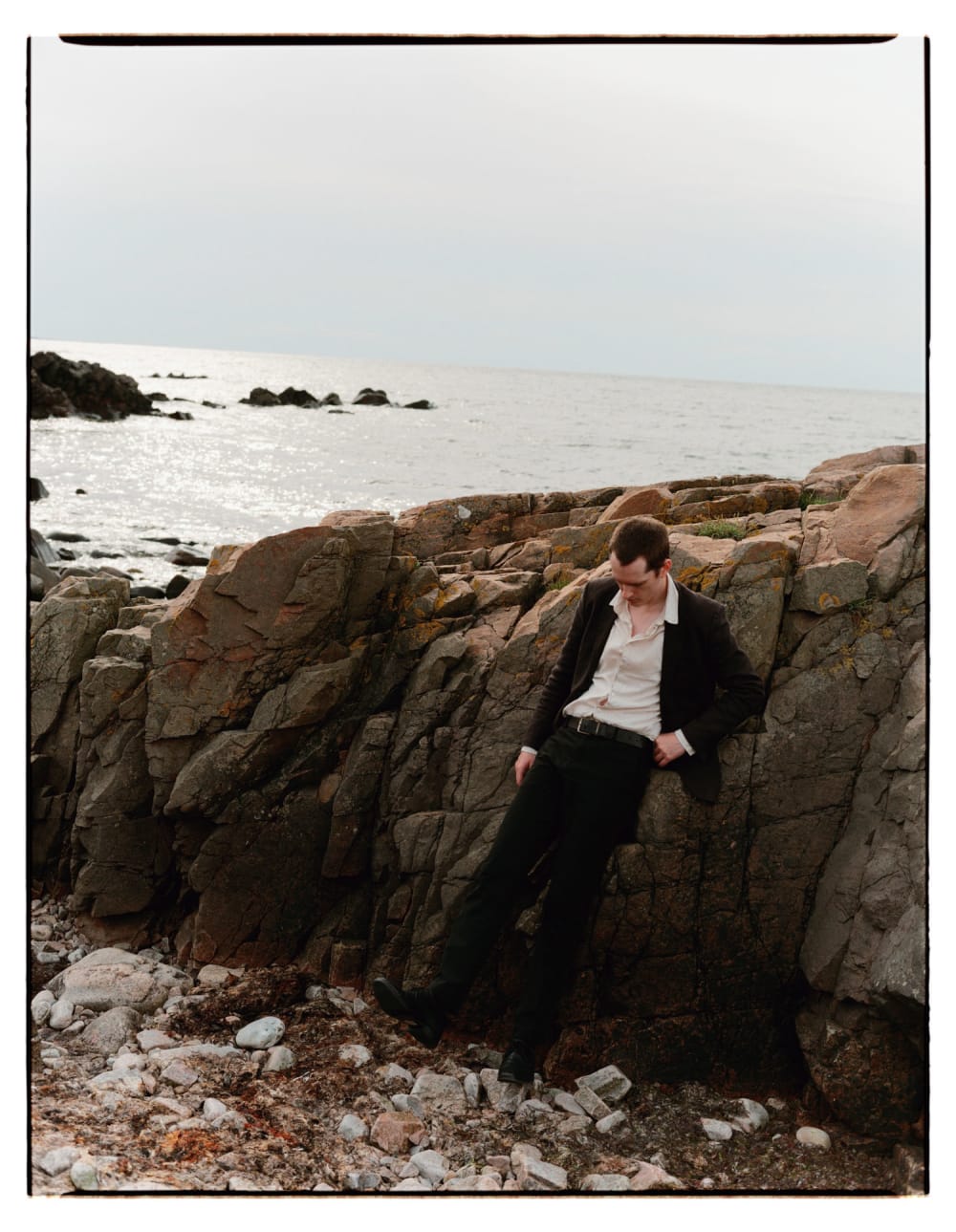
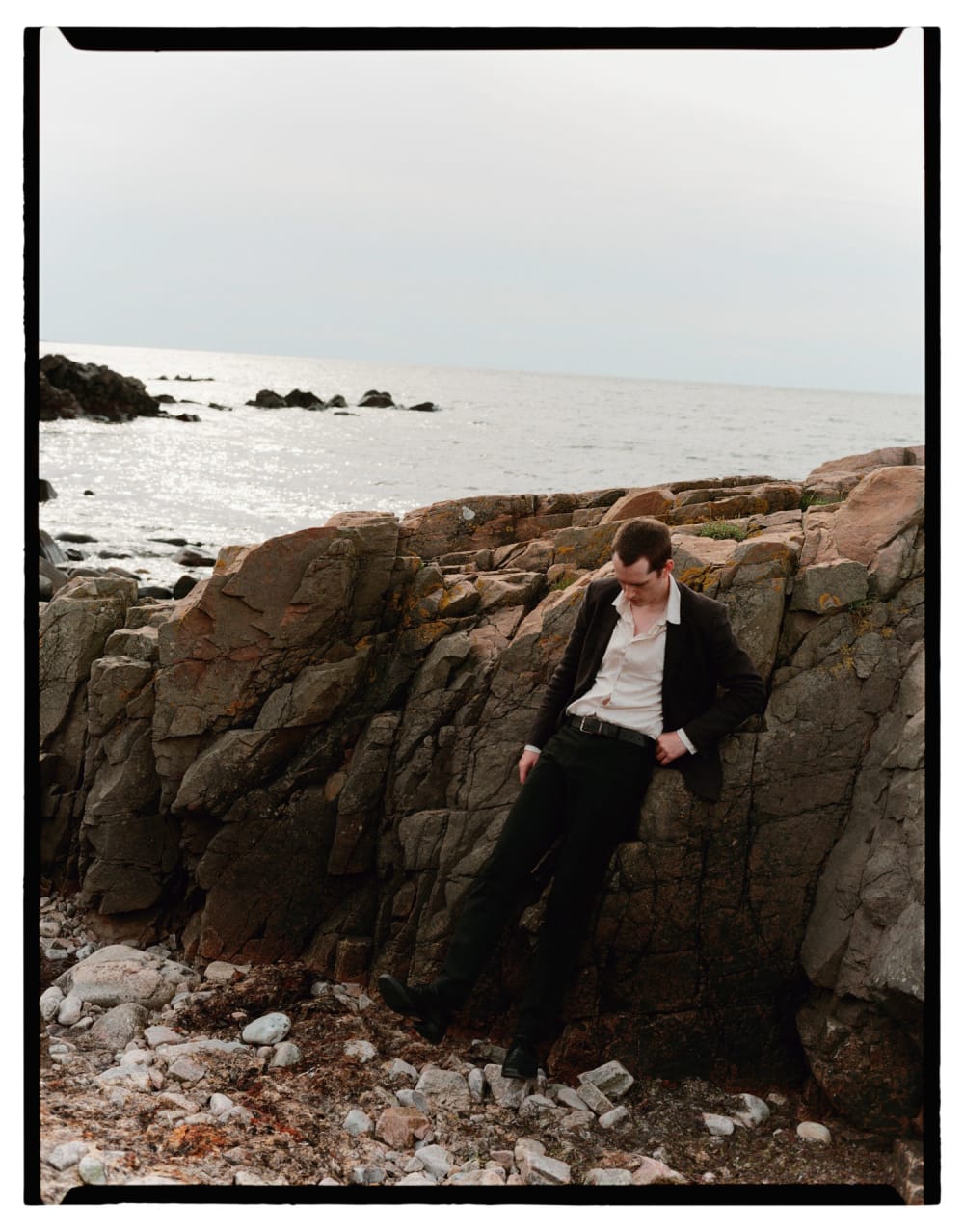
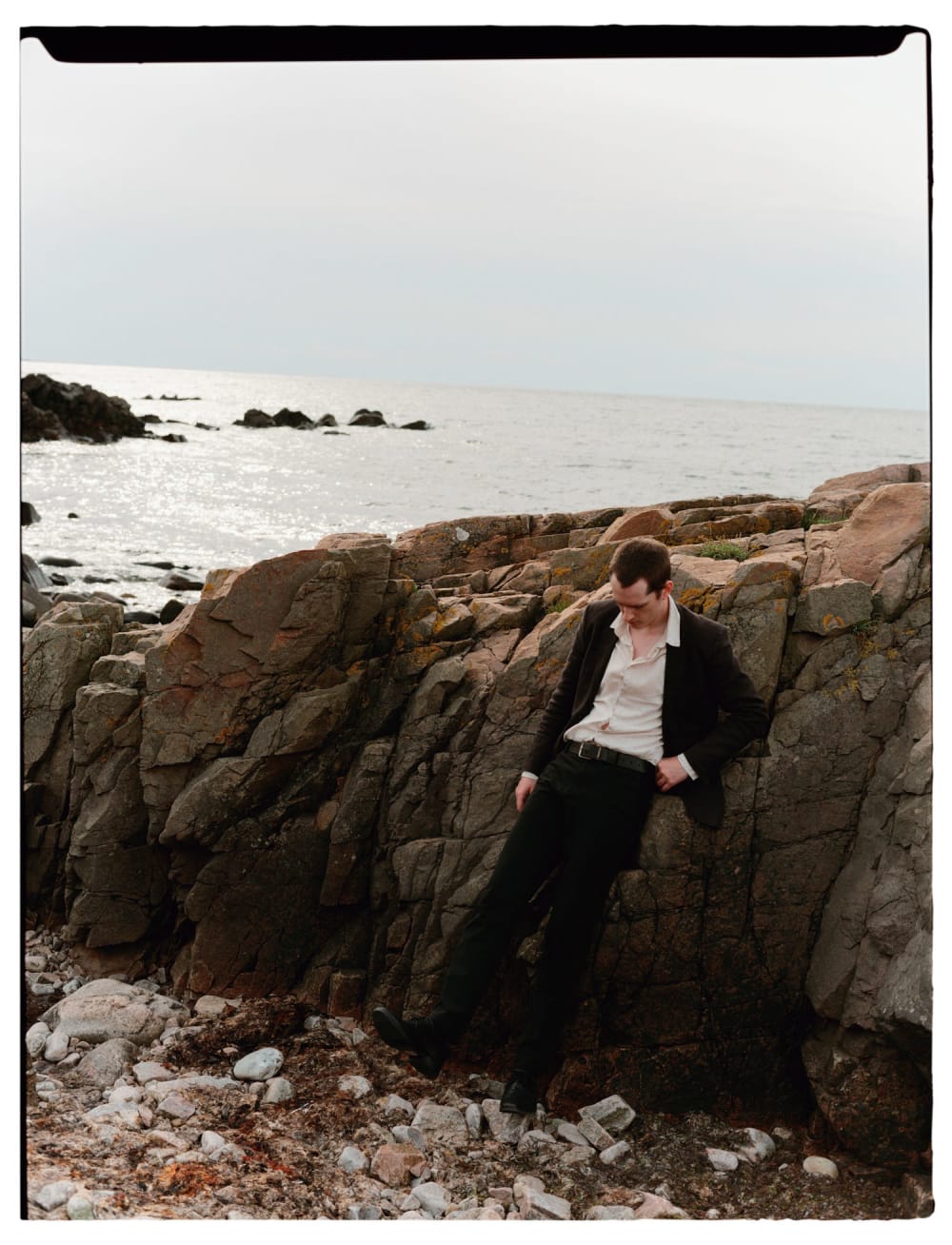
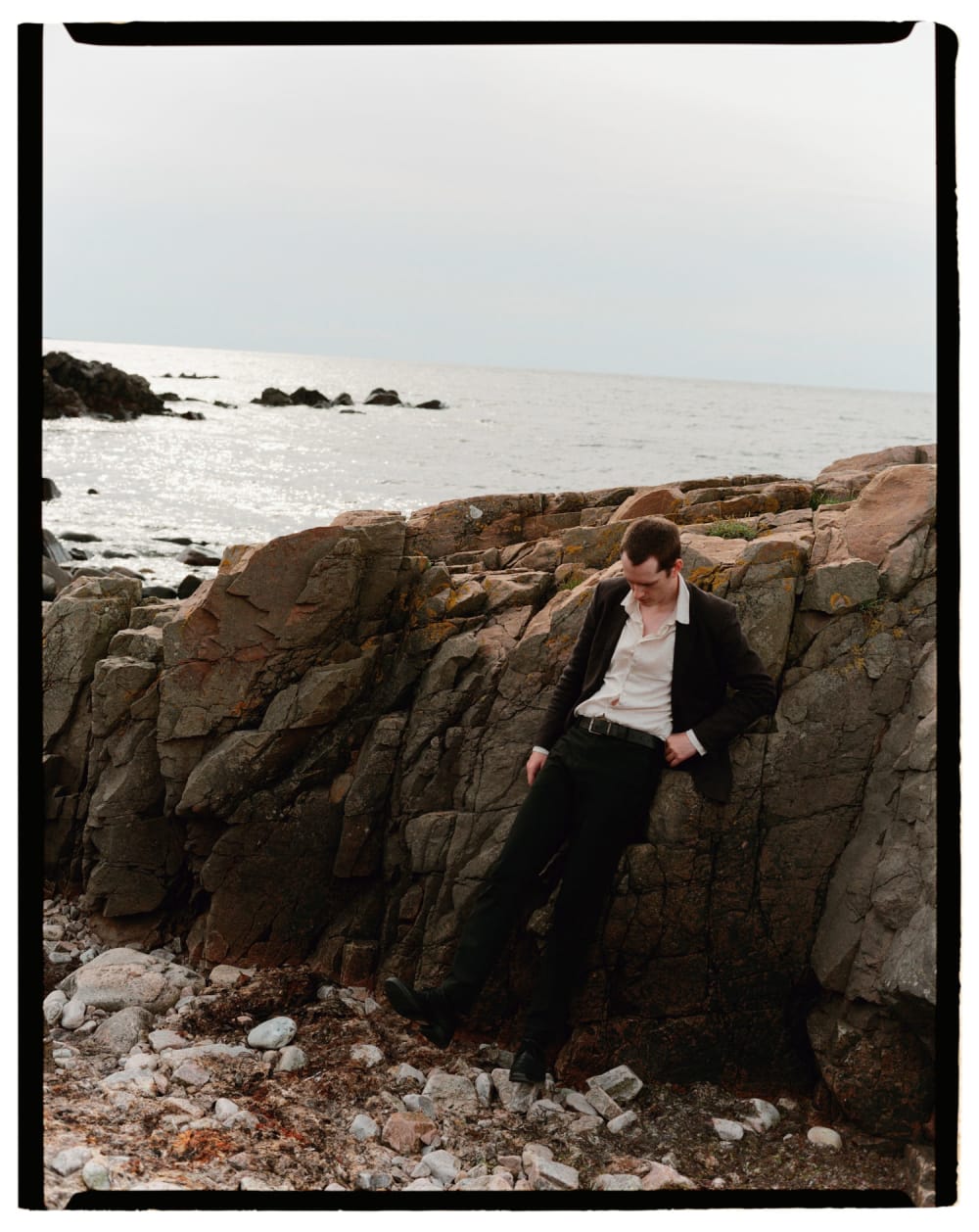
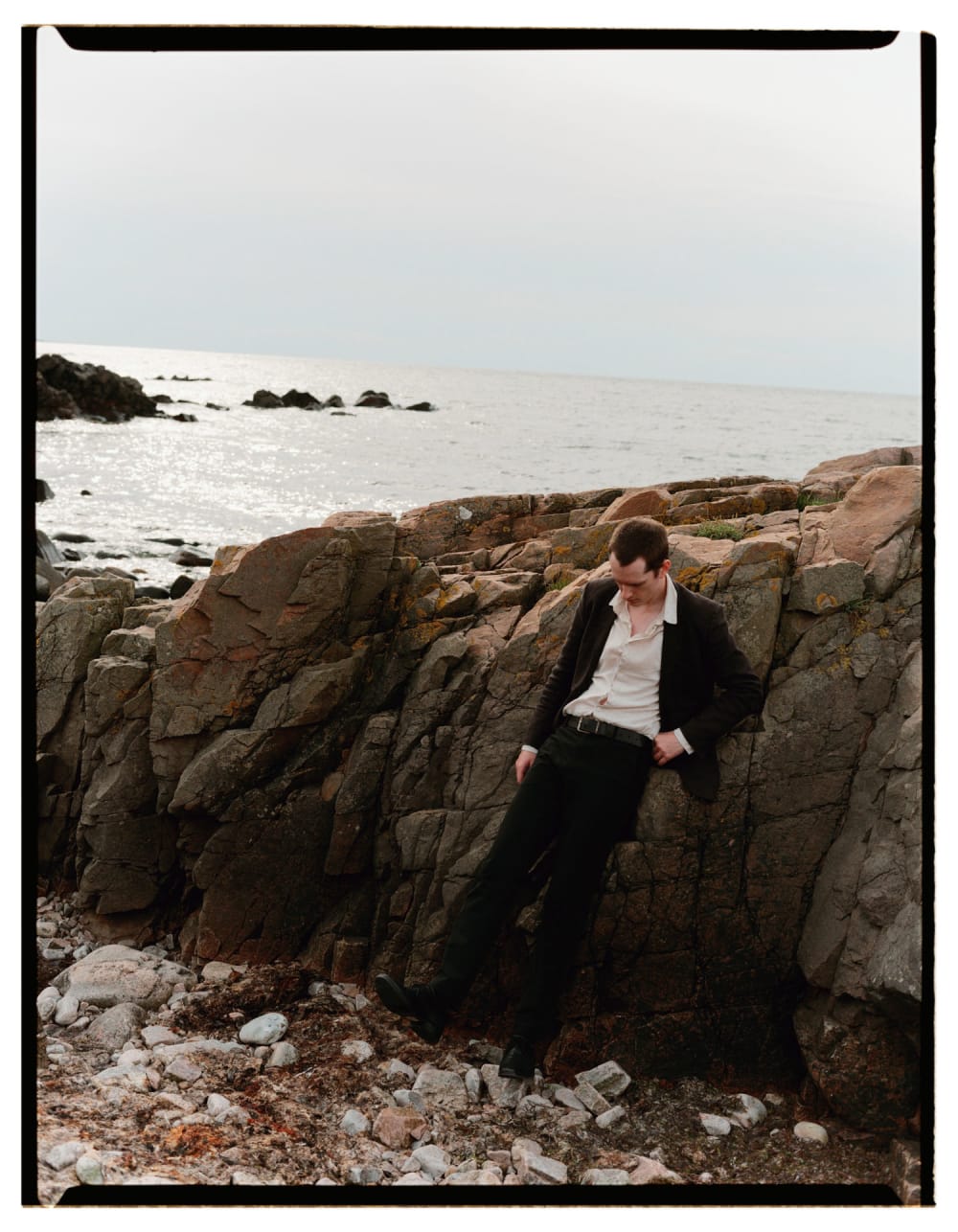
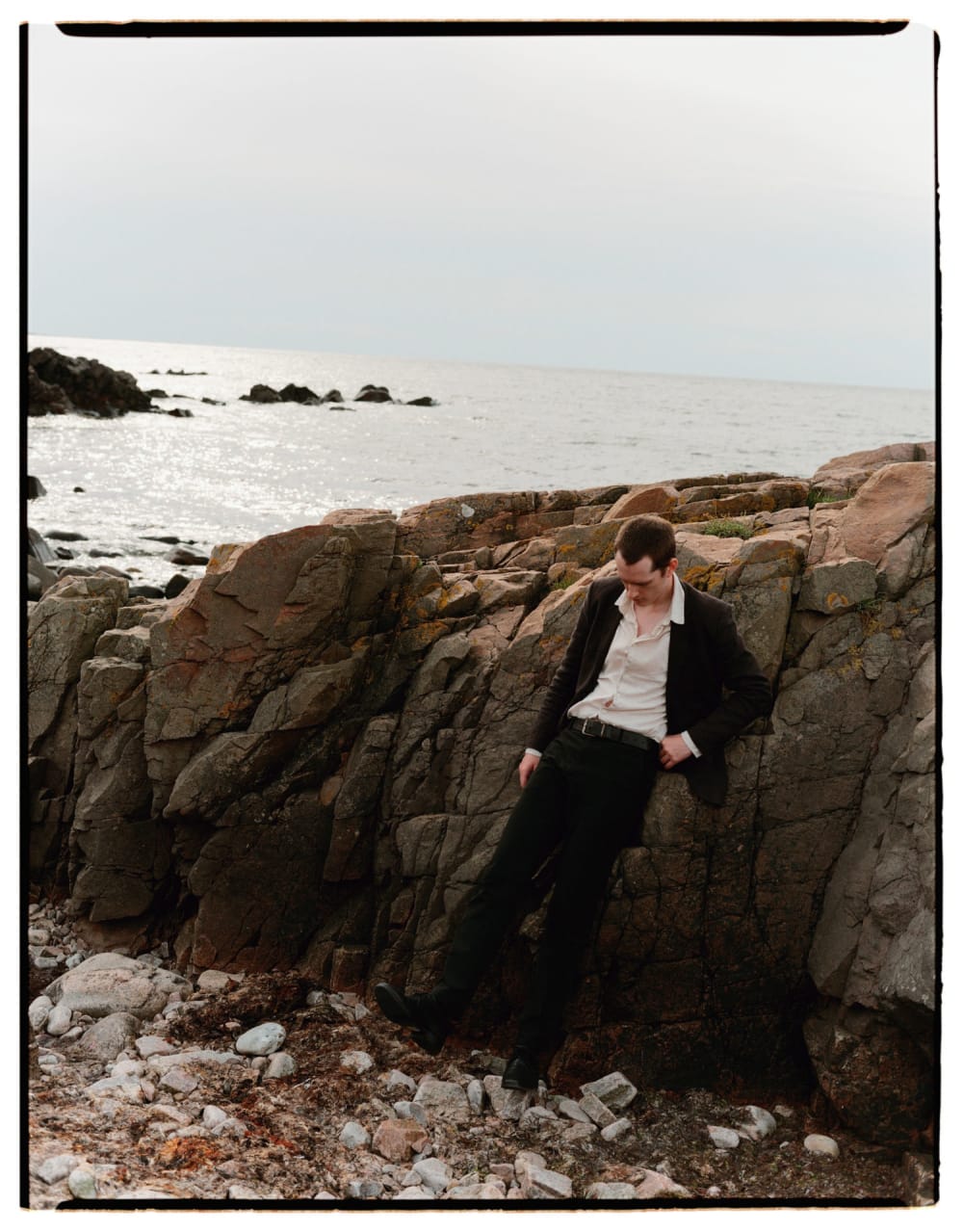
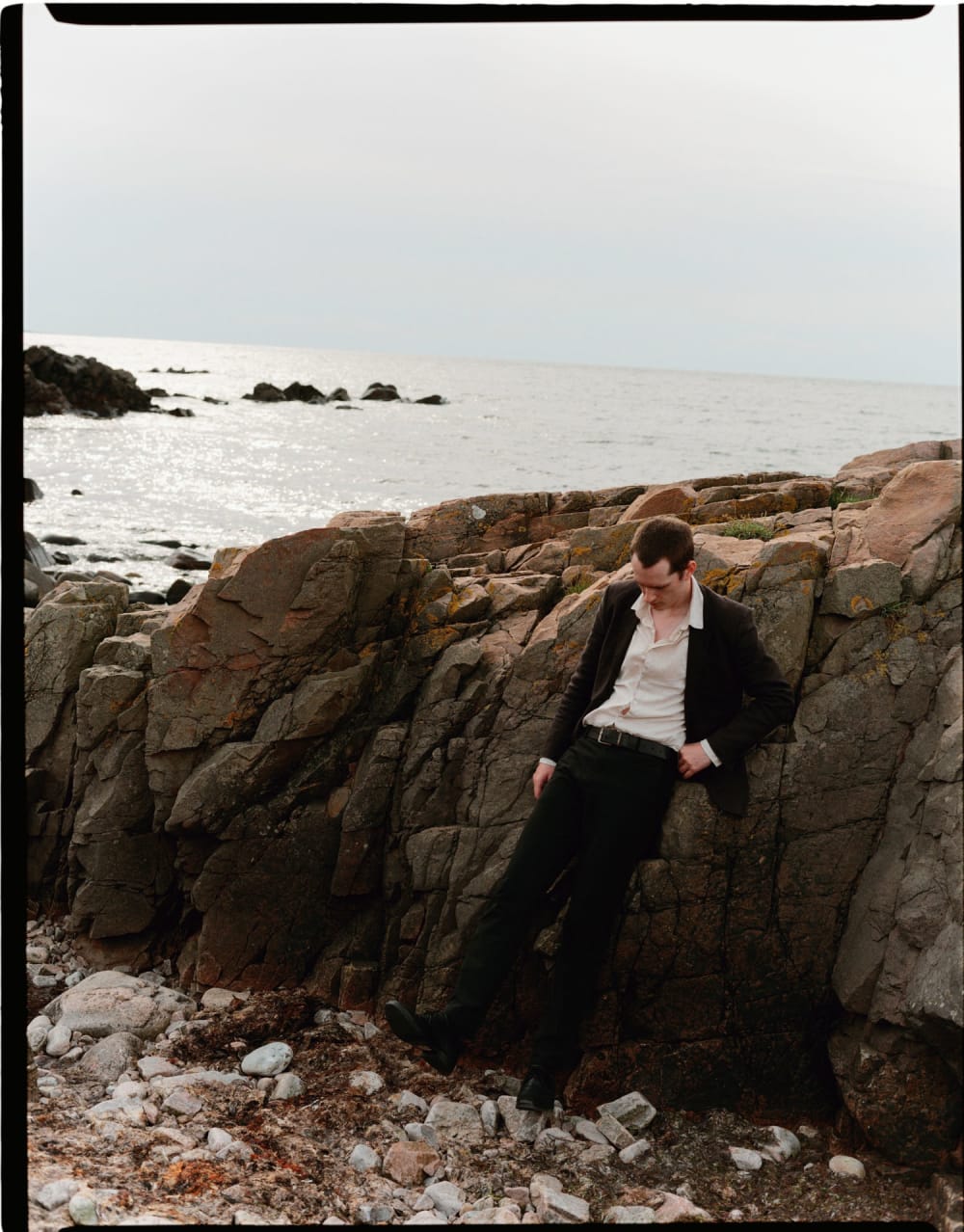
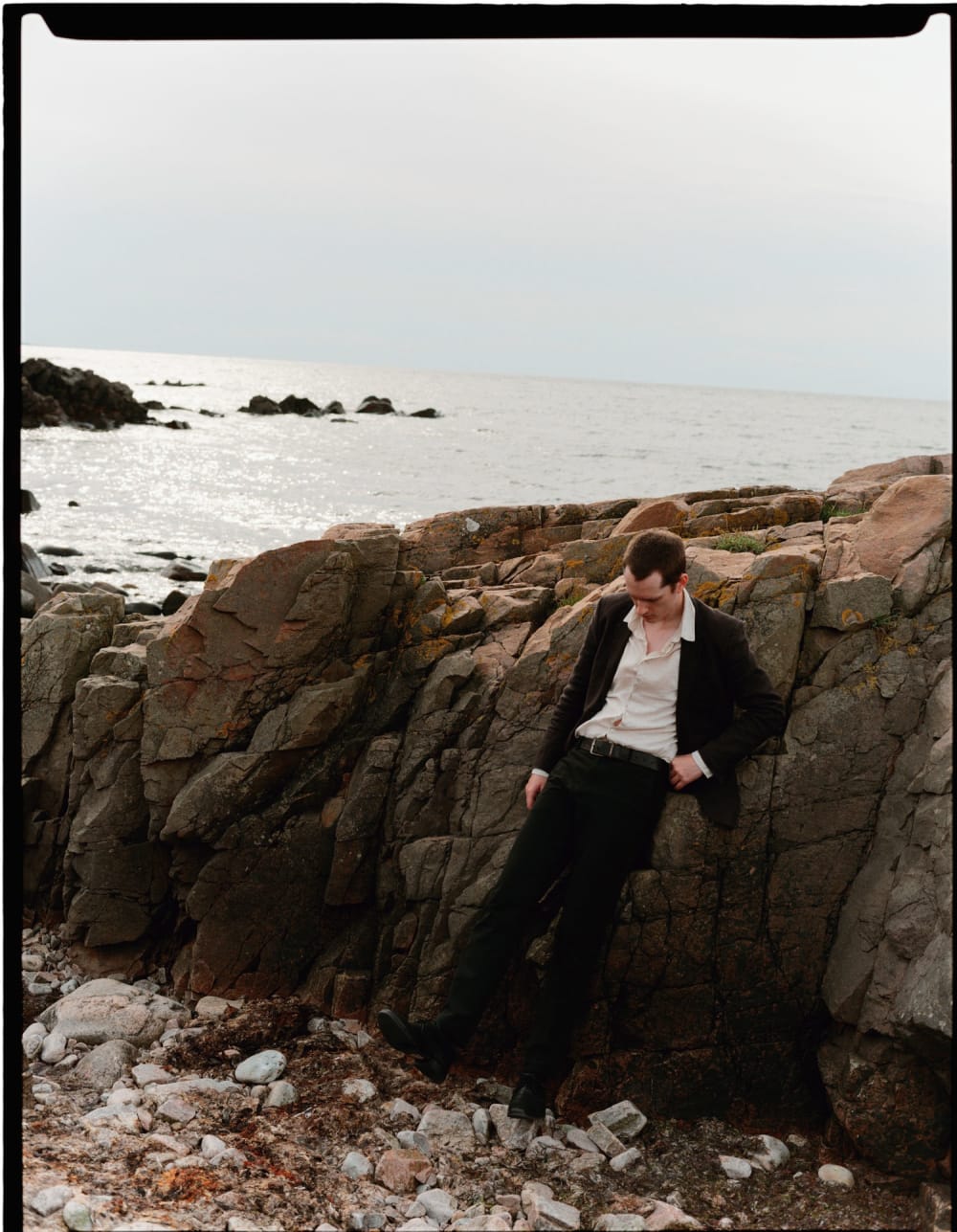
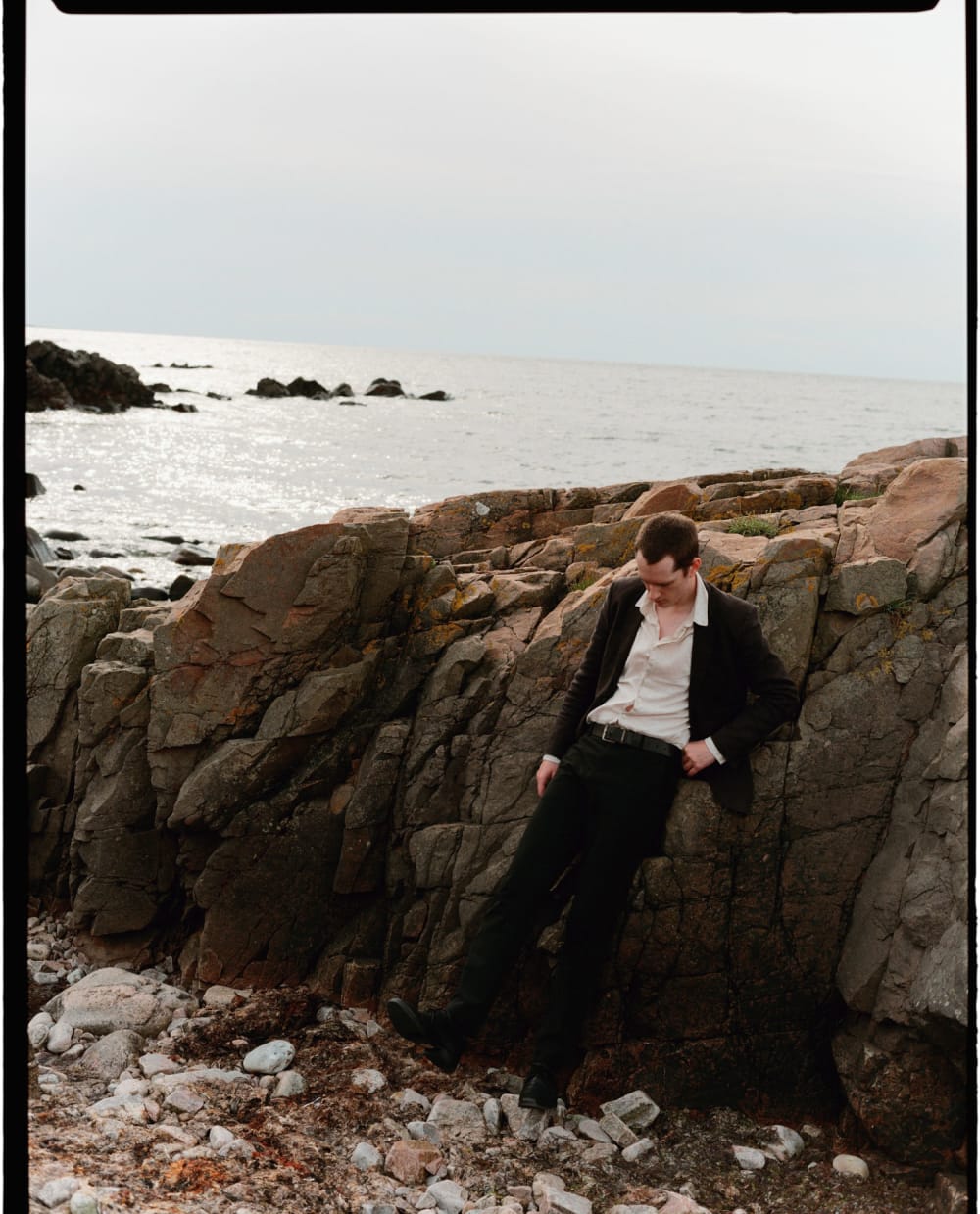
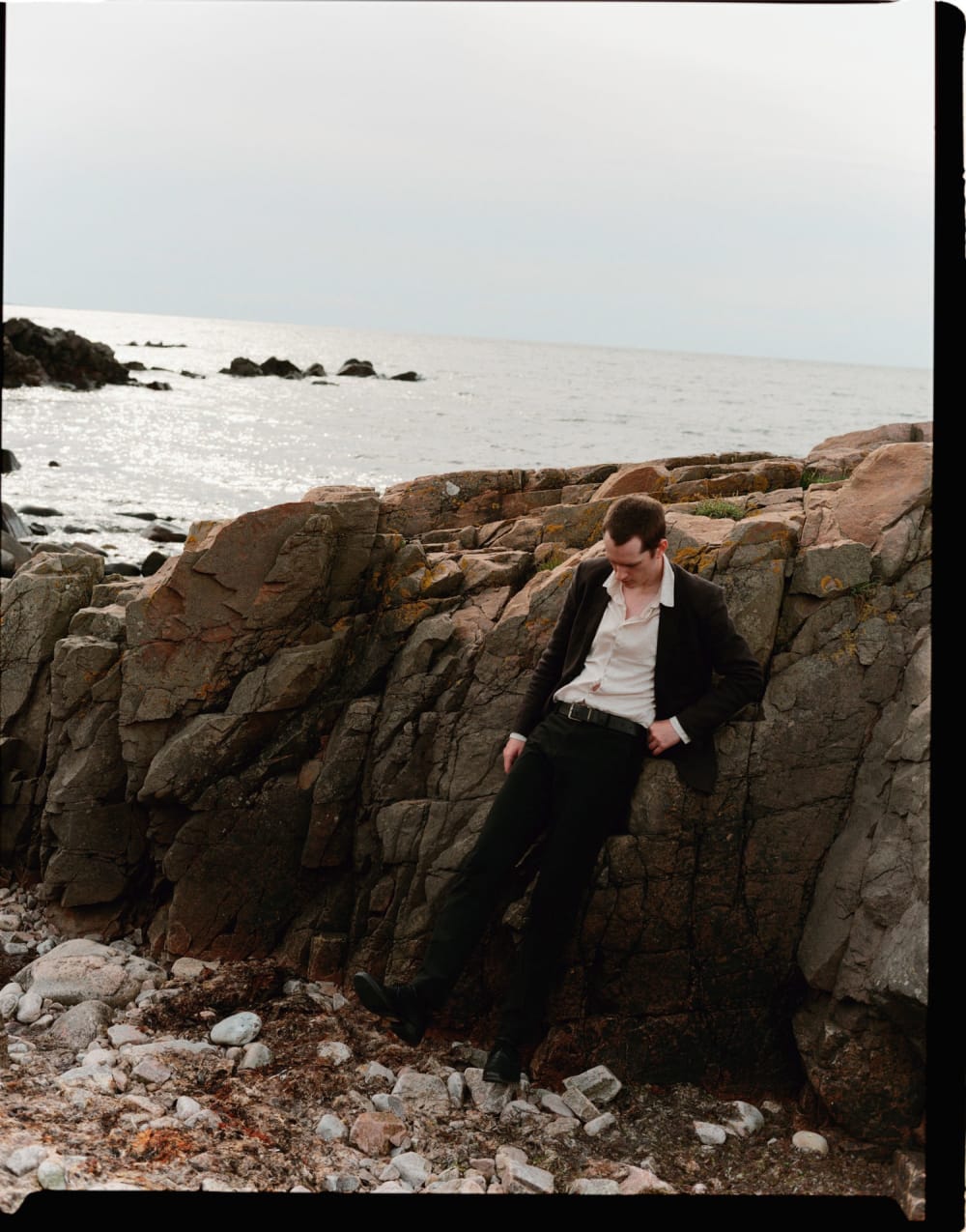
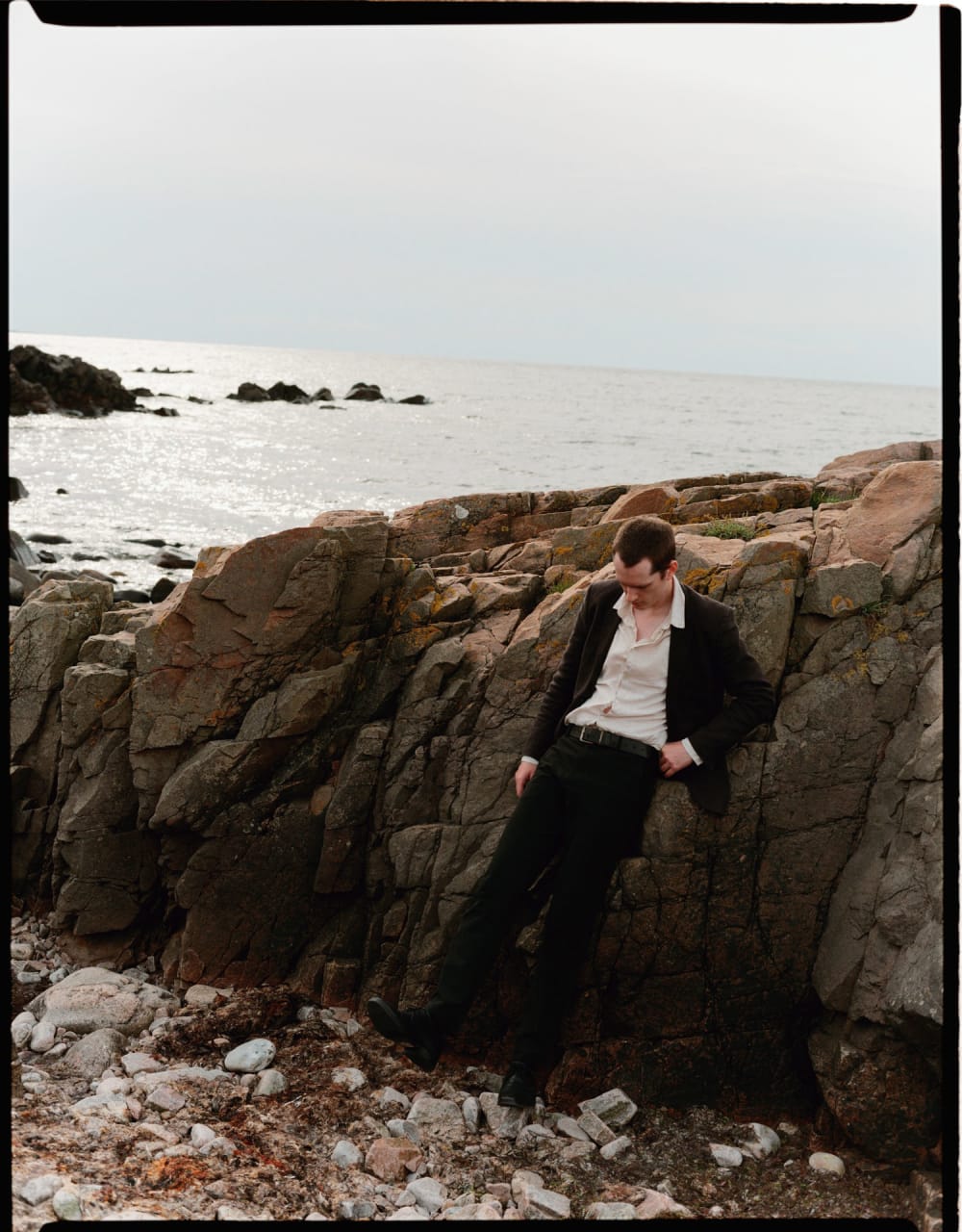
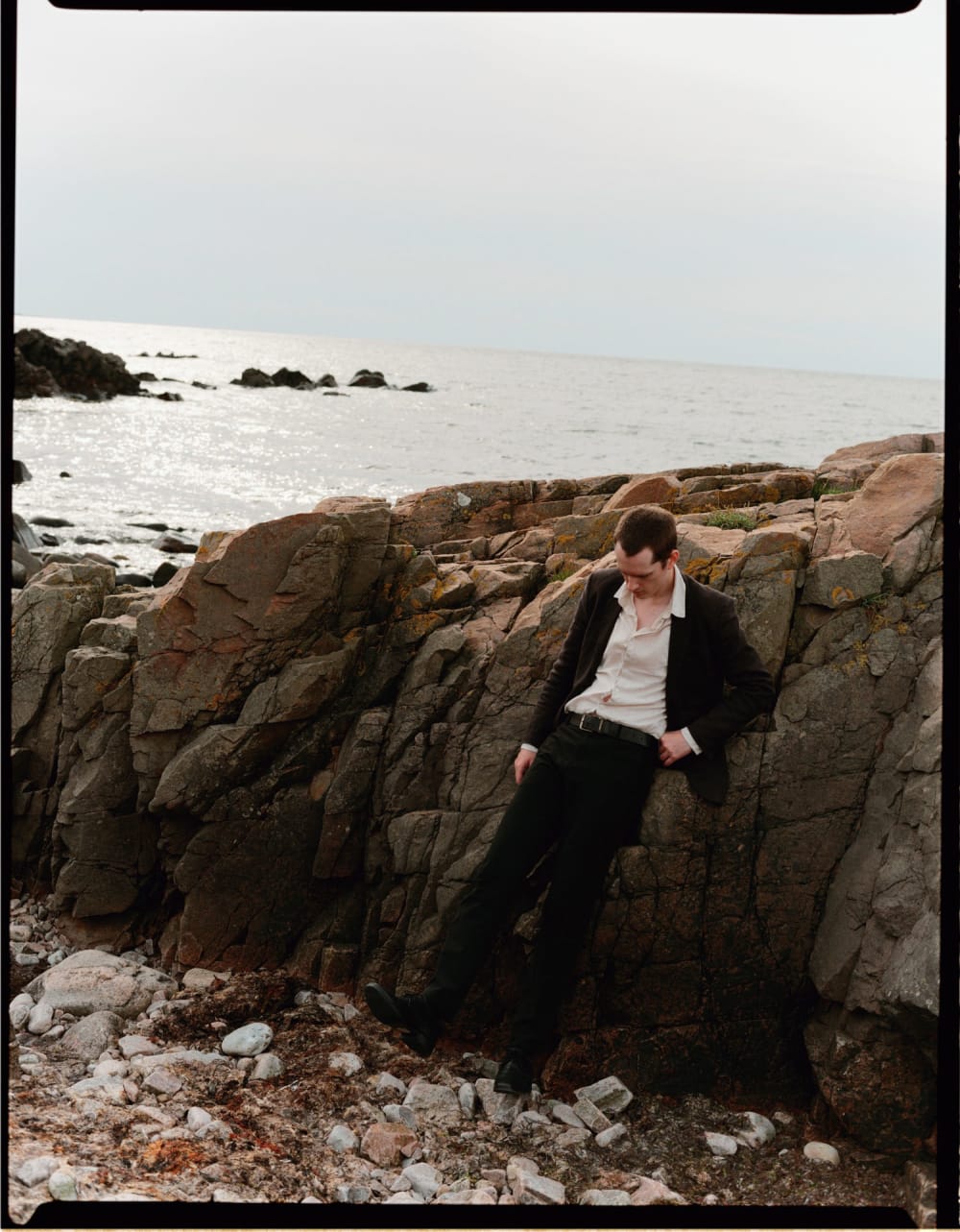
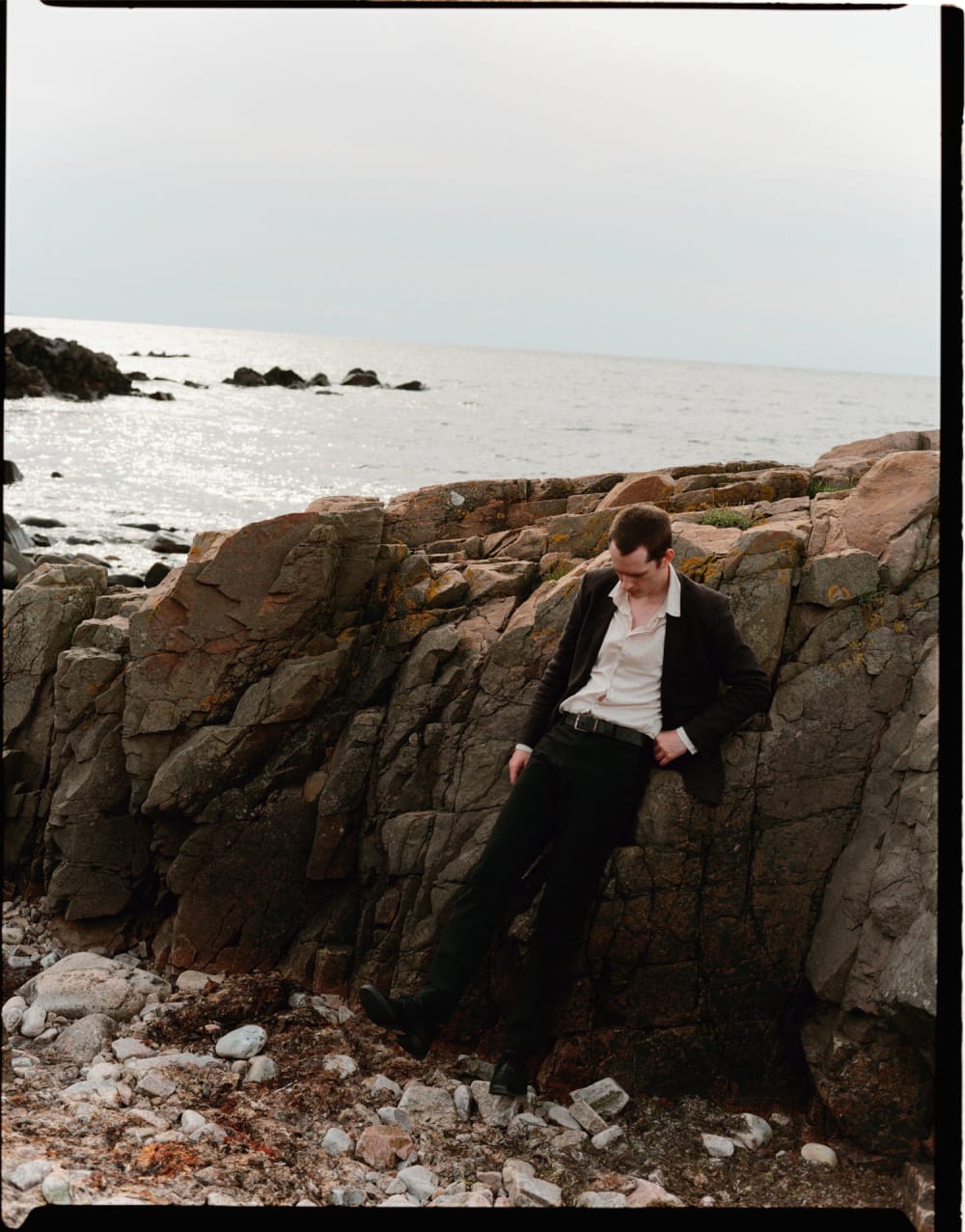
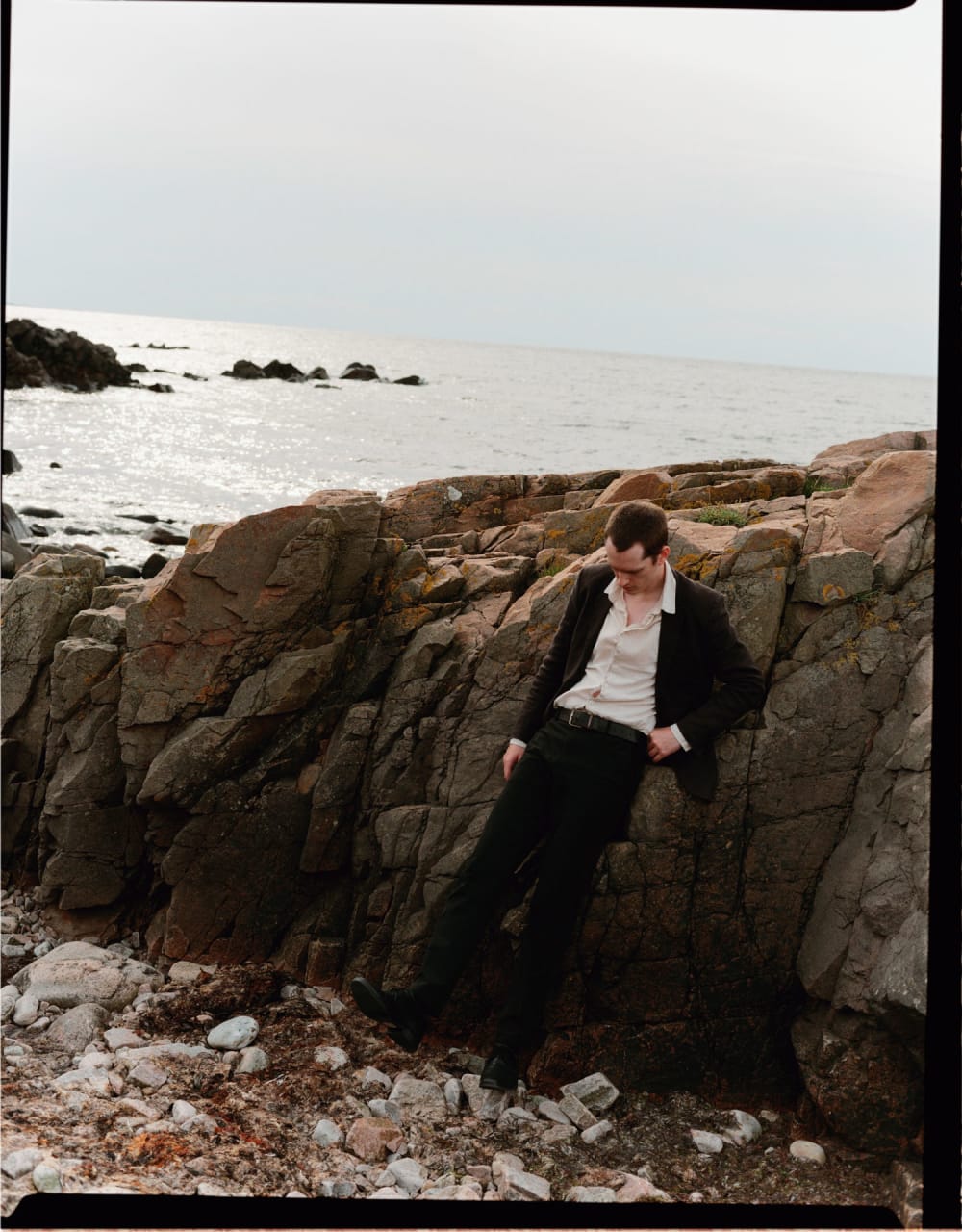
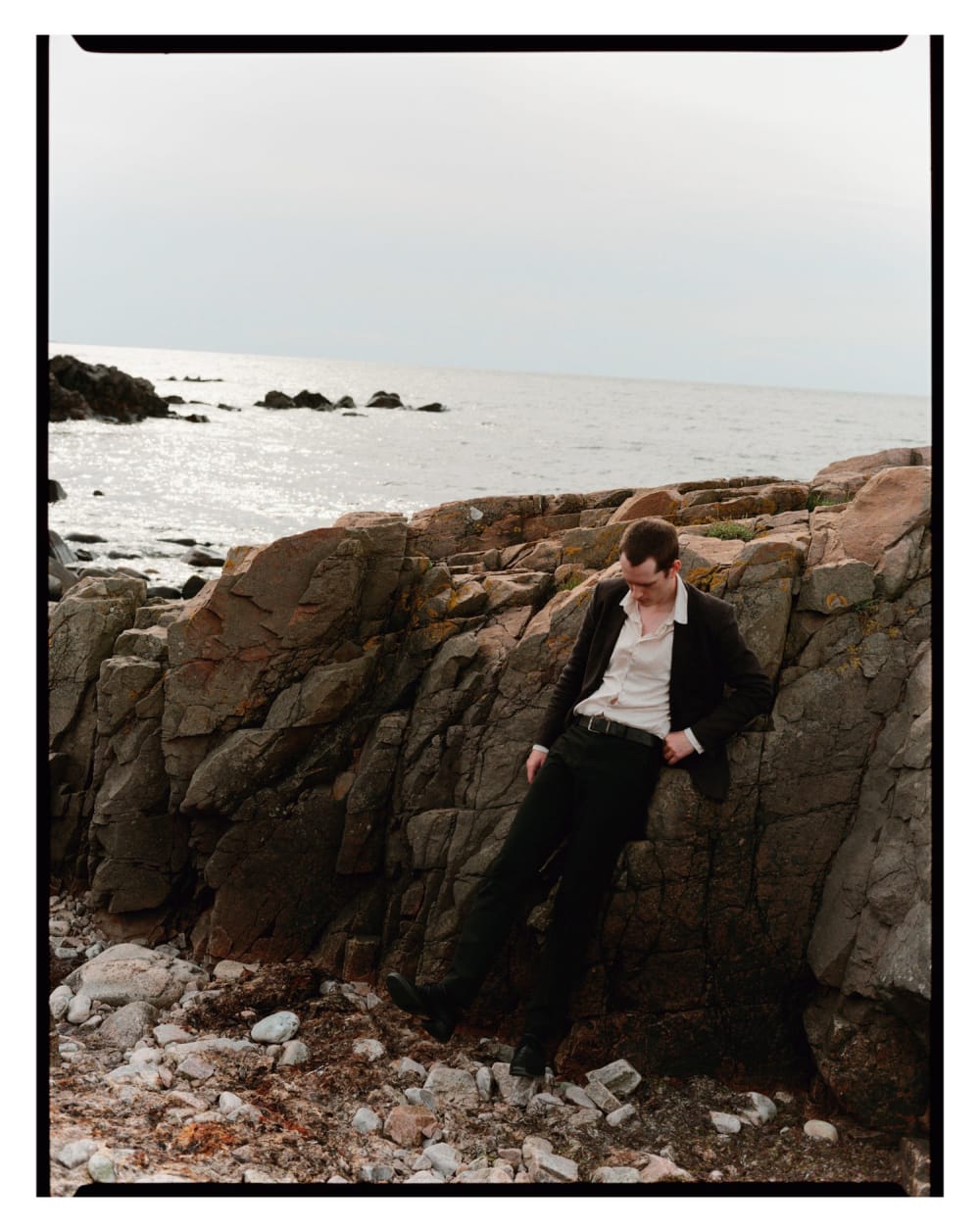
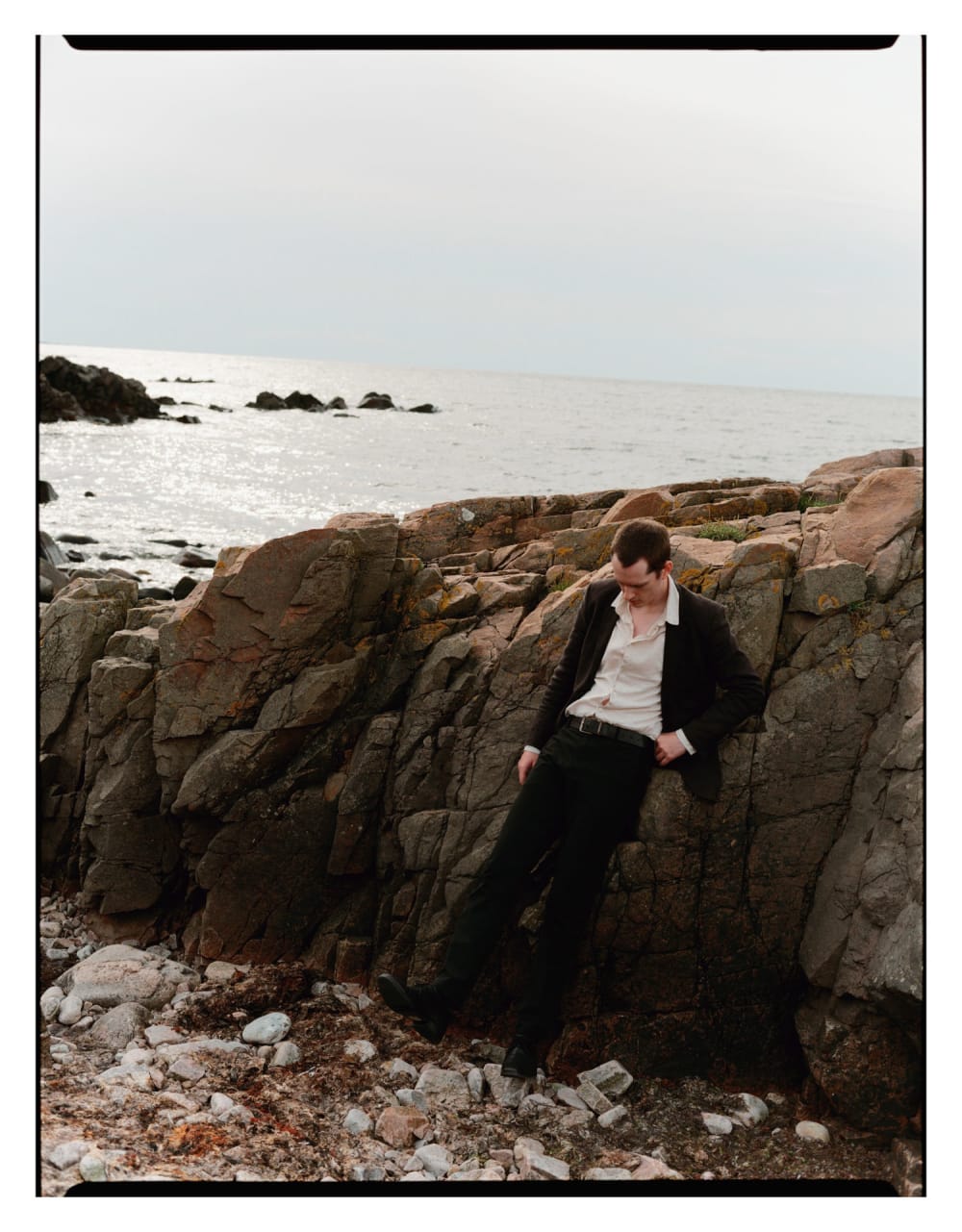
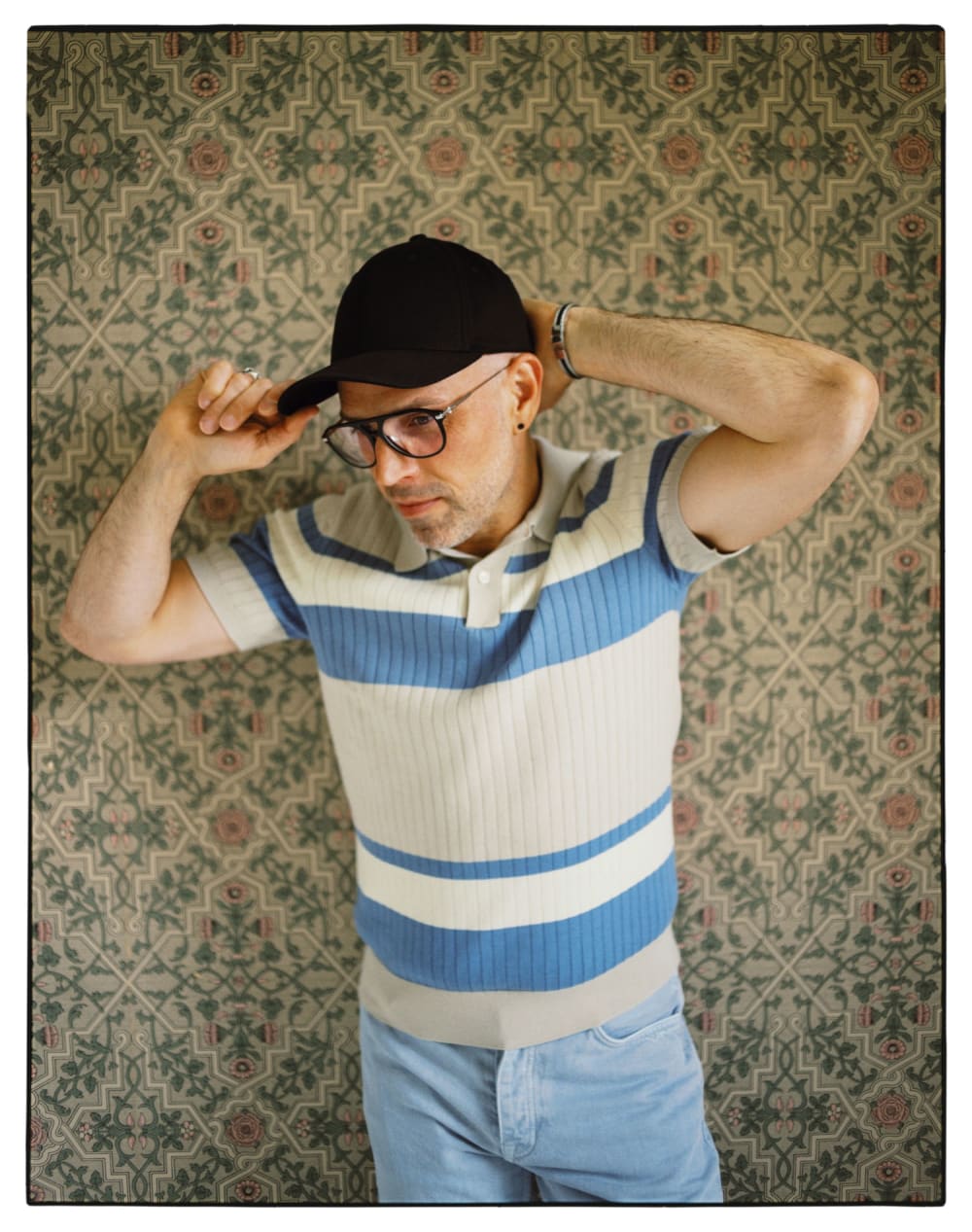
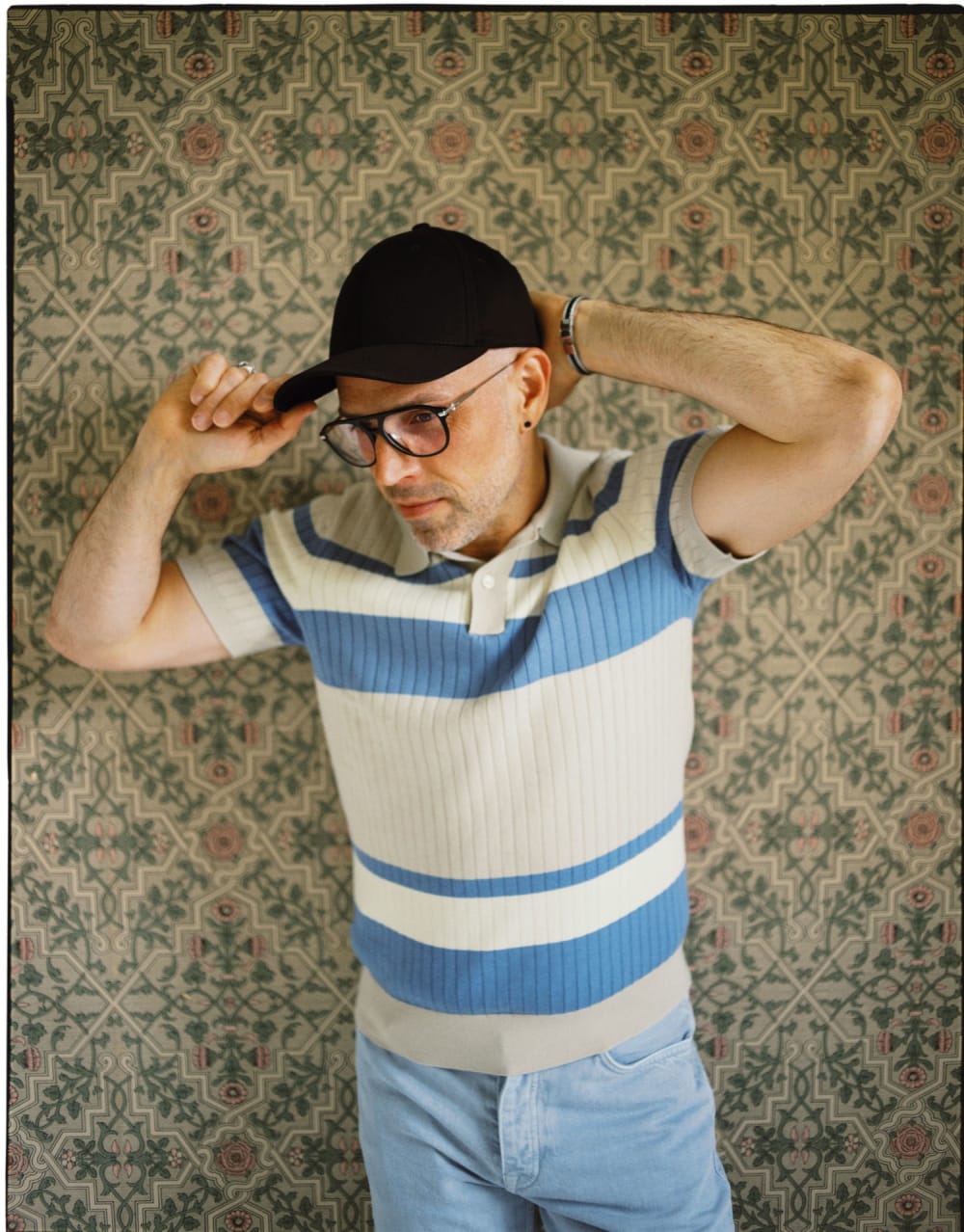
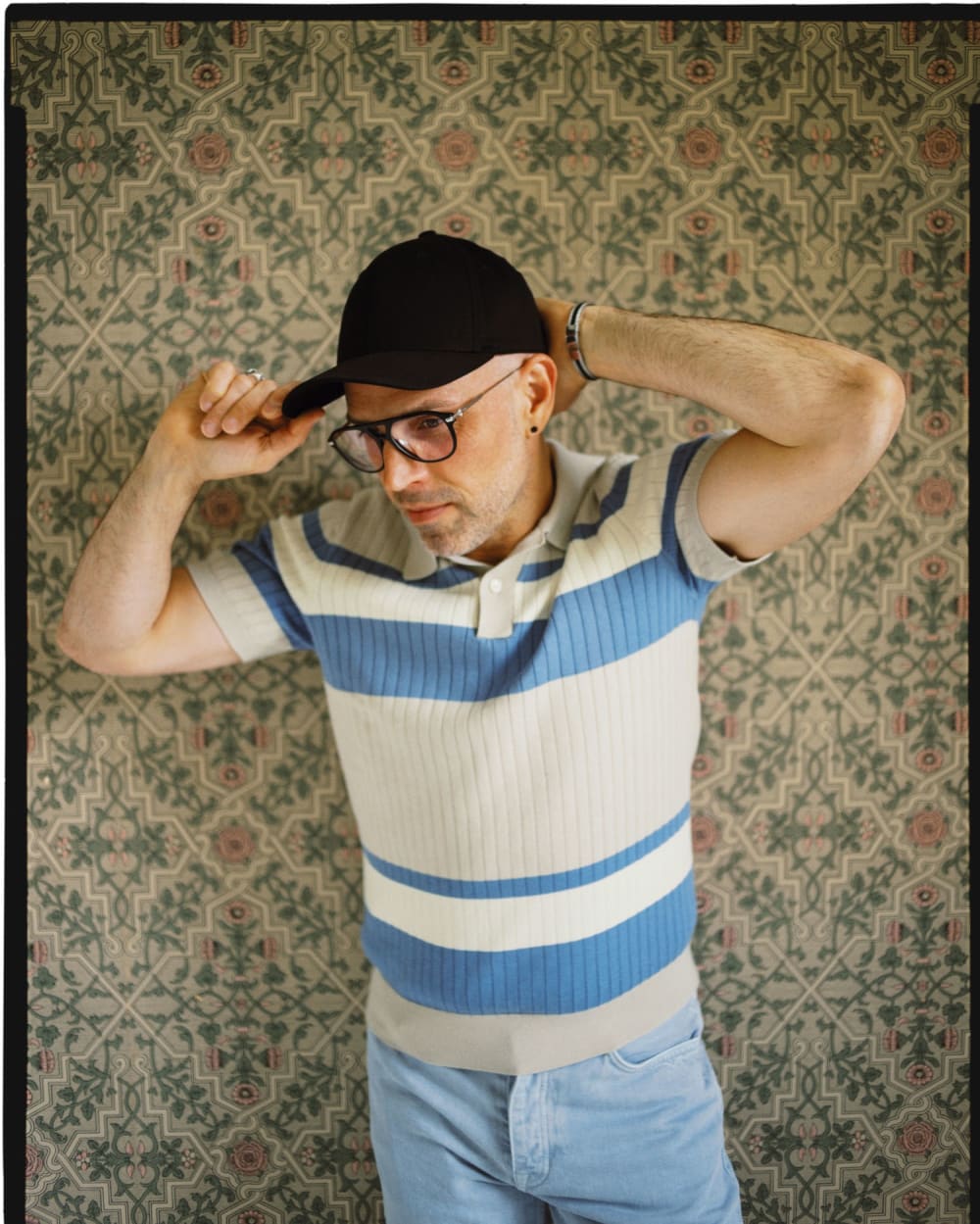
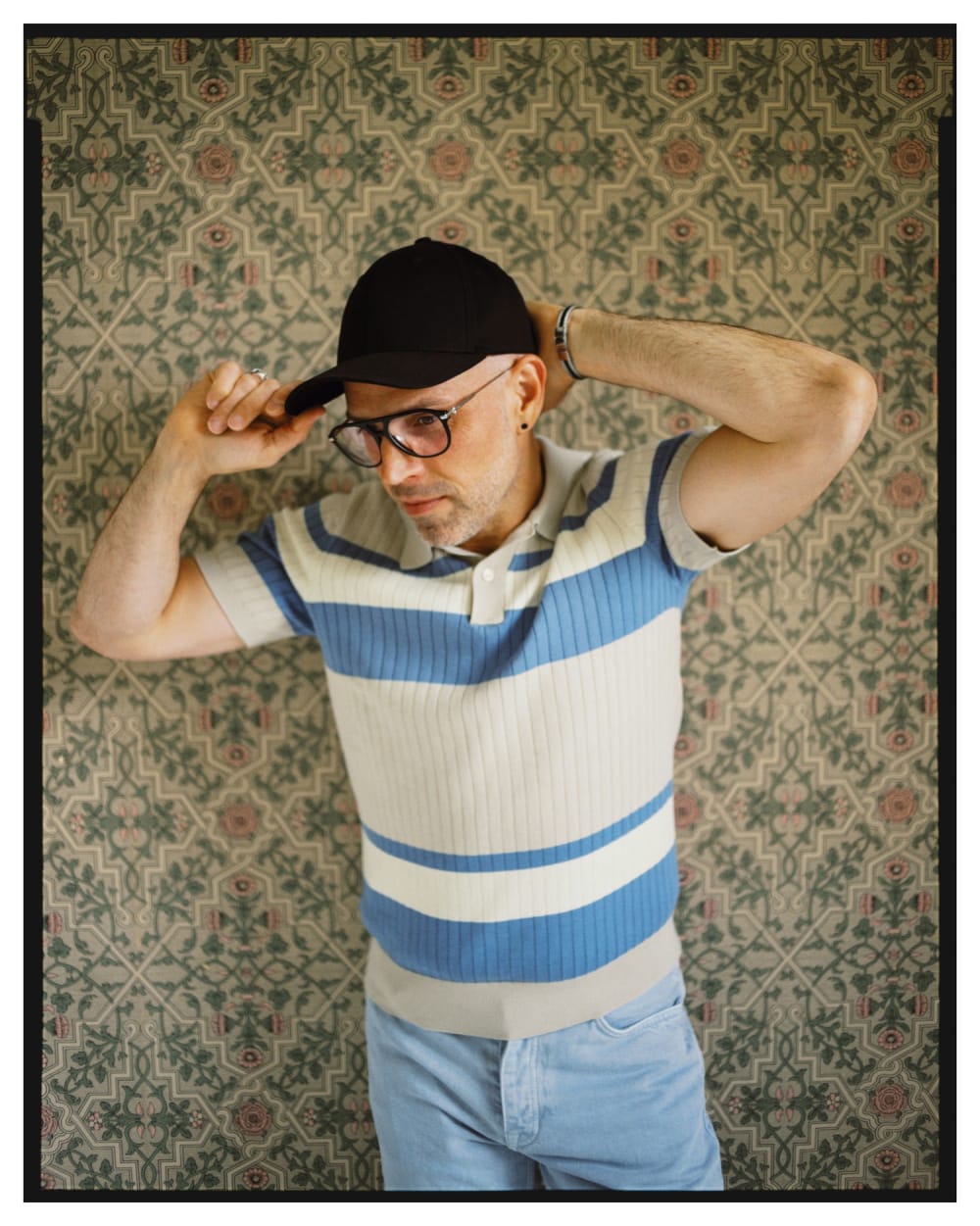
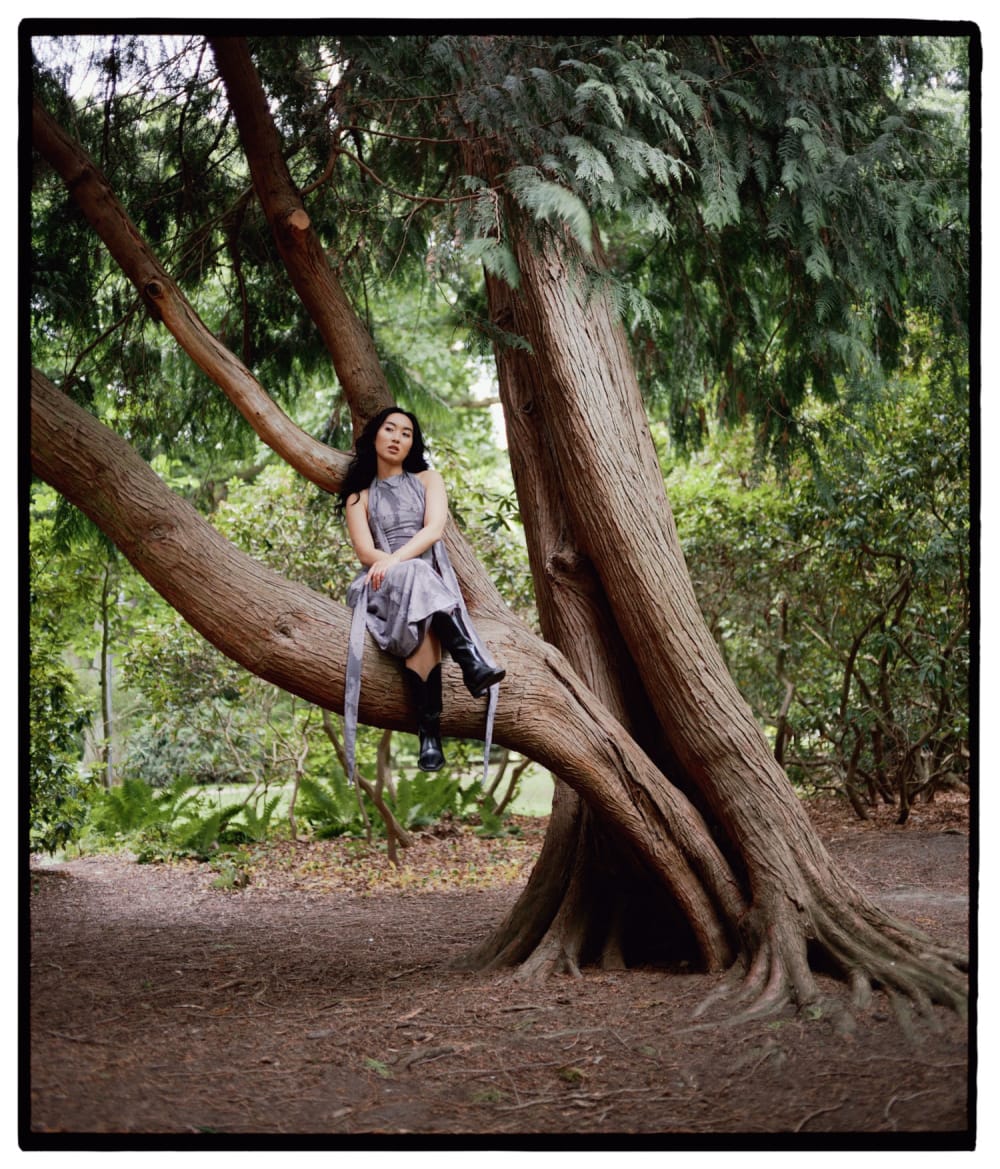
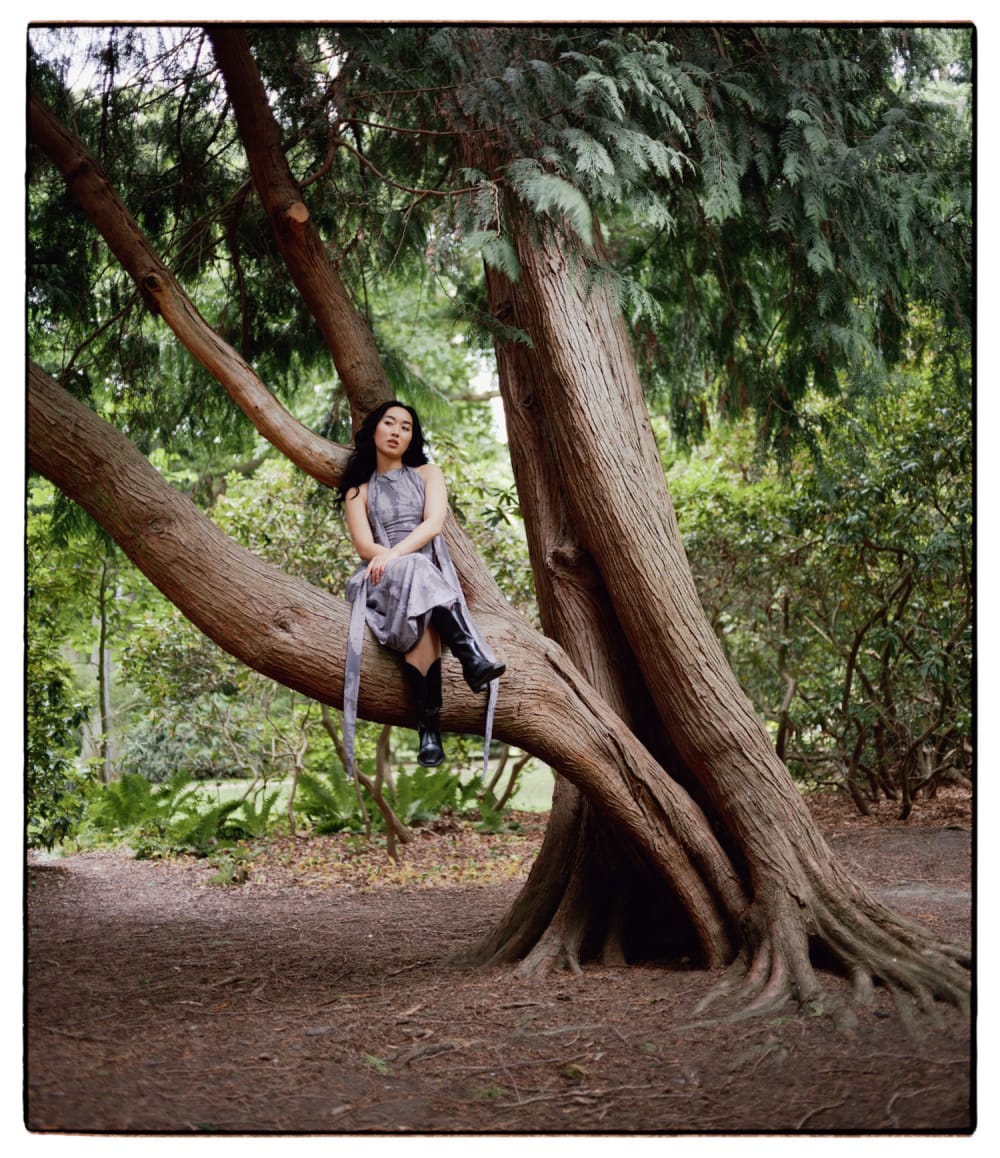
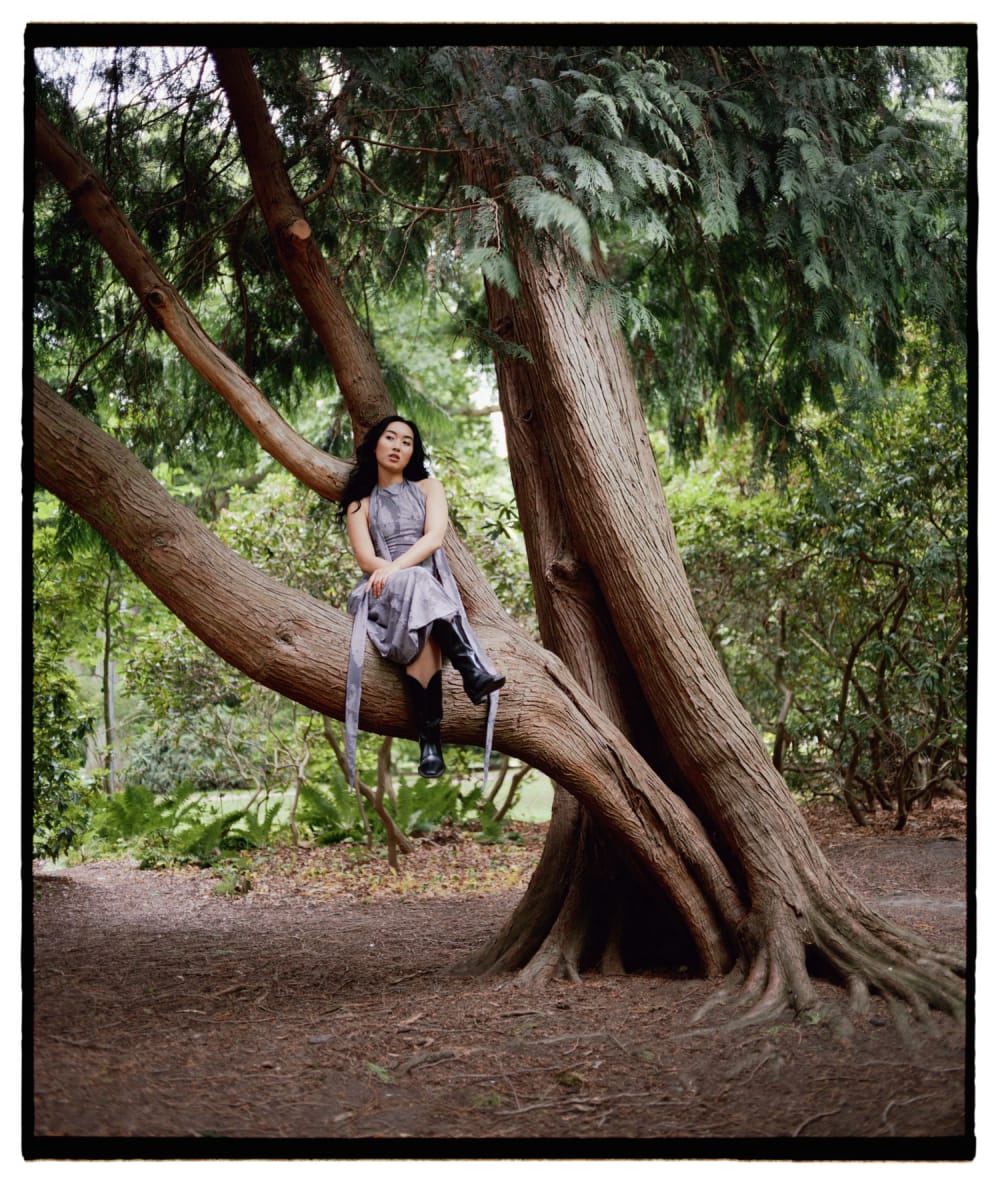
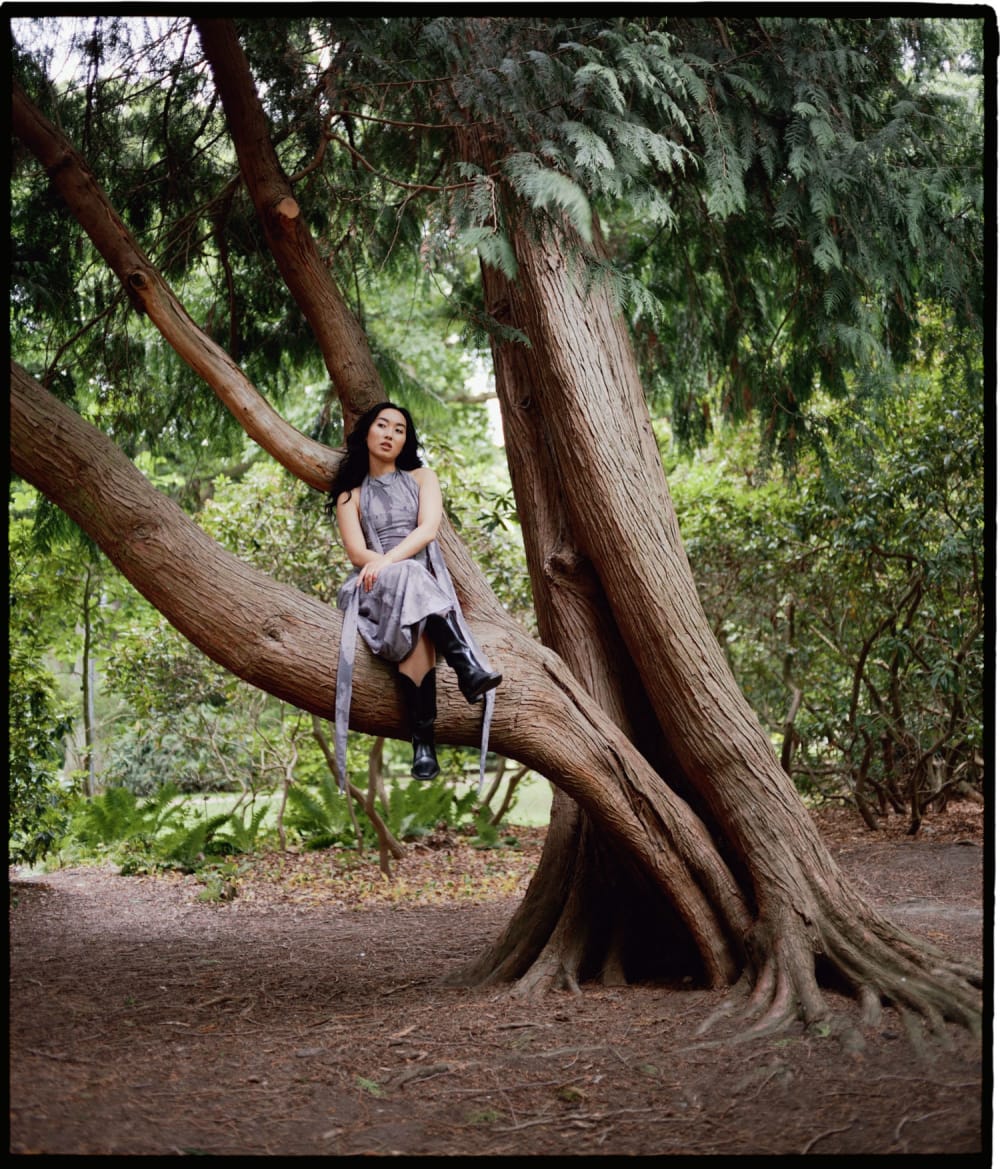
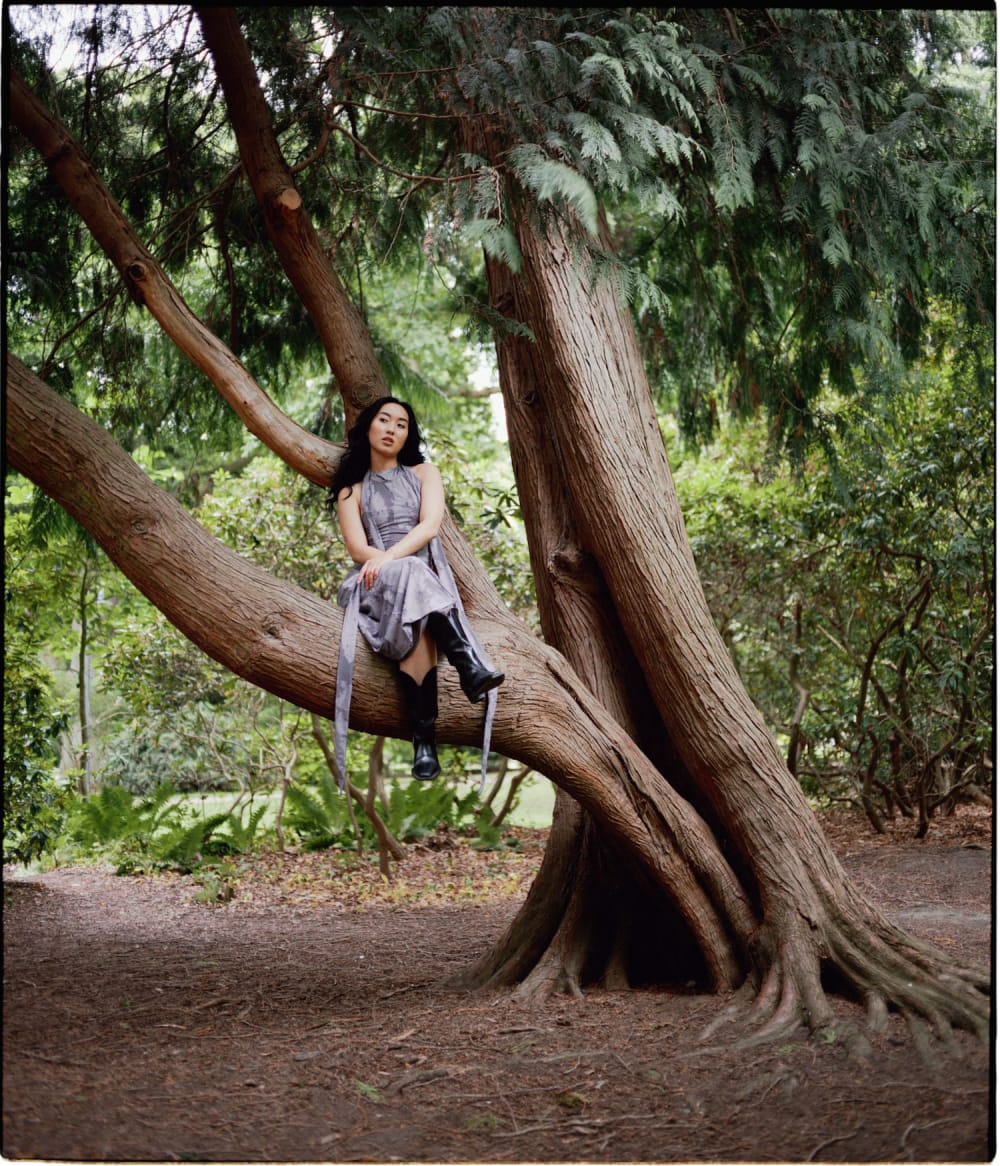
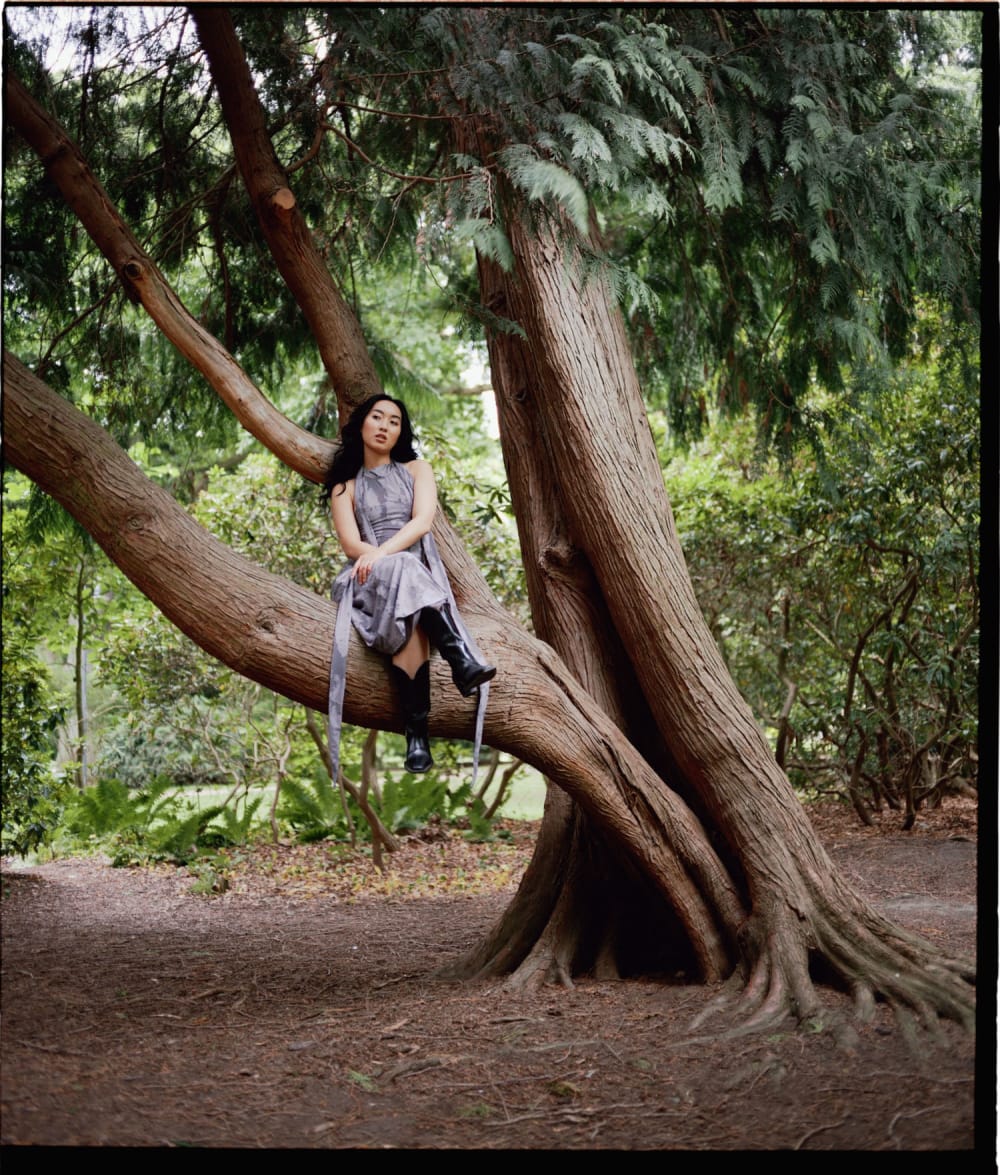
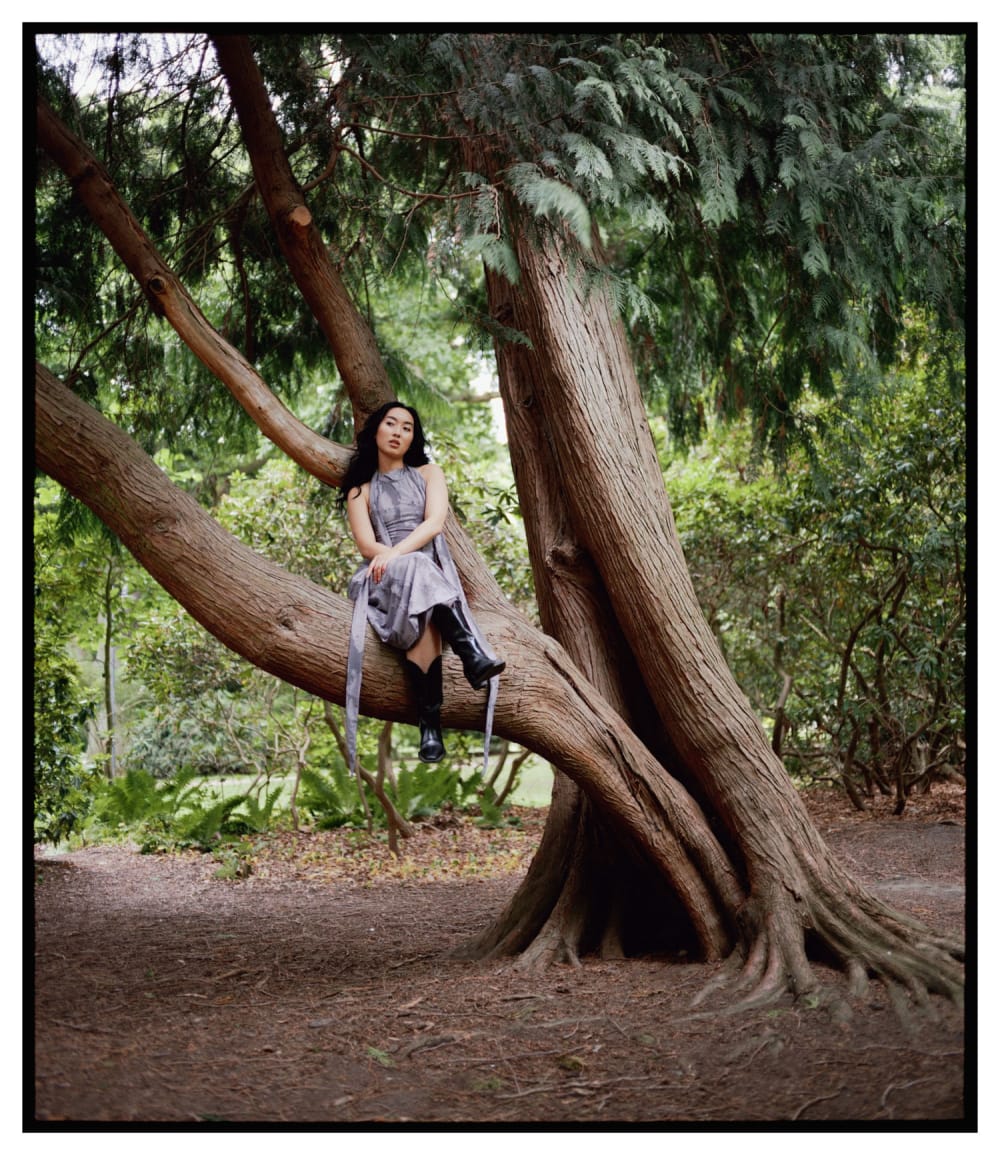
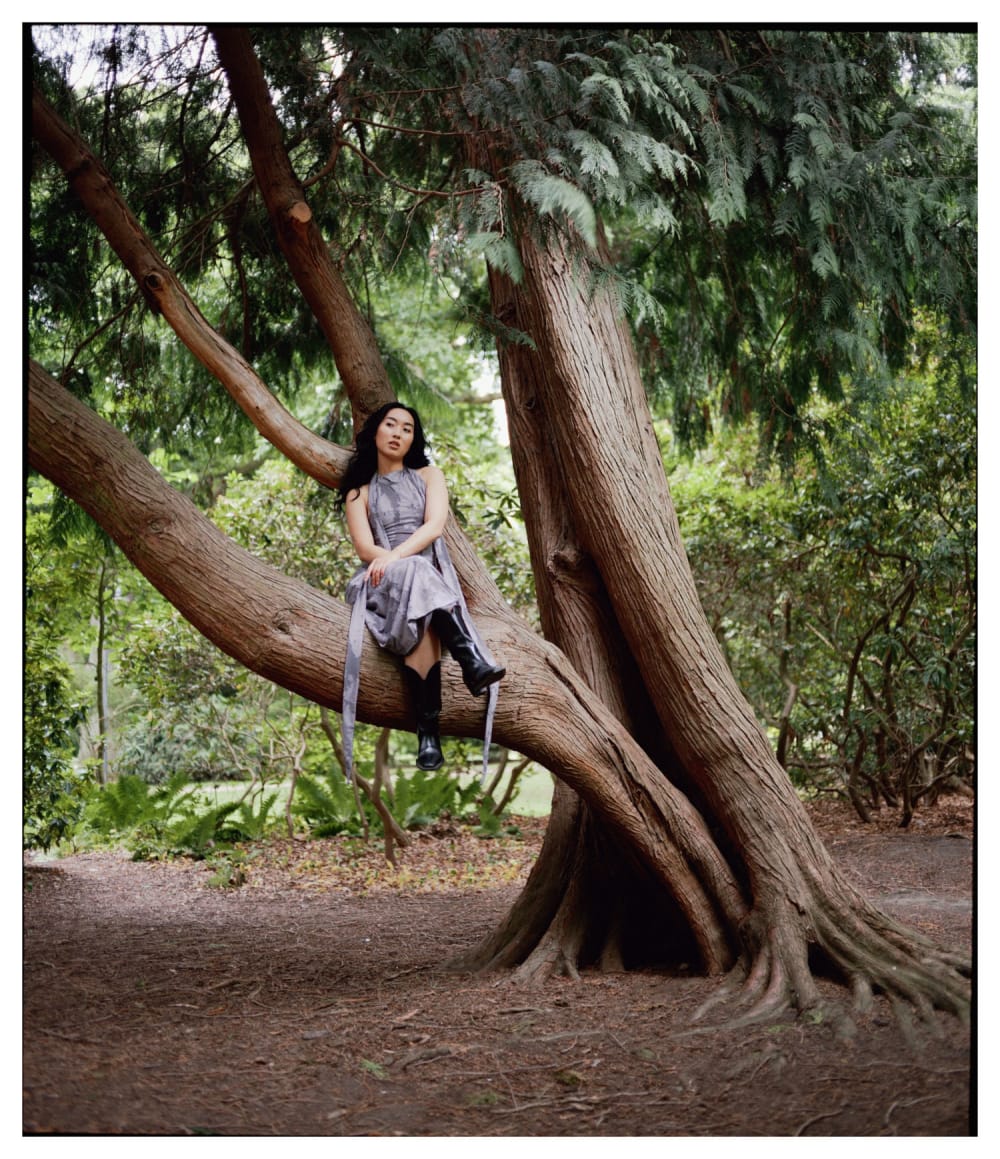
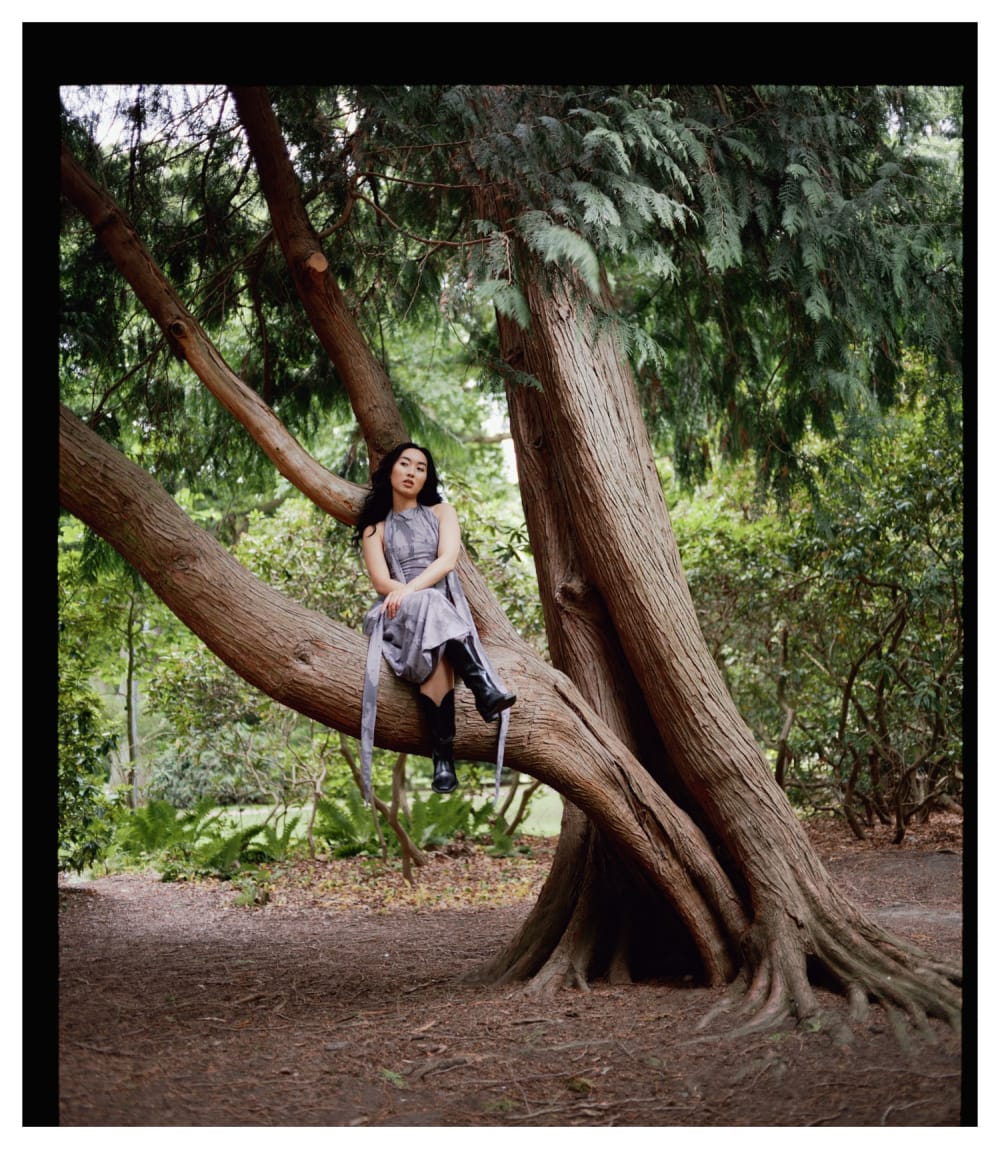
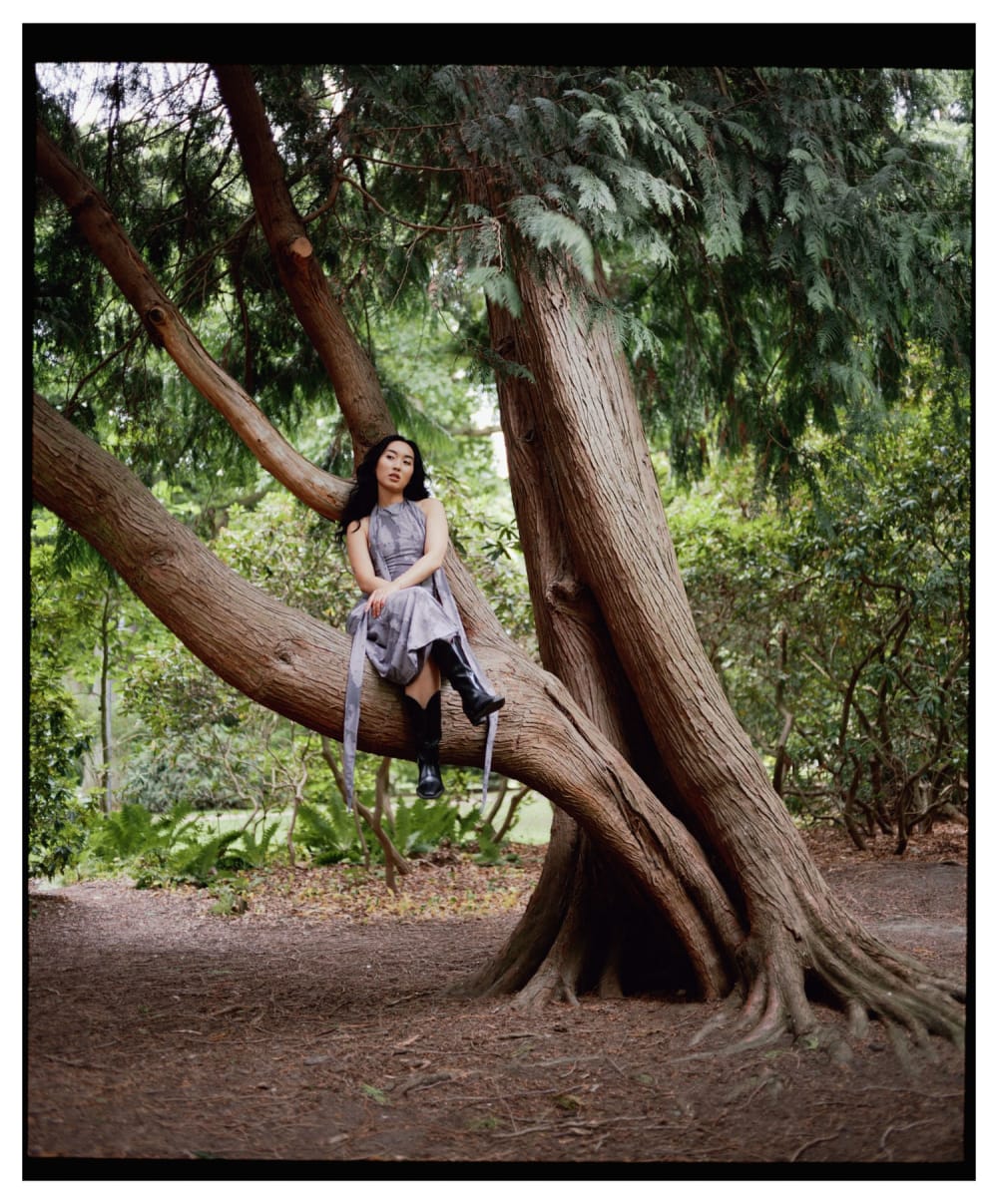
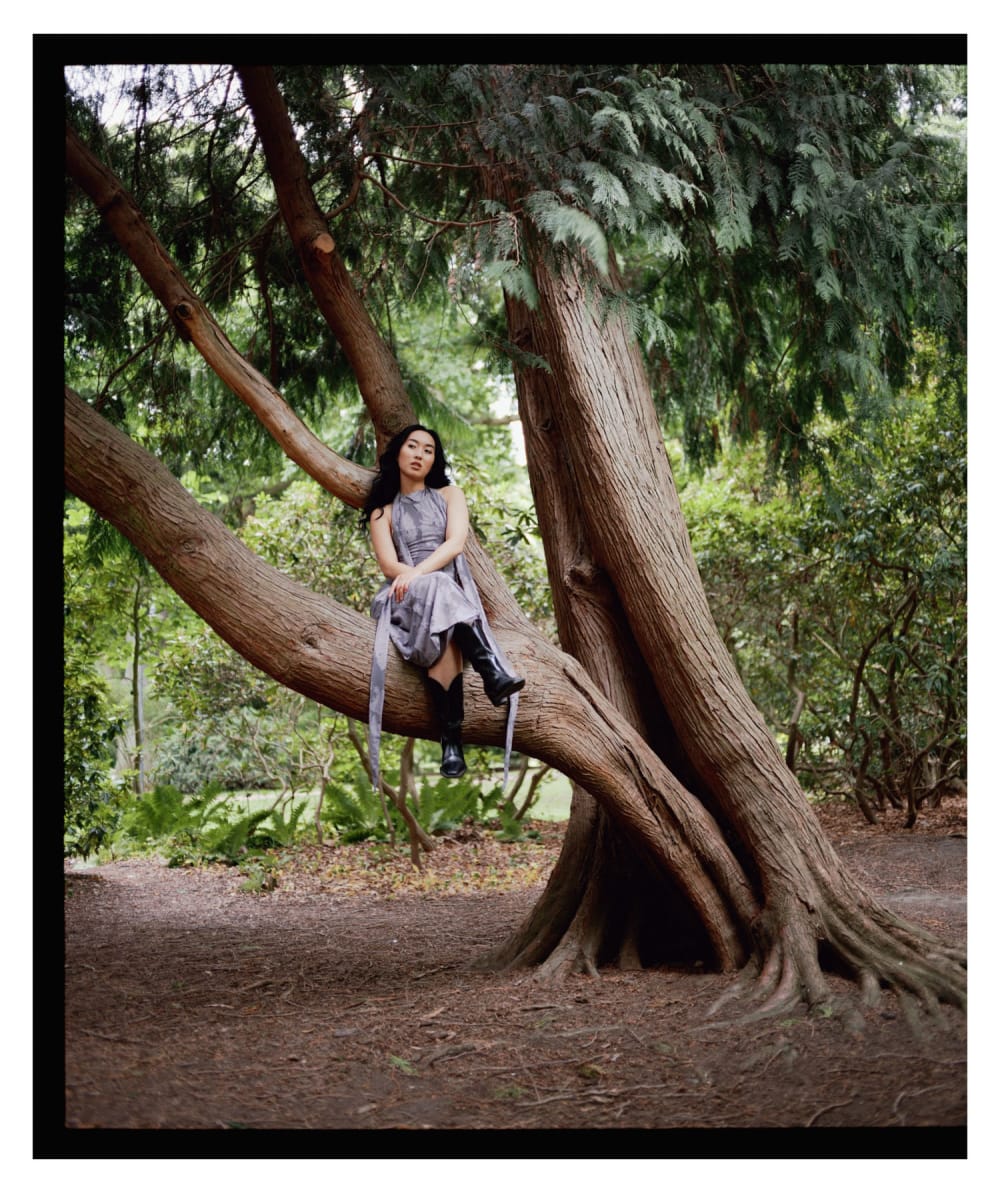
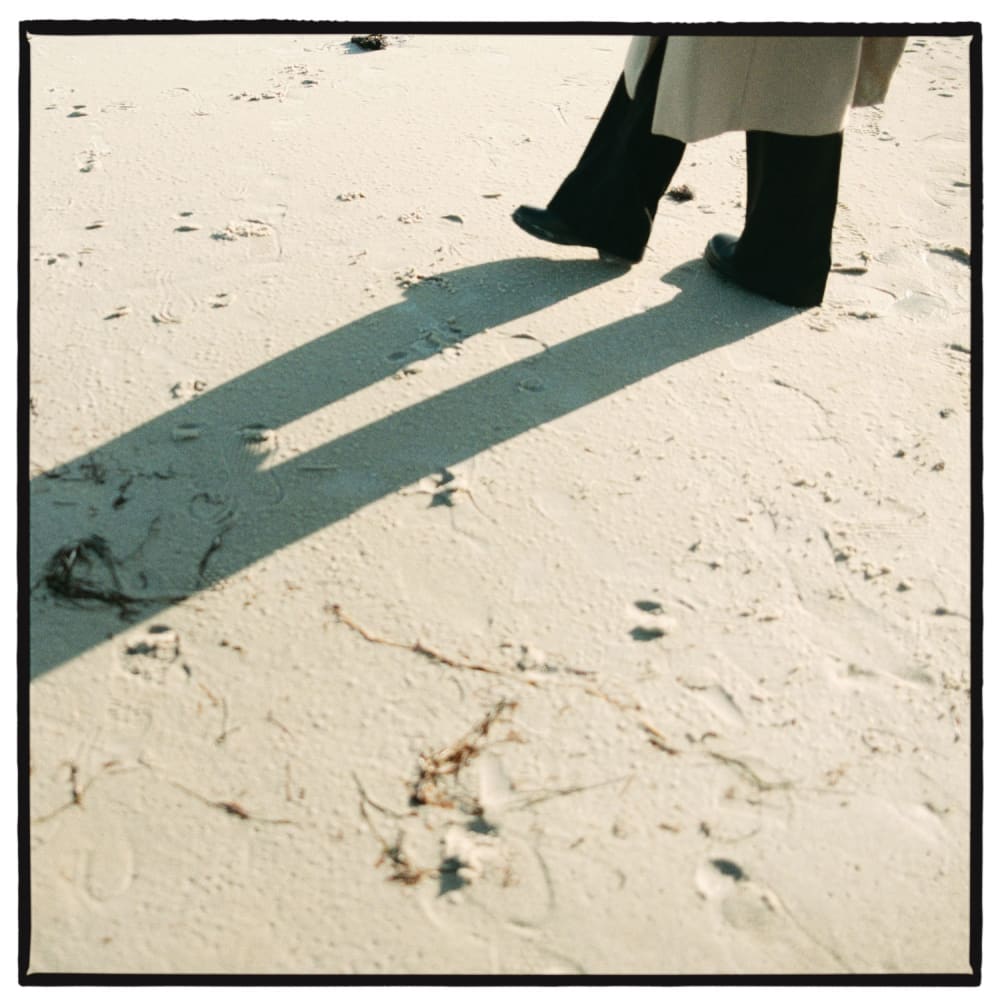
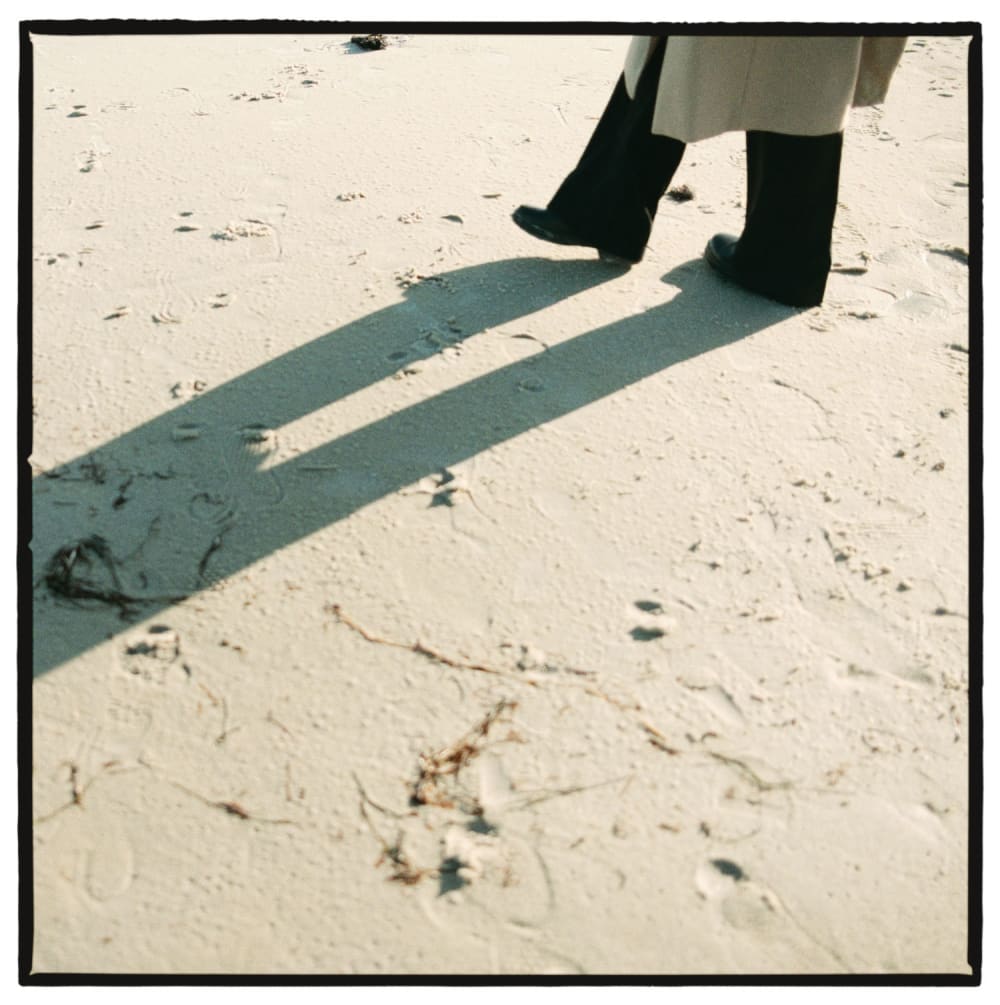
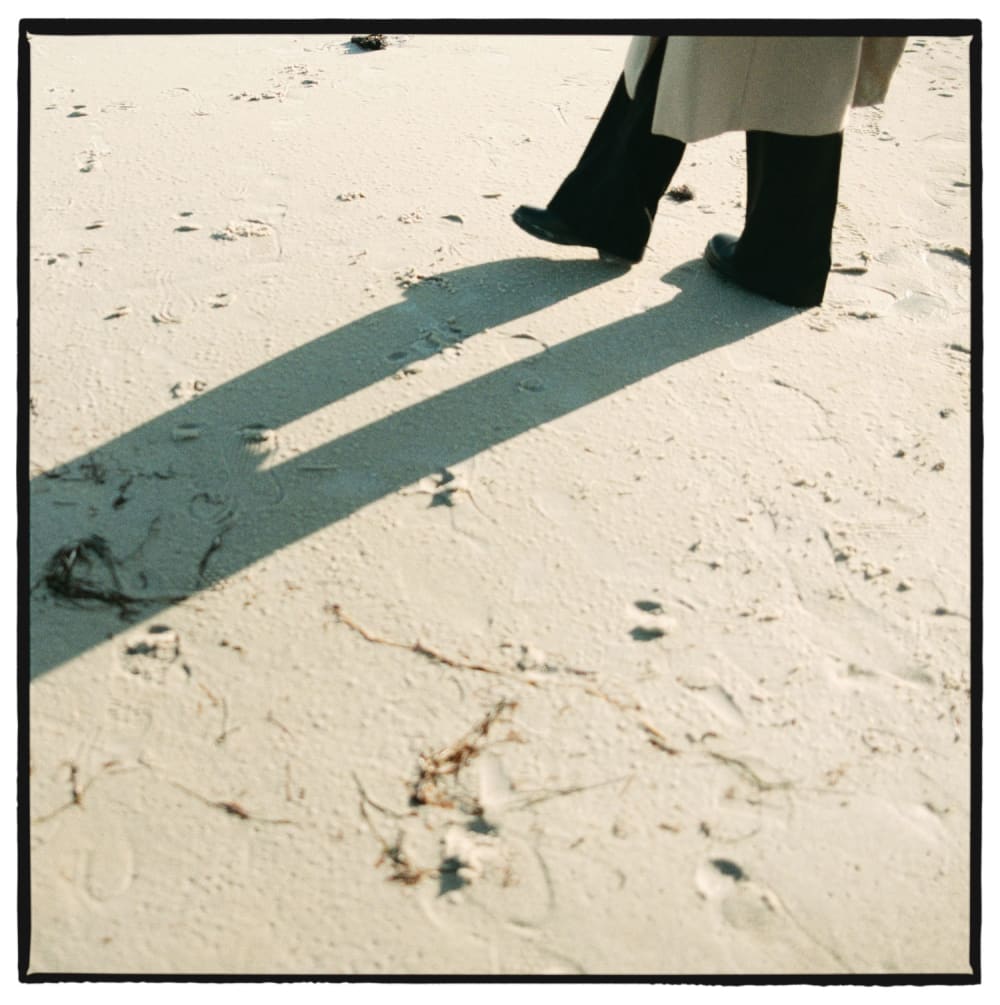
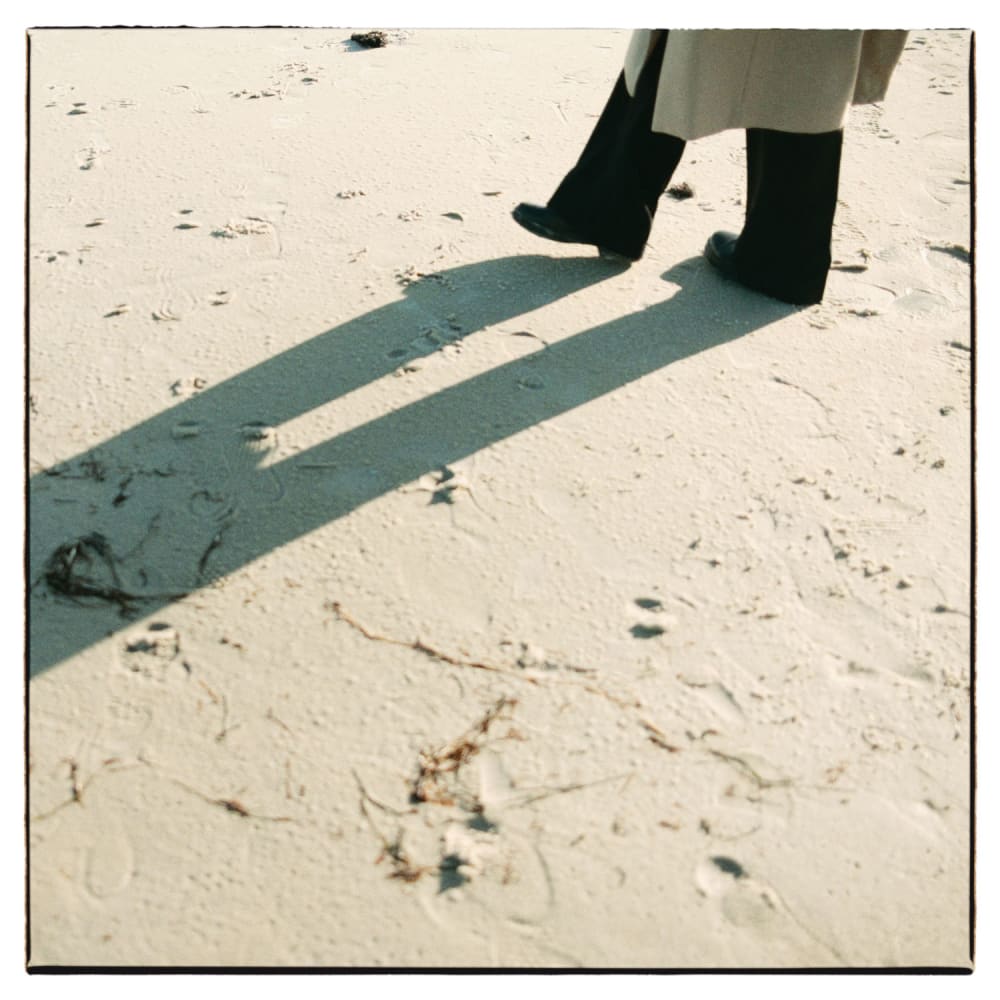
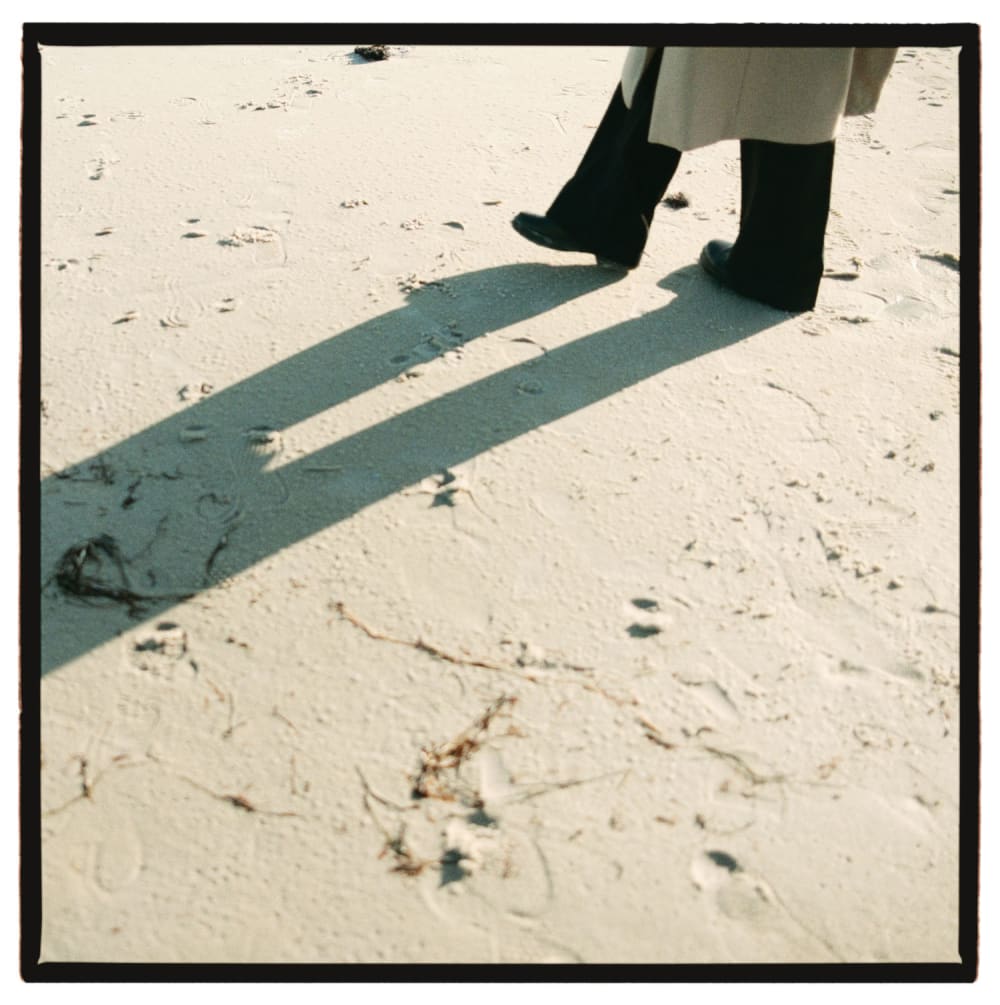
Randomness plays a major role in how Poserframes works. These four images were all made with the same preset, but random movement, rotation, and coloring produce slight variations in the final images.
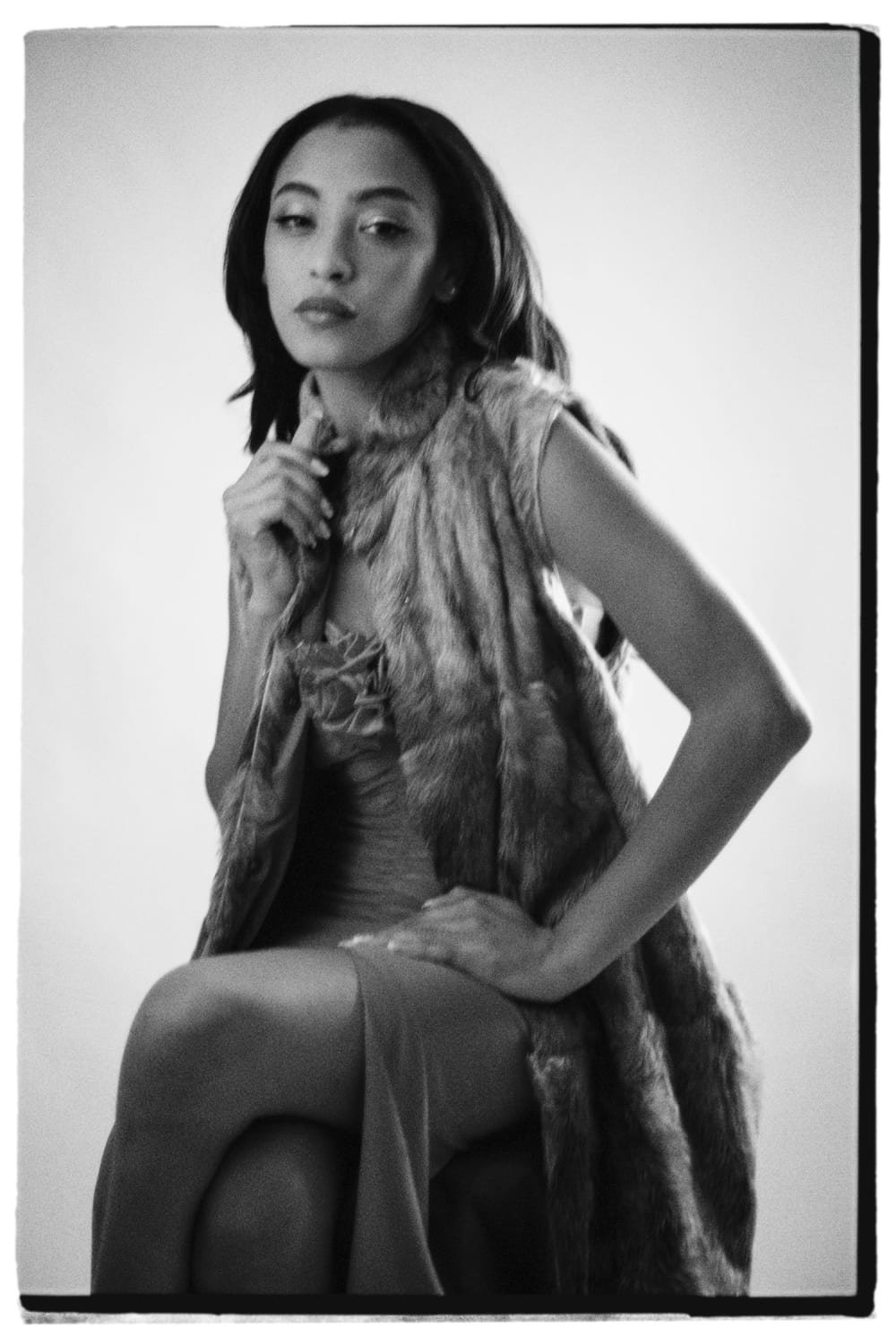
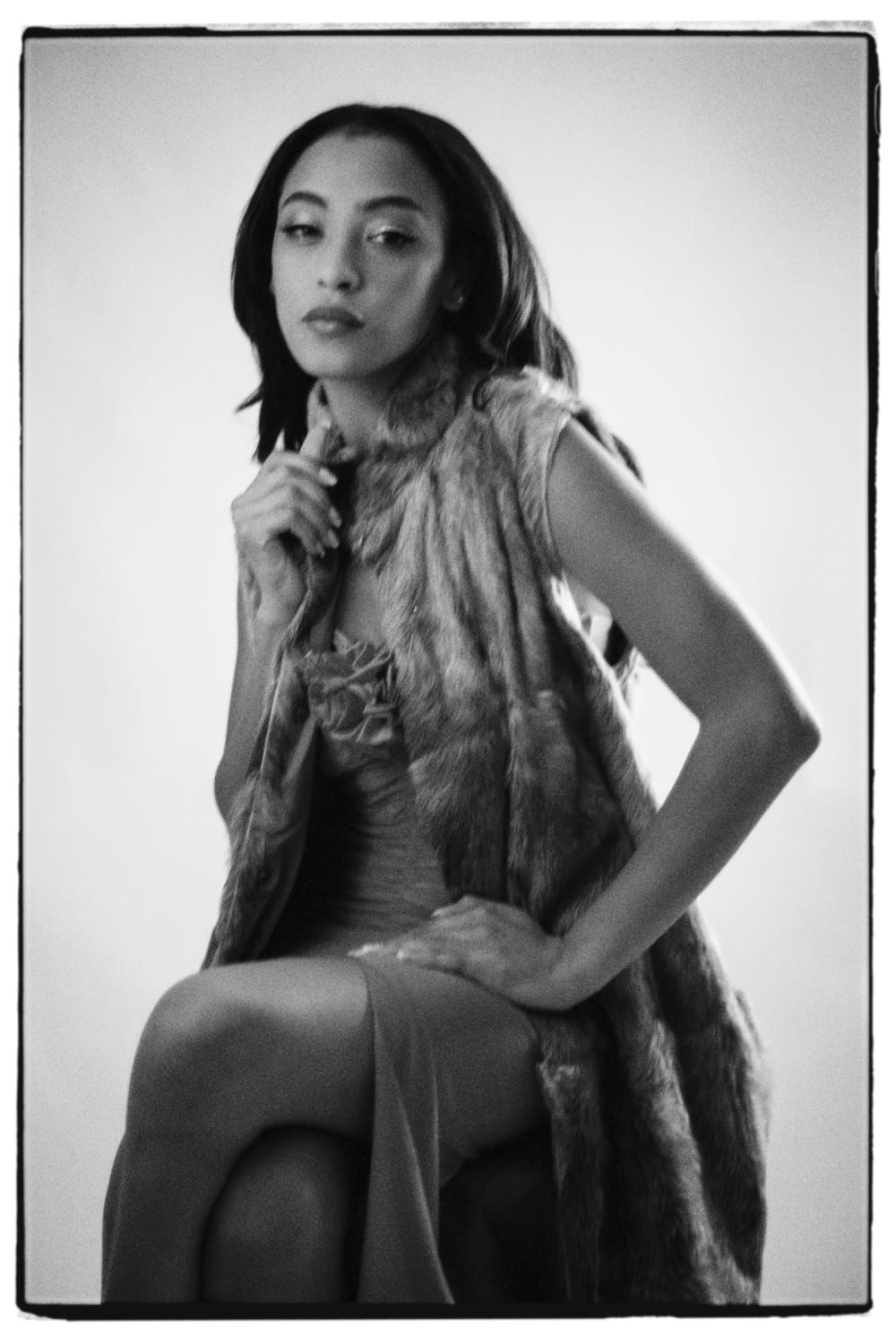
Joakim Hertze — Poserframes recreates the look of overscanned film for your digital photos — Introduction and presets, image 1
Joakim Hertze — Poserframes recreates the look of overscanned film for your digital photos — Introduction and presets, image 2
Joakim Hertze — Poserframes recreates the look of overscanned film for your digital photos — Introduction and presets, image 3
Joakim Hertze — Poserframes recreates the look of overscanned film for your digital photos — Introduction and presets, image 4

A complete guide to what is possible with Poserframes can be found in the user manual.

Poserframes presets

Poserframes comes with a large number of presets (Photoshop actions) with different scanner mask styles and negative styles for various aspect ratios.

2x3 uncropped

Overscanned look showing the full outline of the modified scanner mask.
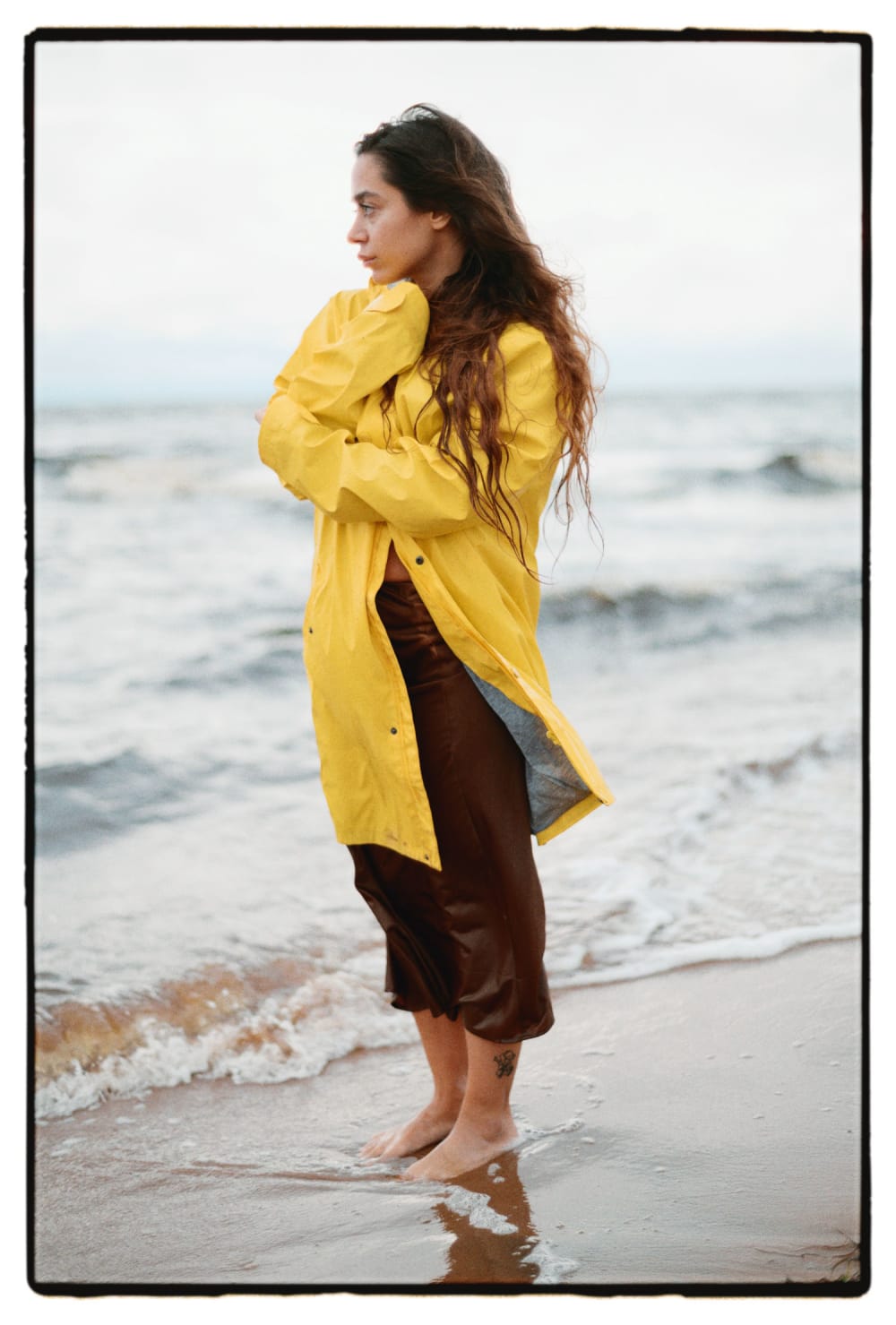
Joakim Hertze — Poserframes recreates the look of overscanned film for your digital photos — Introduction and presets, image 1

Style 1

Joakim Hertze — Poserframes recreates the look of overscanned film for your digital photos — Introduction and presets, image 2

Style 2

Joakim Hertze — Poserframes recreates the look of overscanned film for your digital photos — Introduction and presets, image 3

Style 3

Joakim Hertze — Poserframes recreates the look of overscanned film for your digital photos — Introduction and presets, image 4

Style 4

Joakim Hertze — Poserframes recreates the look of overscanned film for your digital photos — Introduction and presets, image 5

Style 5

Joakim Hertze — Poserframes recreates the look of overscanned film for your digital photos — Introduction and presets, image 6

Style 6

Joakim Hertze — Poserframes recreates the look of overscanned film for your digital photos — Introduction and presets, image 7

Style 7

Joakim Hertze — Poserframes recreates the look of overscanned film for your digital photos — Introduction and presets, image 8

Style 8

Joakim Hertze — Poserframes recreates the look of overscanned film for your digital photos — Introduction and presets, image 9

Style 9

Joakim Hertze — Poserframes recreates the look of overscanned film for your digital photos — Introduction and presets, image 10

Style 10

Joakim Hertze — Poserframes recreates the look of overscanned film for your digital photos — Introduction and presets, image 11

Style 11

Joakim Hertze — Poserframes recreates the look of overscanned film for your digital photos — Introduction and presets, image 12

Style 12

2x3 rough crops

Partially cropped versions of the styles above.

Joakim Hertze — Poserframes recreates the look of overscanned film for your digital photos — Introduction and presets, image 1

Style 1, long sides

Joakim Hertze — Poserframes recreates the look of overscanned film for your digital photos — Introduction and presets, image 2

Style 3, leading edge

Joakim Hertze — Poserframes recreates the look of overscanned film for your digital photos — Introduction and presets, image 3

Style 3, trailing edge

Joakim Hertze — Poserframes recreates the look of overscanned film for your digital photos — Introduction and presets, image 4

Style 5, trailing edge

Joakim Hertze — Poserframes recreates the look of overscanned film for your digital photos — Introduction and presets, image 5

Style 6, long sides

Joakim Hertze — Poserframes recreates the look of overscanned film for your digital photos — Introduction and presets, image 6

Style 7, leading edge

Joakim Hertze — Poserframes recreates the look of overscanned film for your digital photos — Introduction and presets, image 7

Style 7, trailing edge

Joakim Hertze — Poserframes recreates the look of overscanned film for your digital photos — Introduction and presets, image 8

Style 11, leading edge

Joakim Hertze — Poserframes recreates the look of overscanned film for your digital photos — Introduction and presets, image 9

Style 11, trailing edge

Joakim Hertze — Poserframes recreates the look of overscanned film for your digital photos — Introduction and presets, image 10

Style 12, leading edge

Joakim Hertze — Poserframes recreates the look of overscanned film for your digital photos — Introduction and presets, image 11

Style 12, trailing edge

2x3 clean crops

Cropped styles with clean, sharp edges.

Joakim Hertze — Poserframes recreates the look of overscanned film for your digital photos — Introduction and presets, image 1

Matted crop.

Joakim Hertze — Poserframes recreates the look of overscanned film for your digital photos — Introduction and presets, image 2

Matted crop, thin

Joakim Hertze — Poserframes recreates the look of overscanned film for your digital photos — Introduction and presets, image 3

Matted crop, thick

Joakim Hertze — Poserframes recreates the look of overscanned film for your digital photos — Introduction and presets, image 4

Matted crop, fat short sides

Joakim Hertze — Poserframes recreates the look of overscanned film for your digital photos — Introduction and presets, image 5

Matted crop, thick short sides

Joakim Hertze — Poserframes recreates the look of overscanned film for your digital photos — Introduction and presets, image 6

Matted crop, clear long side

2x3 film burns

Film burns, both jagged and smooth, can be added to all uncropped, partially cropped and clean cropped styles. There are a number of presets included, with minimal burns added.

Joakim Hertze — Poserframes recreates the look of overscanned film for your digital photos — Introduction and presets, image 1

Style 1 with jagged burn

Joakim Hertze — Poserframes recreates the look of overscanned film for your digital photos — Introduction and presets, image 2

Style 2 with jagged burn

Joakim Hertze — Poserframes recreates the look of overscanned film for your digital photos — Introduction and presets, image 3

Style 3 with smooth burn

4x3 negative styles

For 4x3 images, Poserframes includes negative styles for Pentax 645, Contax 645, and Hasselblad 645. Each mask style listed below is available with all three negative styles.

Joakim Hertze — Poserframes recreates the look of overscanned film for your digital photos — Introduction and presets, image 1

Pentax 645 negative style

Joakim Hertze — Poserframes recreates the look of overscanned film for your digital photos — Introduction and presets, image 2

Contax 645 negative style

Joakim Hertze — Poserframes recreates the look of overscanned film for your digital photos — Introduction and presets, image 3

Hasselblad 645 negative style

4x3 uncropped

Overscanned look showing the full outline of the modified scanner mask.
Joakim Hertze — Poserframes recreates the look of overscanned film for your digital photos — Introduction and presets, image 1

Style 1

Joakim Hertze — Poserframes recreates the look of overscanned film for your digital photos — Introduction and presets, image 2

Style 2

Joakim Hertze — Poserframes recreates the look of overscanned film for your digital photos — Introduction and presets, image 3

Style 3

Joakim Hertze — Poserframes recreates the look of overscanned film for your digital photos — Introduction and presets, image 4

Style 4

Joakim Hertze — Poserframes recreates the look of overscanned film for your digital photos — Introduction and presets, image 5

Style 5, leading edge

Joakim Hertze — Poserframes recreates the look of overscanned film for your digital photos — Introduction and presets, image 6

Style 6

Joakim Hertze — Poserframes recreates the look of overscanned film for your digital photos — Introduction and presets, image 7

Style 7

Joakim Hertze — Poserframes recreates the look of overscanned film for your digital photos — Introduction and presets, image 8

Style 8

4x3 rough crops

Partially cropped versions of the styles above.

Joakim Hertze — Poserframes recreates the look of overscanned film for your digital photos — Introduction and presets, image 1

Style 1, leading edge

Joakim Hertze — Poserframes recreates the look of overscanned film for your digital photos — Introduction and presets, image 2

Style 4, leading edge

Joakim Hertze — Poserframes recreates the look of overscanned film for your digital photos — Introduction and presets, image 3

Style 4, long sides

Joakim Hertze — Poserframes recreates the look of overscanned film for your digital photos — Introduction and presets, image 4

Style 6, leading edge

Joakim Hertze — Poserframes recreates the look of overscanned film for your digital photos — Introduction and presets, image 5

Style 7, leading edge

Joakim Hertze — Poserframes recreates the look of overscanned film for your digital photos — Introduction and presets, image 6

Style 7, trailing edge

Joakim Hertze — Poserframes recreates the look of overscanned film for your digital photos — Introduction and presets, image 7

Style 8, leading edge

Joakim Hertze — Poserframes recreates the look of overscanned film for your digital photos — Introduction and presets, image 8

Style 8, trailing edge

4x3 clean crops

Cropped styles with clean, sharp edges.

Joakim Hertze — Poserframes recreates the look of overscanned film for your digital photos — Introduction and presets, image 1

Matted crop

Joakim Hertze — Poserframes recreates the look of overscanned film for your digital photos — Introduction and presets, image 2

Matted crop, thin

Joakim Hertze — Poserframes recreates the look of overscanned film for your digital photos — Introduction and presets, image 3

Matted crop, thick

4x3 film burns

Film burns, both jagged and smooth, can be added to all uncropped, partially cropped and clean cropped styles. There are a number of presets included, with minimal burns added.

Joakim Hertze — Poserframes recreates the look of overscanned film for your digital photos — Introduction and presets, image 1

Jagged burn

Joakim Hertze — Poserframes recreates the look of overscanned film for your digital photos — Introduction and presets, image 2

Smooth burn

5x4 uncropped

Overscanned look showing the full outline of the modified scanner mask.
Joakim Hertze — Poserframes recreates the look of overscanned film for your digital photos — Introduction and presets, image 1

Style 1

Joakim Hertze — Poserframes recreates the look of overscanned film for your digital photos — Introduction and presets, image 2

Style 2

5x4 rough crops

Partially cropped versions of the styles above.

Joakim Hertze — Poserframes recreates the look of overscanned film for your digital photos — Introduction and presets, image 1

Style 1

Joakim Hertze — Poserframes recreates the look of overscanned film for your digital photos — Introduction and presets, image 2

Style 2

5x4 clean crops

Cropped styles with clean, sharp edges.

Joakim Hertze — Poserframes recreates the look of overscanned film for your digital photos — Introduction and presets, image 1

Matted crop

6x7 uncropped

Overscanned look showing the full outline of the modified scanner mask.
Joakim Hertze — Poserframes recreates the look of overscanned film for your digital photos — Introduction and presets, image 1

Style 1

Joakim Hertze — Poserframes recreates the look of overscanned film for your digital photos — Introduction and presets, image 2

Style 2

Joakim Hertze — Poserframes recreates the look of overscanned film for your digital photos — Introduction and presets, image 3

Style 3

6x7 rough crops

Partially cropped versions of the styles above.

Joakim Hertze — Poserframes recreates the look of overscanned film for your digital photos — Introduction and presets, image 1

Style 1, leading edge

Joakim Hertze — Poserframes recreates the look of overscanned film for your digital photos — Introduction and presets, image 2

Style 2, leading edge

Joakim Hertze — Poserframes recreates the look of overscanned film for your digital photos — Introduction and presets, image 3

Style 3, leading edge

6x7 clean crops

Cropped styles with clean, sharp edges.

Joakim Hertze — Poserframes recreates the look of overscanned film for your digital photos — Introduction and presets, image 1

Matted crop

Joakim Hertze — Poserframes recreates the look of overscanned film for your digital photos — Introduction and presets, image 2

Matted crop, thin

Joakim Hertze — Poserframes recreates the look of overscanned film for your digital photos — Introduction and presets, image 3

Matted crop, thick

Joakim Hertze — Poserframes recreates the look of overscanned film for your digital photos — Introduction and presets, image 4

Matted crop, thick short sides

Joakim Hertze — Poserframes recreates the look of overscanned film for your digital photos — Introduction and presets, image 5

Matted crop, clear long side

6x7 film burns

Film burns, both jagged and smooth, can be added to all uncropped, partially cropped and clean cropped styles.

Joakim Hertze — Poserframes recreates the look of overscanned film for your digital photos — Introduction and presets, image 1

Jagged burn

Joakim Hertze — Poserframes recreates the look of overscanned film for your digital photos — Introduction and presets, image 2

Smooth burn (yes, sometimes they come out green)

Square negative styles

For square images, Poserframes includes negative styles for Rollei and Hasselblad. Each mask style listed below is available with both negative styles.

Joakim Hertze — Poserframes recreates the look of overscanned film for your digital photos — Introduction and presets, image 1

Rollei negative style

Joakim Hertze — Poserframes recreates the look of overscanned film for your digital photos — Introduction and presets, image 2

Hasselblad negative style

Square uncropped

Overscanned look showing the full outline of the modified scanner mask.
Joakim Hertze — Poserframes recreates the look of overscanned film for your digital photos — Introduction and presets, image 1

Style 1

Joakim Hertze — Poserframes recreates the look of overscanned film for your digital photos — Introduction and presets, image 2

Style 2

Joakim Hertze — Poserframes recreates the look of overscanned film for your digital photos — Introduction and presets, image 3

Style 3

Square rough crops

Partially cropped versions of the styles above.
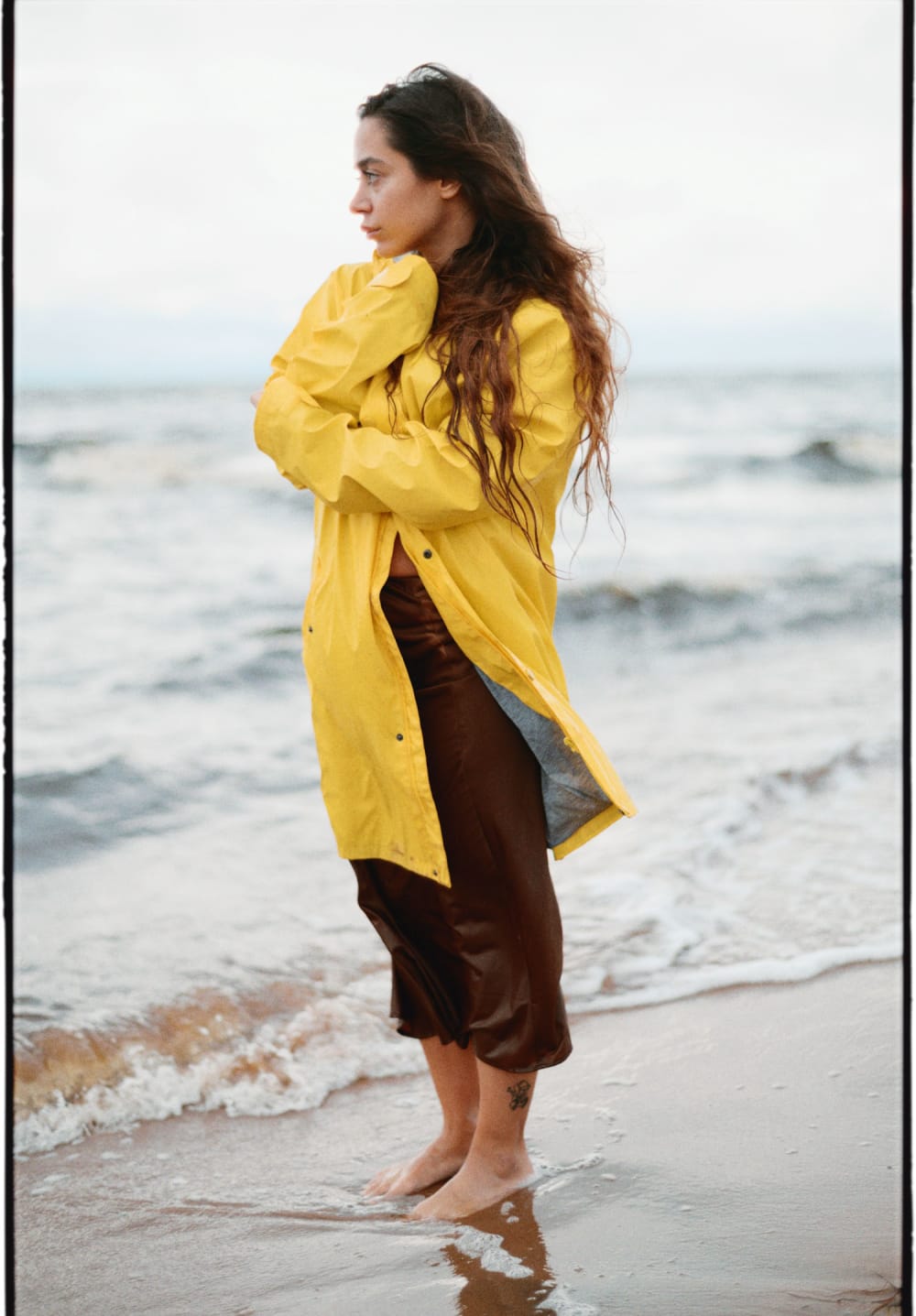
Joakim Hertze — Poserframes recreates the look of overscanned film for your digital photos — Introduction and presets, image 1

Style 2

Joakim Hertze — Poserframes recreates the look of overscanned film for your digital photos — Introduction and presets, image 2

Style 3

Square clean crops

Cropped styles with clean, sharp edges.
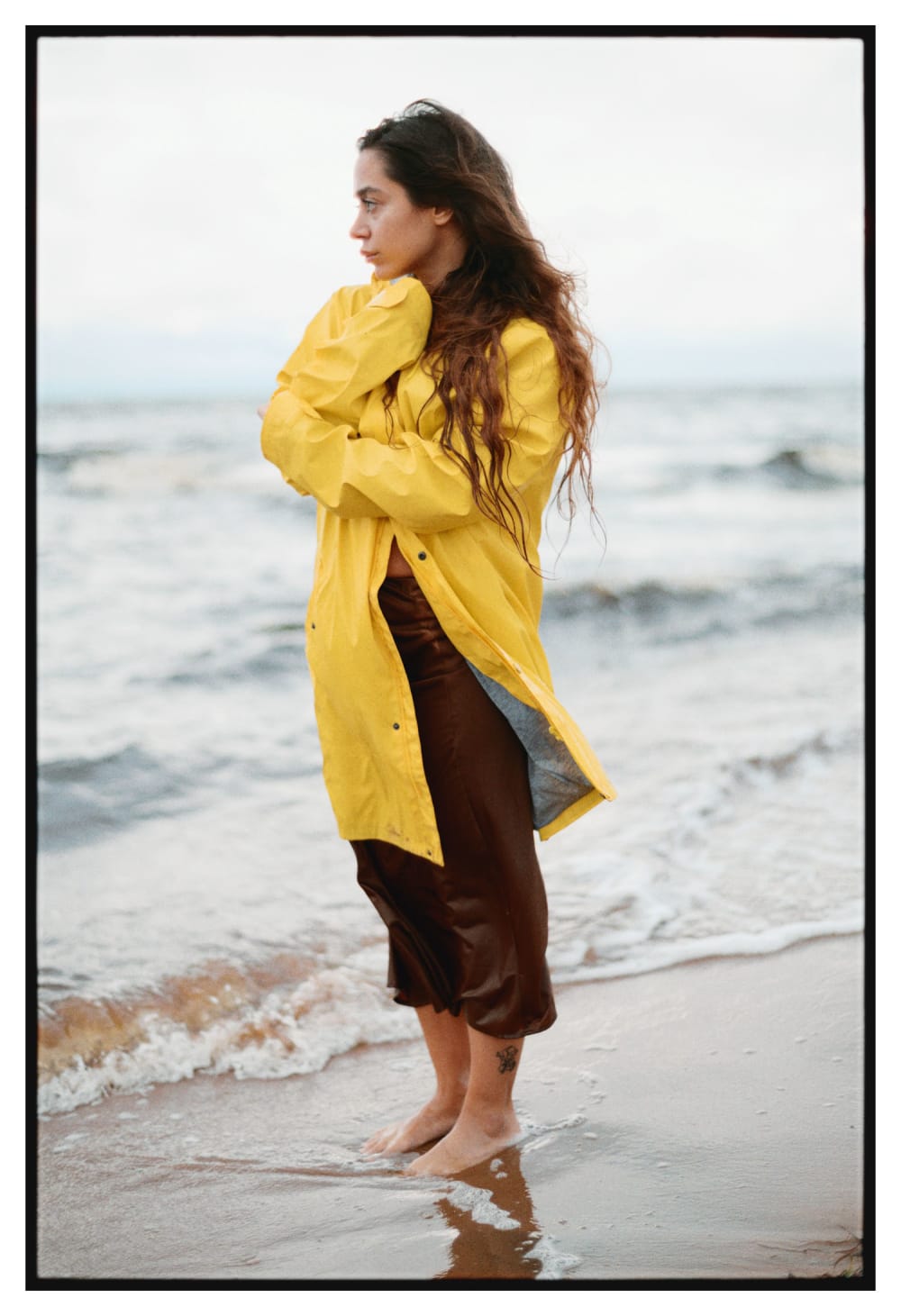
Joakim Hertze — Poserframes recreates the look of overscanned film for your digital photos — Introduction and presets, image 1

Matted crop

Joakim Hertze — Poserframes recreates the look of overscanned film for your digital photos — Introduction and presets, image 2

Matted crop, thin

Joakim Hertze — Poserframes recreates the look of overscanned film for your digital photos — Introduction and presets, image 3

Matted crop, thick

Joakim Hertze — Poserframes recreates the look of overscanned film for your digital photos — Introduction and presets, image 4

Matted crop, thick sides

Joakim Hertze — Poserframes recreates the look of overscanned film for your digital photos — Introduction and presets, image 5

Matted crop, clear side

Square film burns

Film burns, both jagged and smooth, can be added to all uncropped, partially cropped and clean cropped styles.
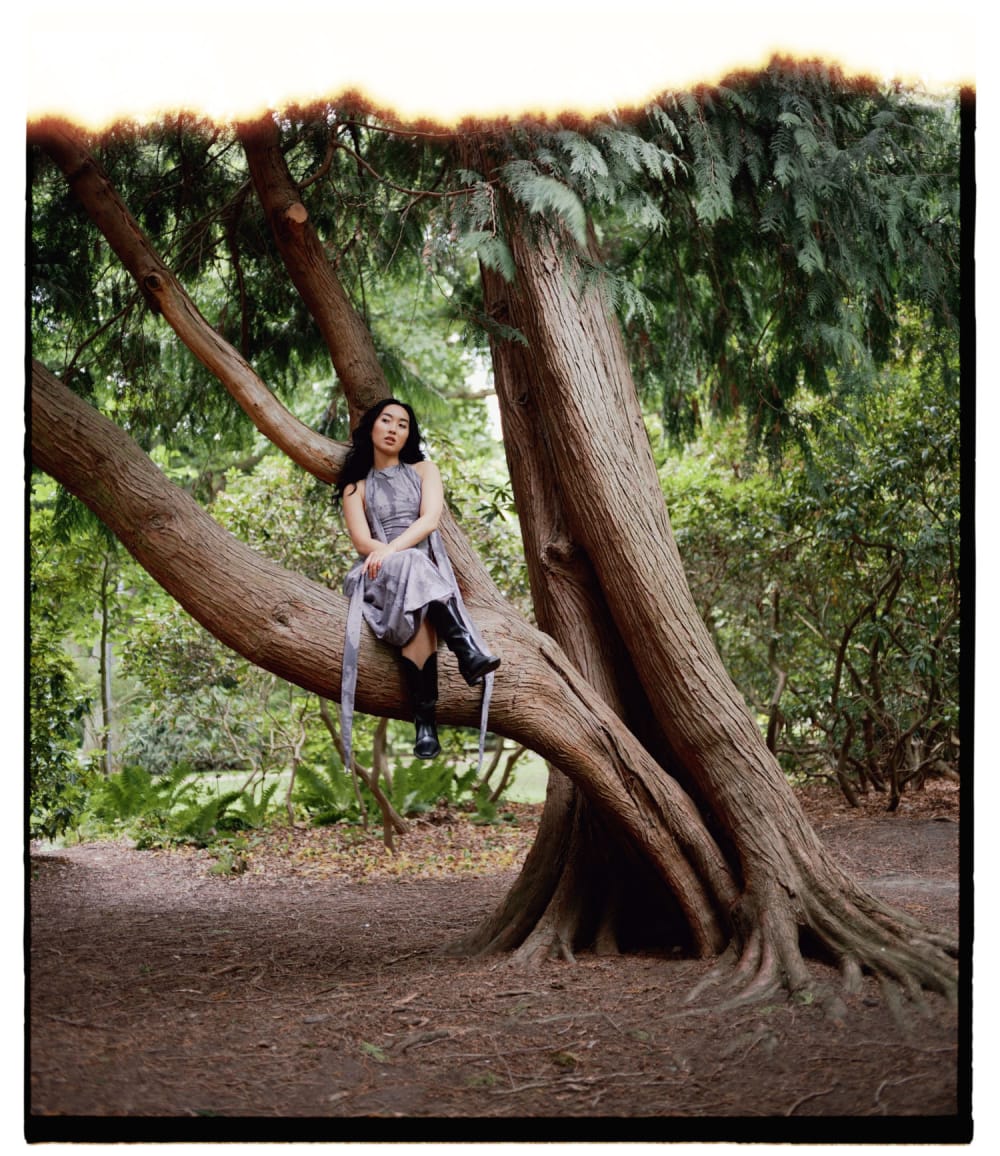
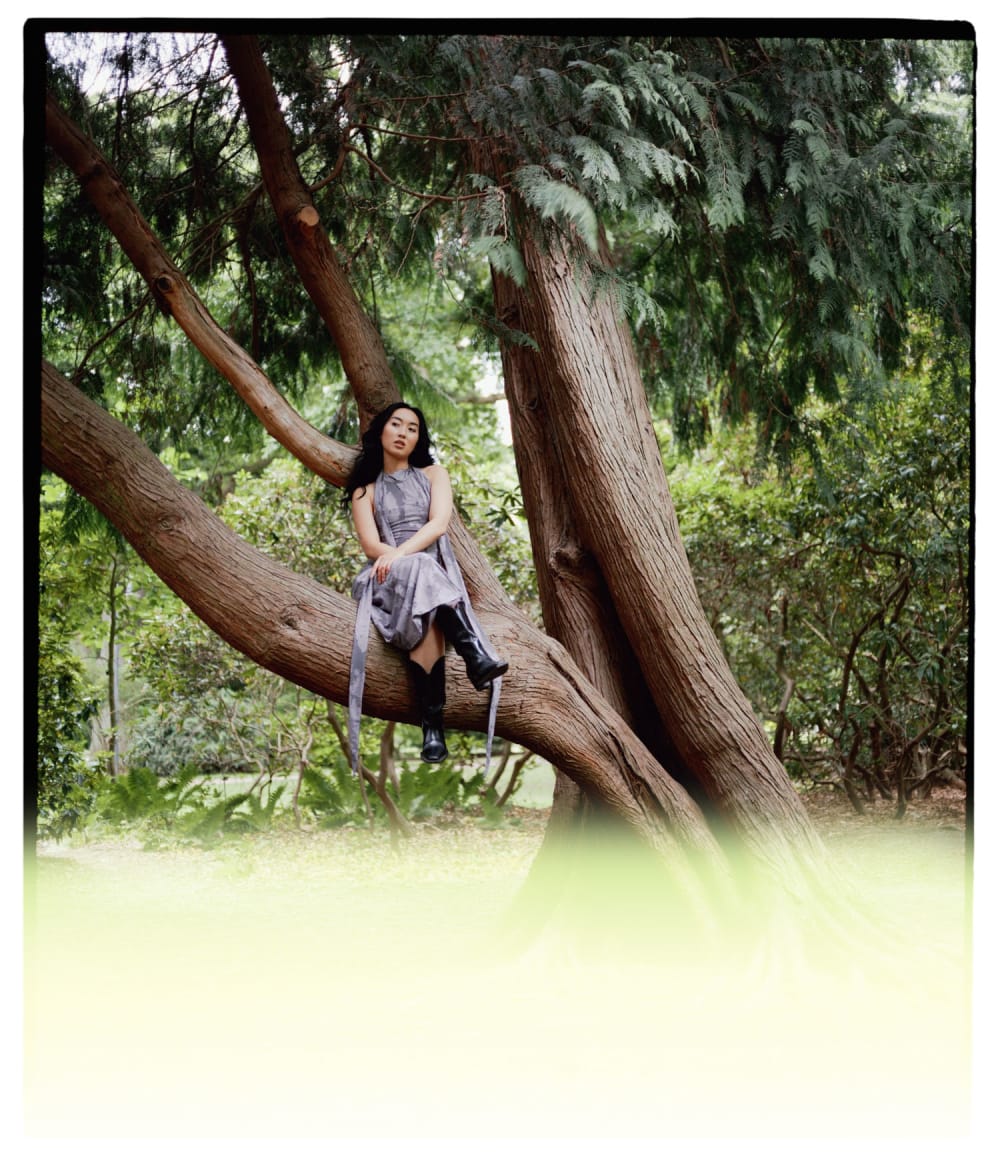
Joakim Hertze — Poserframes recreates the look of overscanned film for your digital photos — Introduction and presets, image 1

Jagged burn

Joakim Hertze — Poserframes recreates the look of overscanned film for your digital photos — Introduction and presets, image 2

Smooth burn