Poserframes.jsx

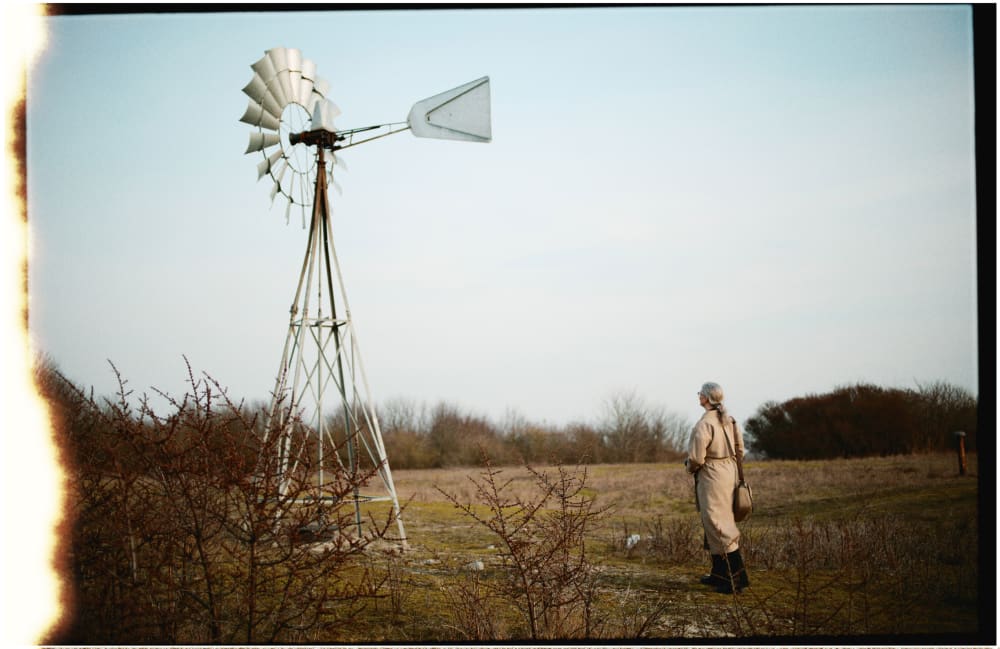
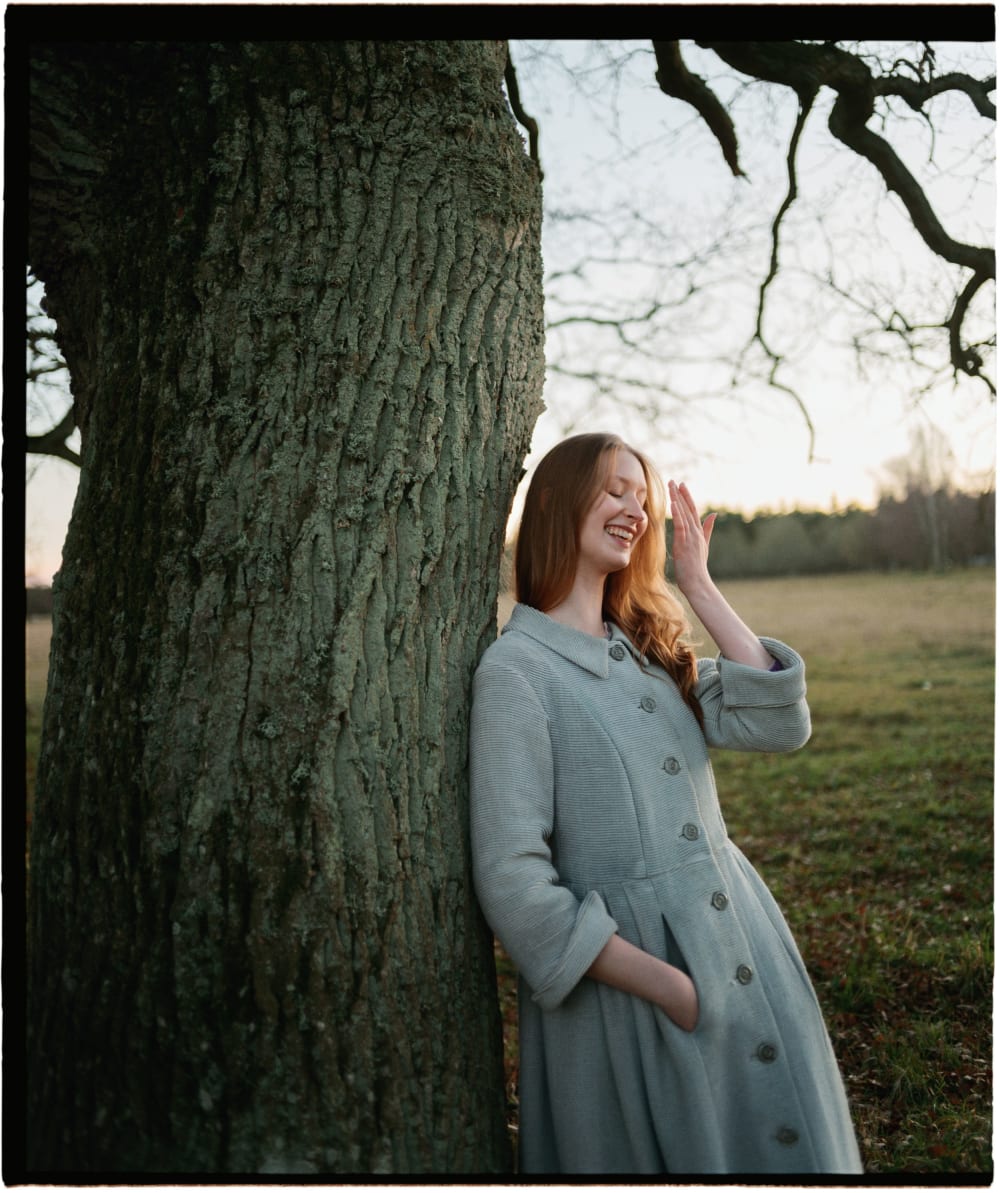
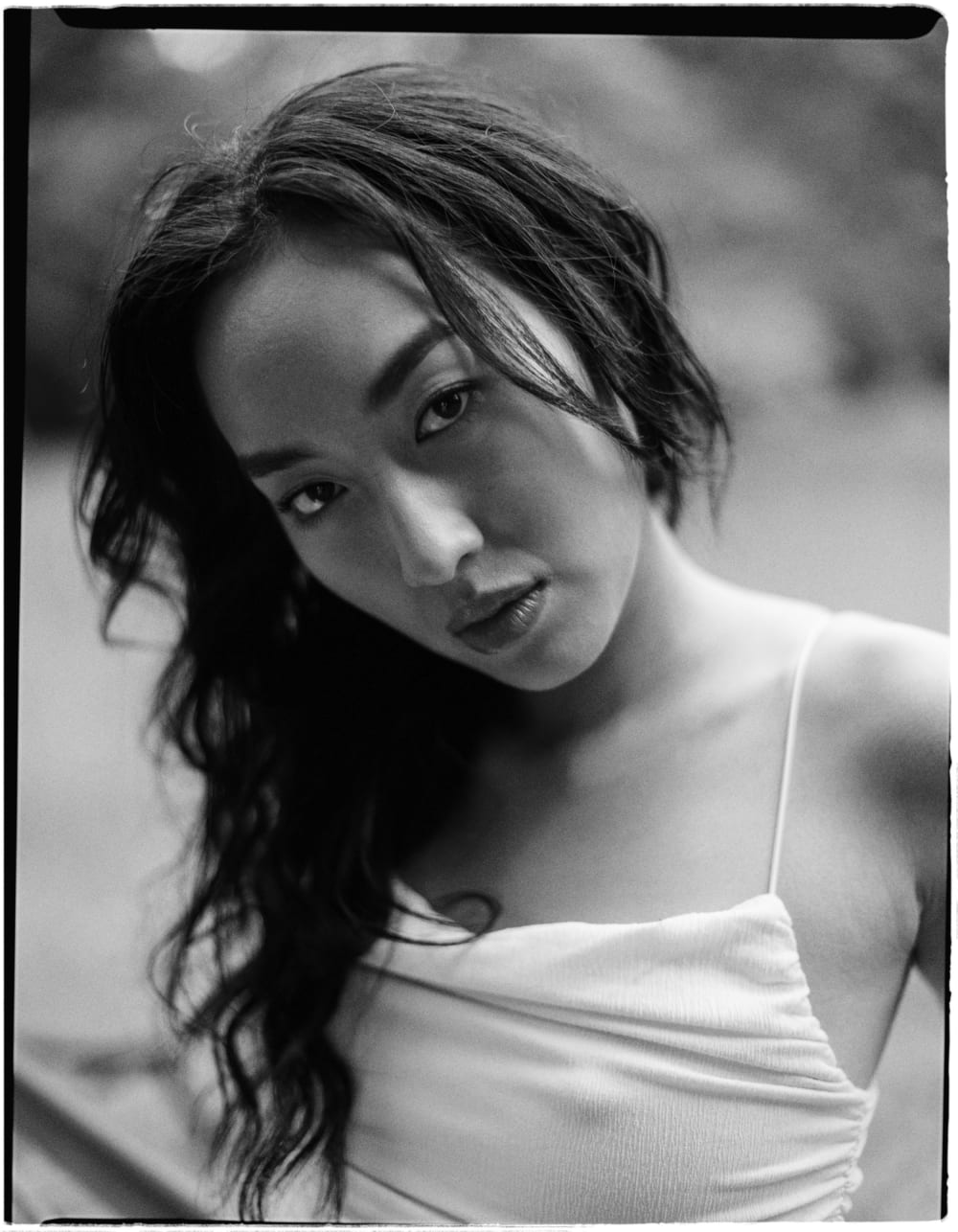
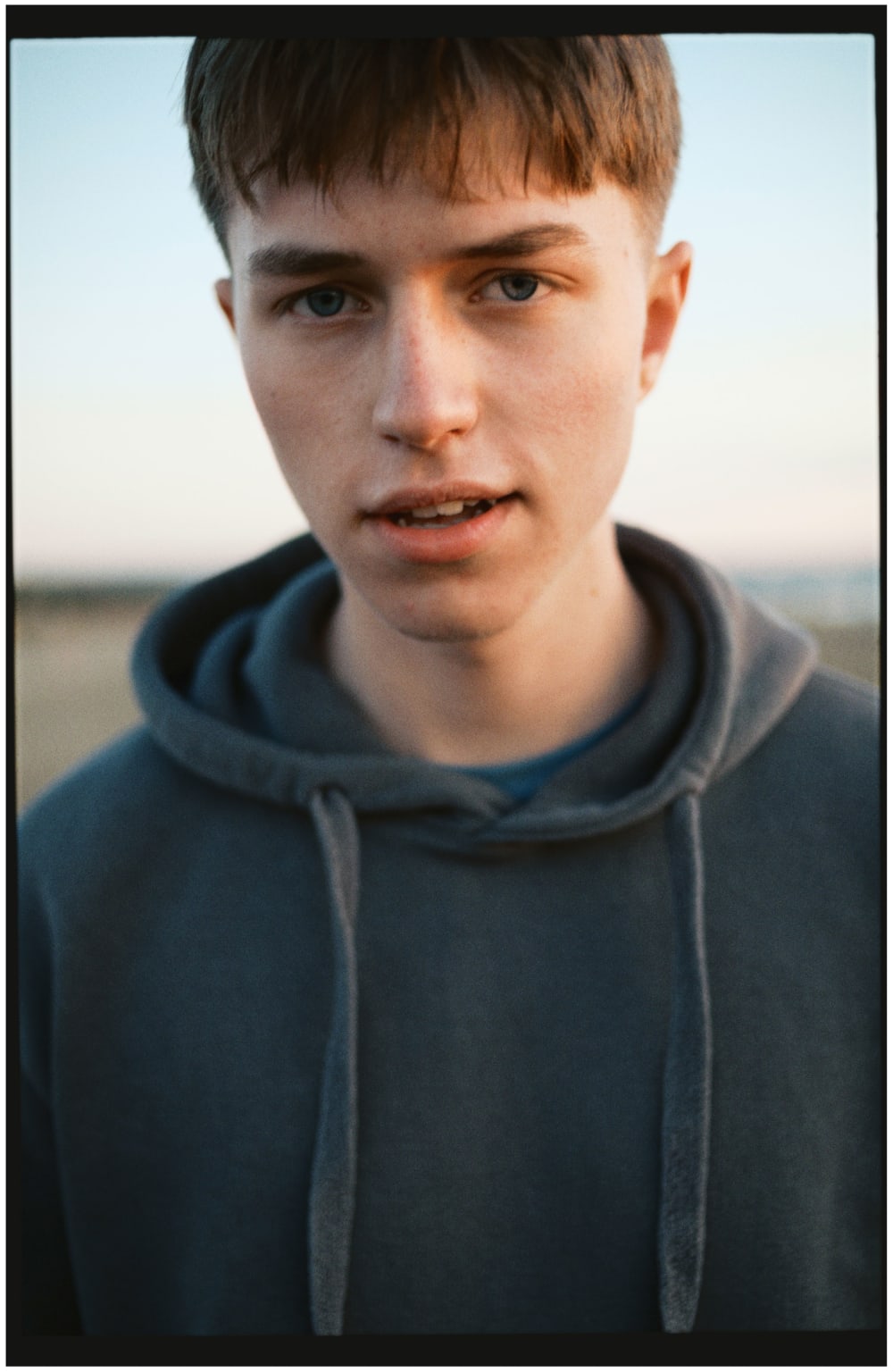
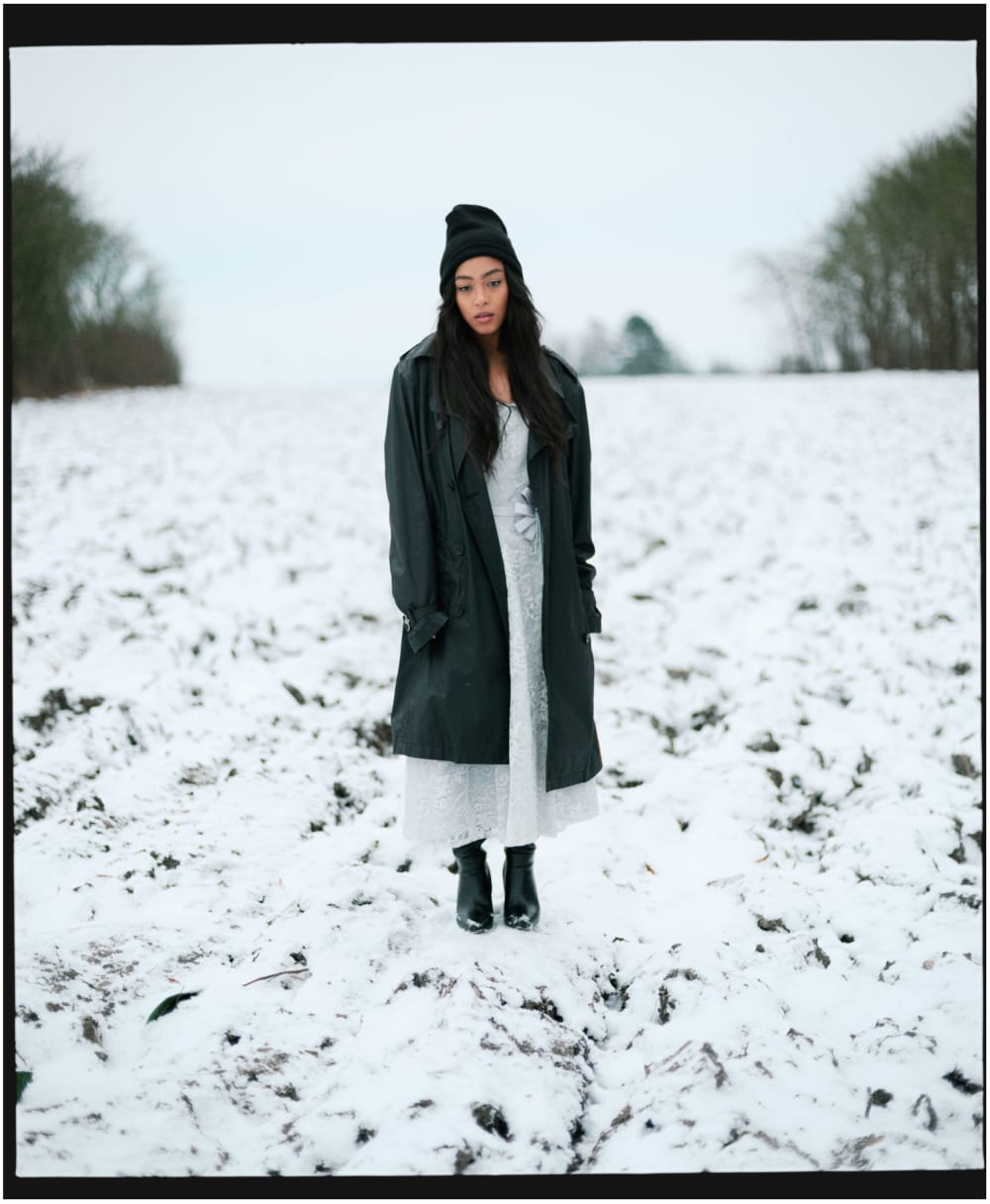
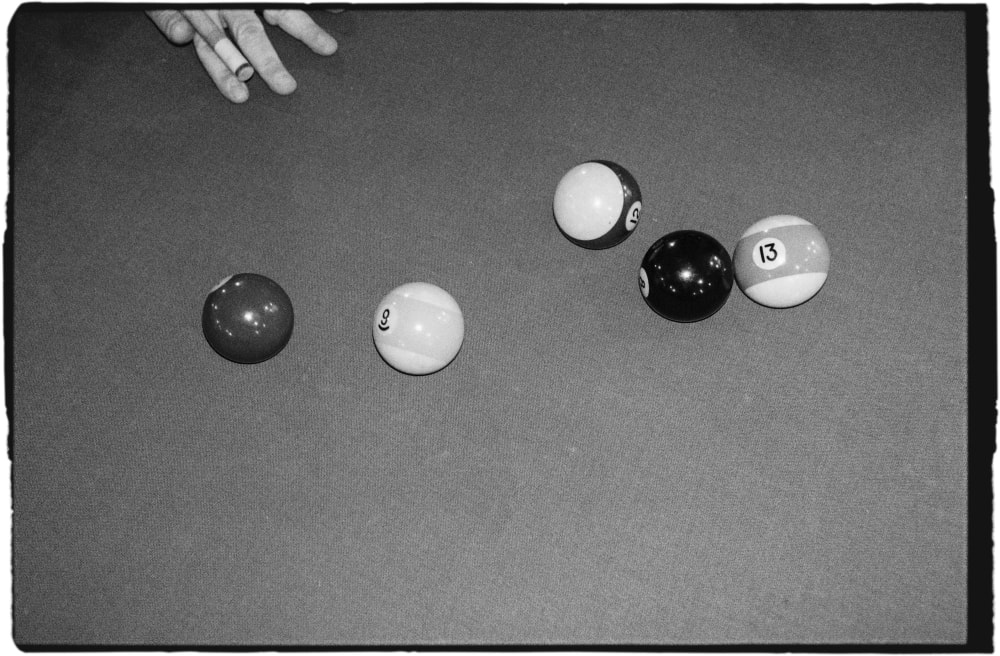
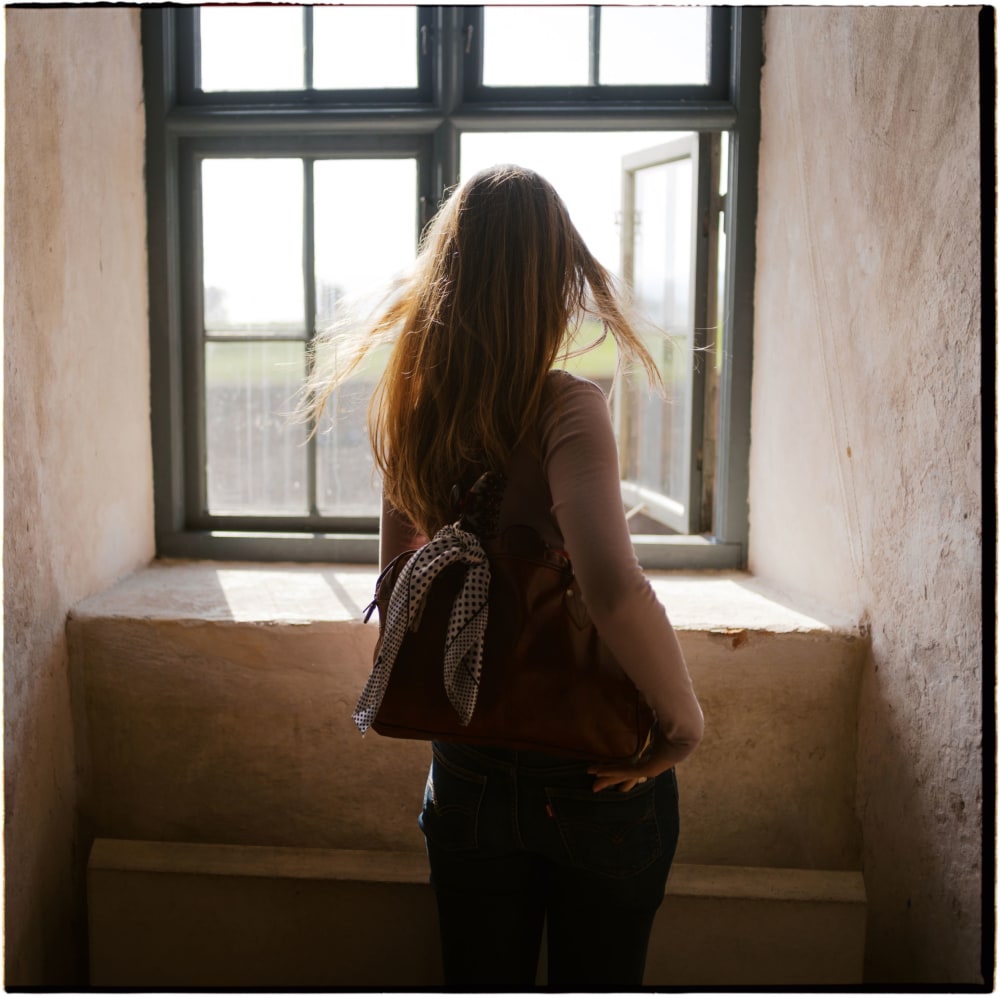
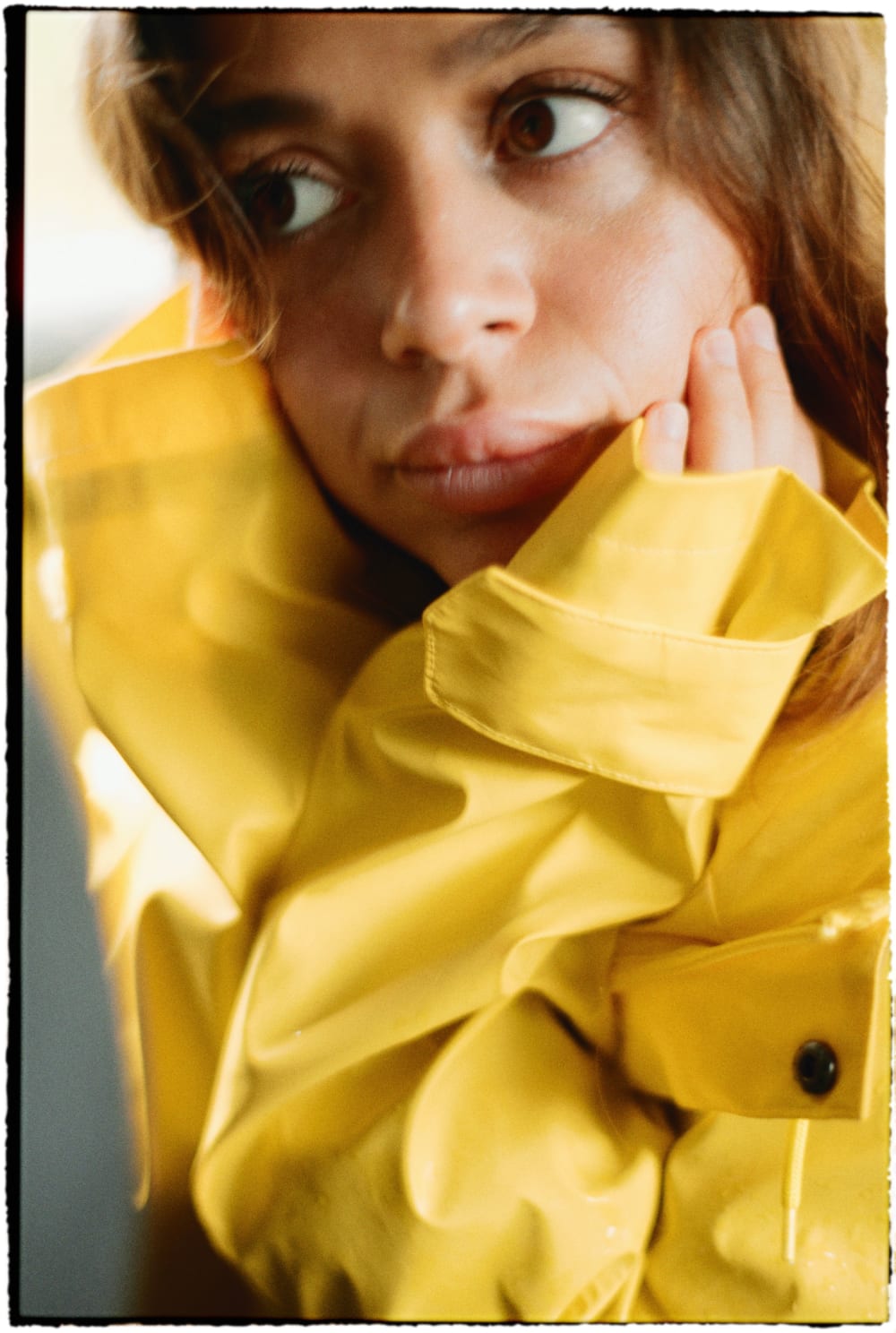
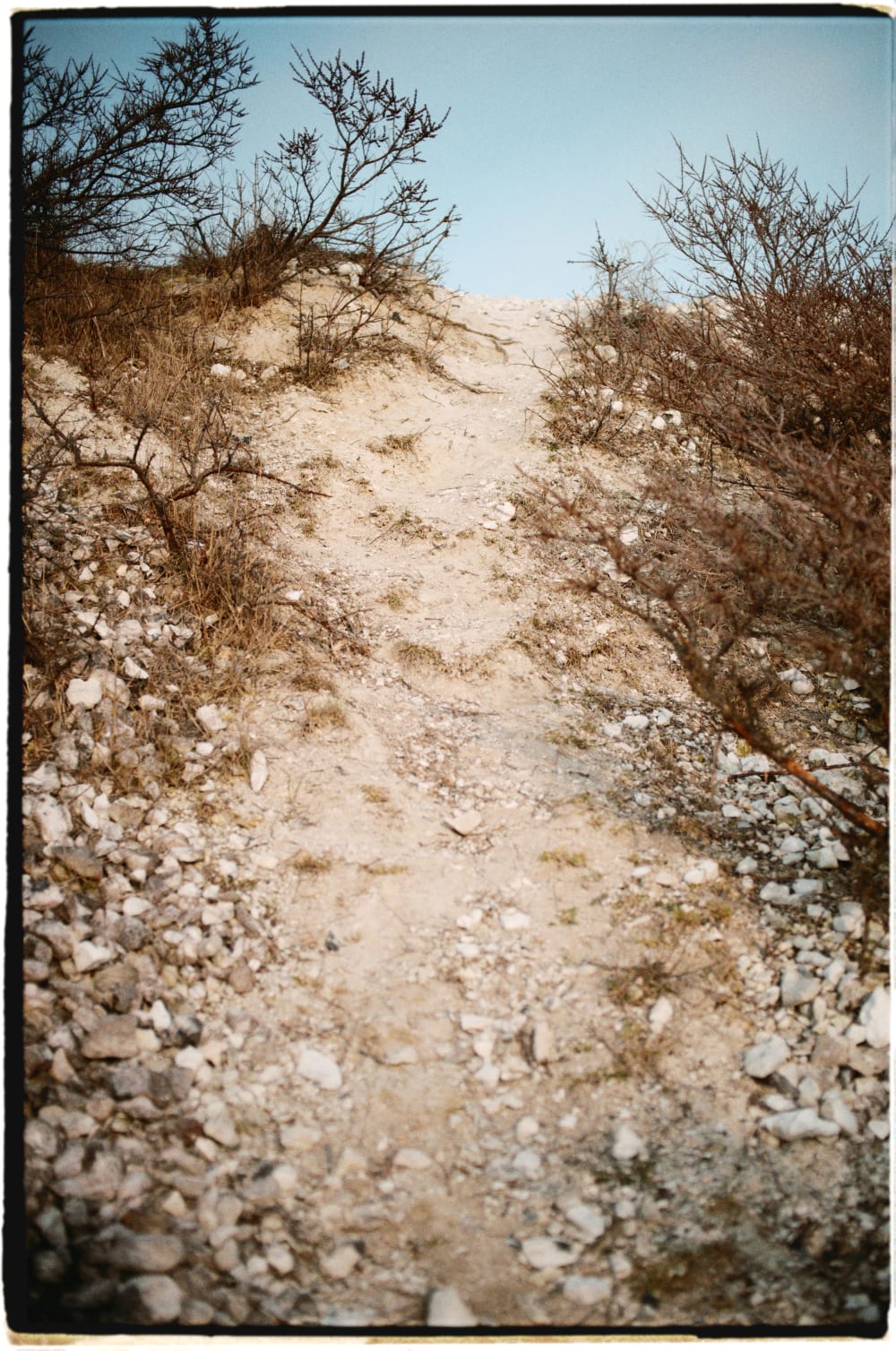
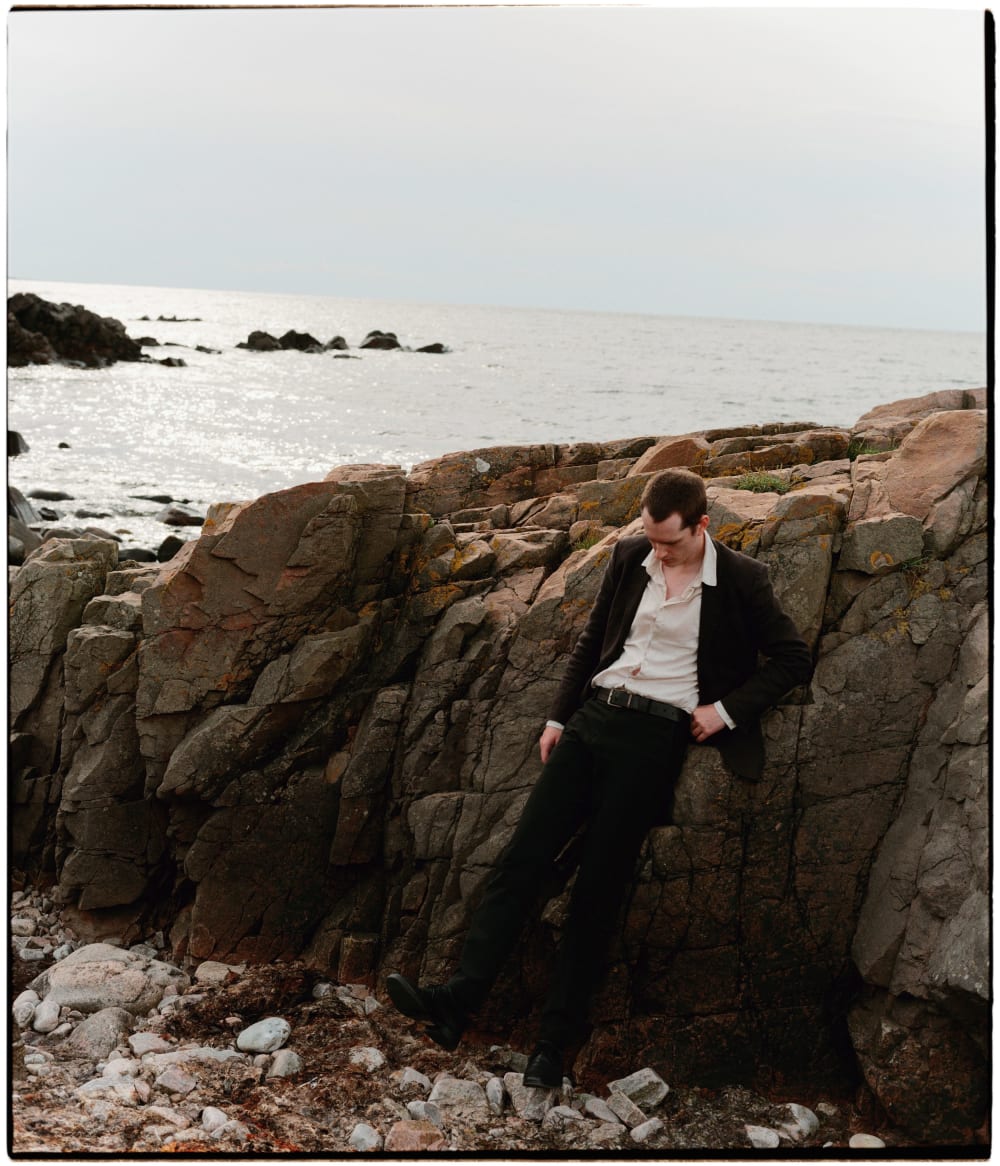
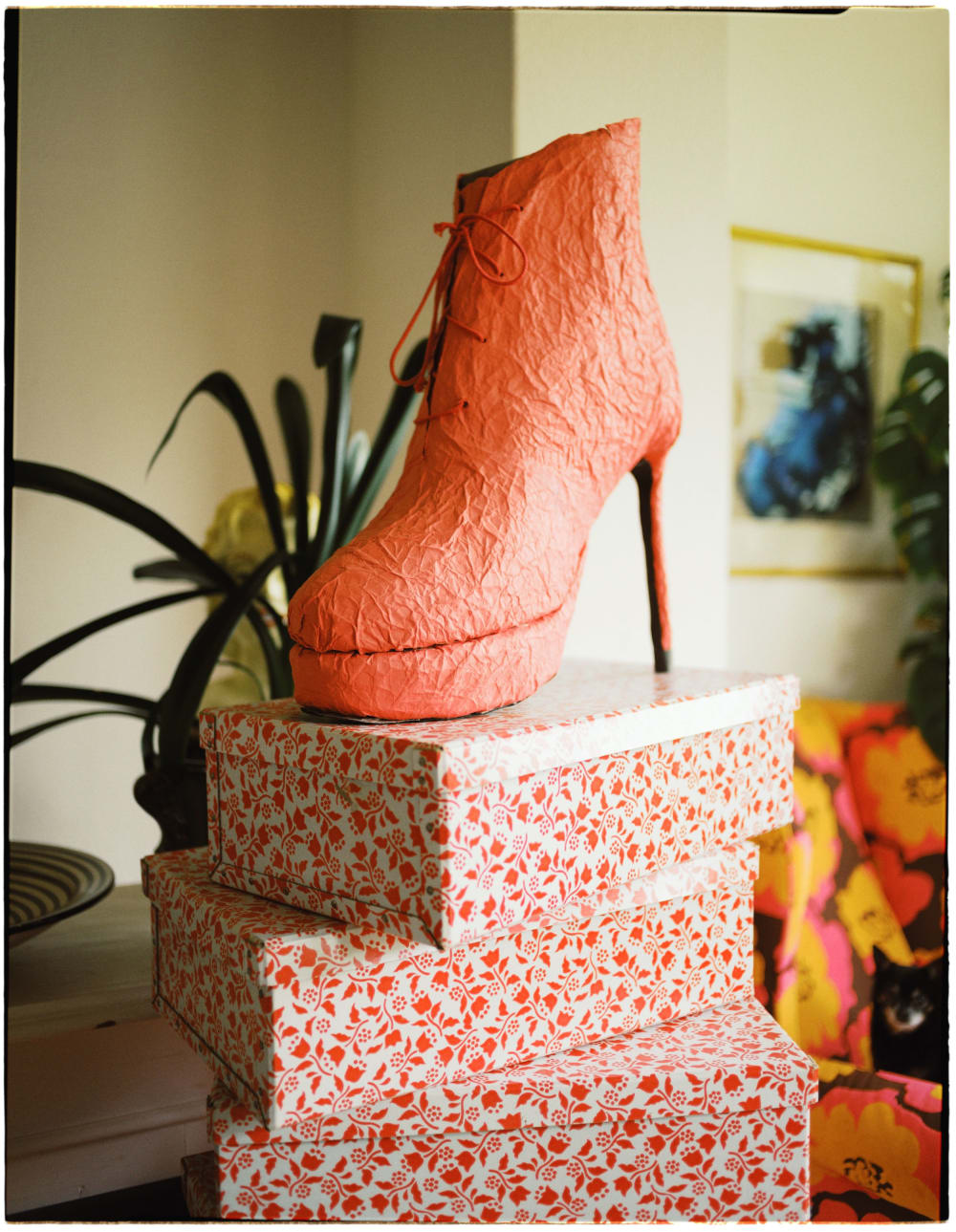
Poserframes.jsx is script plugin for Photoshop that draws black borders, inspired by overscanned film negatives. It’s fueled by serendipity and randomly combines shapes, colors and movement in near infinite ways, making sure each rendered frame is unique. Use it with your digital photos or your film scans.

Requirements: Compatible with Photoshop version 27.4, for Mac OS X and Windows, in English.

Read or watch the quick start guide to get up and running. See more example images, or read the user manual.
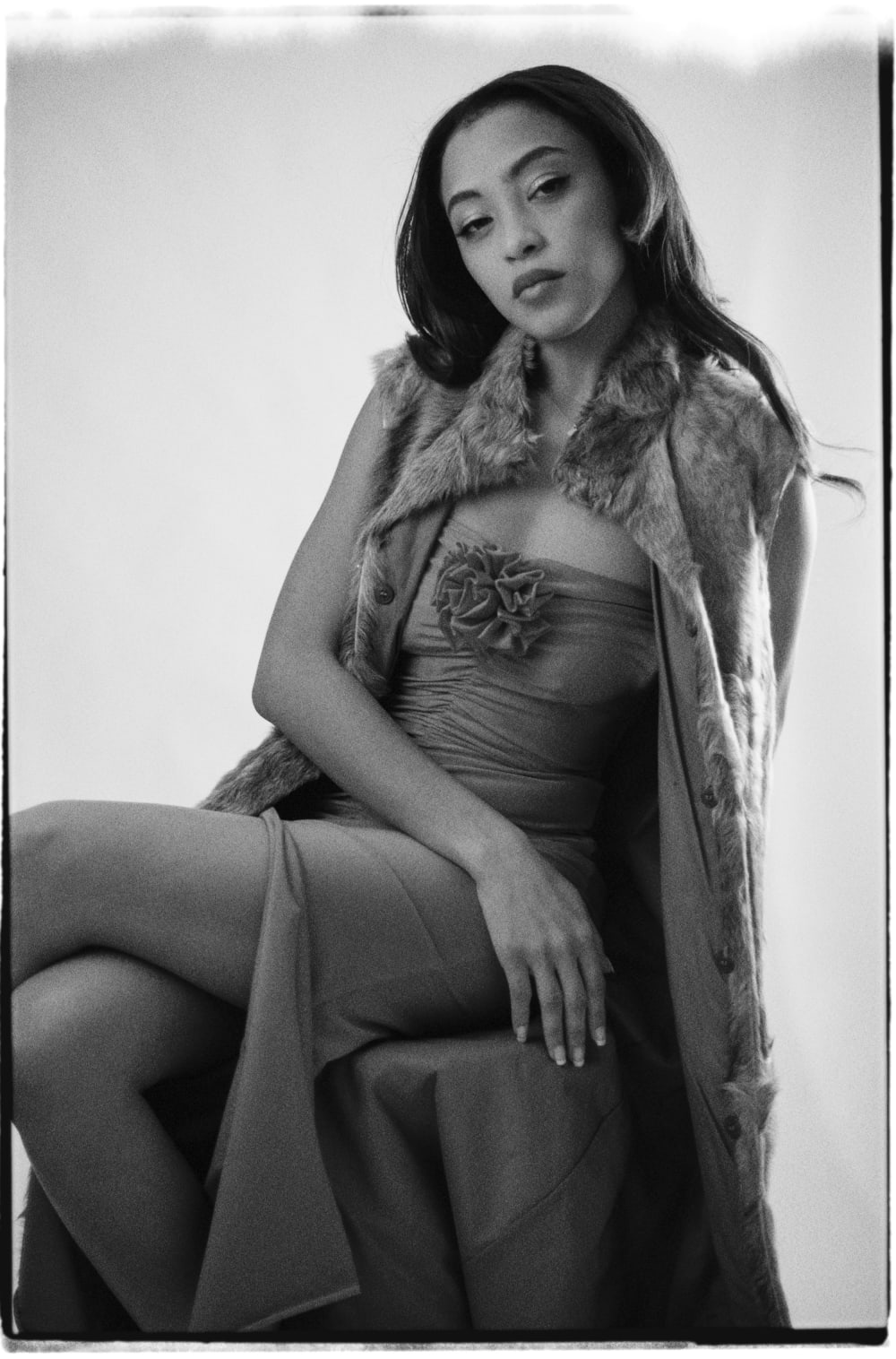
Joakim Hertze — Poserframes recreates the look of overscanned film for your digital photos — Get Poserframes, image 1
Joakim Hertze — Poserframes recreates the look of overscanned film for your digital photos — Get Poserframes, image 2
Joakim Hertze — Poserframes recreates the look of overscanned film for your digital photos — Get Poserframes, image 3
Joakim Hertze — Poserframes recreates the look of overscanned film for your digital photos — Get Poserframes, image 4
Joakim Hertze — Poserframes recreates the look of overscanned film for your digital photos — Get Poserframes, image 5
Joakim Hertze — Poserframes recreates the look of overscanned film for your digital photos — Get Poserframes, image 6
Joakim Hertze — Poserframes recreates the look of overscanned film for your digital photos — Get Poserframes, image 7
Joakim Hertze — Poserframes recreates the look of overscanned film for your digital photos — Get Poserframes, image 8
Joakim Hertze — Poserframes recreates the look of overscanned film for your digital photos — Get Poserframes, image 9
Joakim Hertze — Poserframes recreates the look of overscanned film for your digital photos — Get Poserframes, image 10
Joakim Hertze — Poserframes recreates the look of overscanned film for your digital photos — Get Poserframes, image 11
Joakim Hertze — Poserframes recreates the look of overscanned film for your digital photos — Get Poserframes, image 12